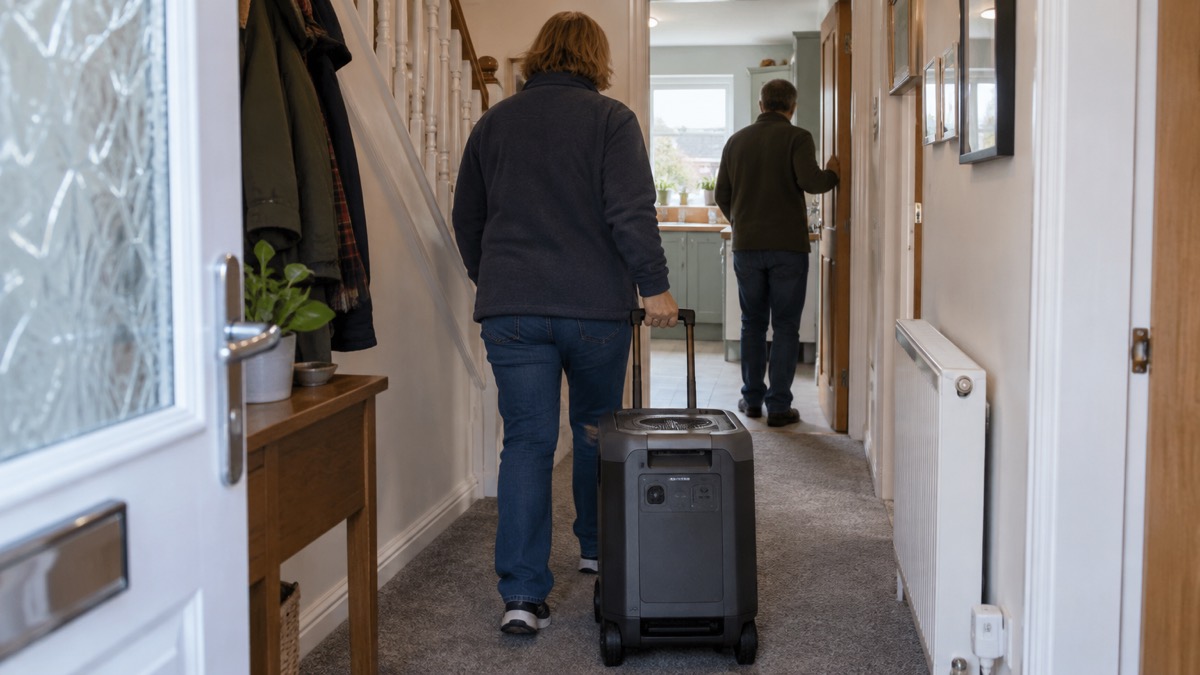
The BLUETTI AC500 is a home backup power station built around a 5,000W inverter, designed to sit in a house and take over when the mains fails. It is not a small camping battery: it is a modular system, with the inverter unit paired with one or more B300S batteries, starting at 3,072Wh and expanding to a maximum of 18,432Wh1. For a UK household preparing for power cuts, storms or flooding, that means it can be sized to the job rather than bought at a fixed capacity.
What it does in an emergency is straightforward. The maker describes it as a 24/7 UPS home backup power station, and states that it will safely restore your power whenever the electricity knocks out2. It runs on a 5,000W inverter with surges of up to 10,000W, which is the headroom needed when a fridge compressor or a pump starts up1. It produces a pure sine wave output, the same smooth waveform as the mains, so sensitive electronics such as routers and laptops are not at risk from a rough supply1.
The practical question for most households is not what it can do on paper but whether it will still be ready when the lights go out. That comes down to three things: how you charge it, how you store it between outages, and how many batteries you have connected. This page sets out the specifications, the charging routes, the safety points and the warranty, so you can judge whether the AC500 fits your household plan.
What the AC500 is and what it suits
The AC500 is the successor to the AC300 solar generator, which the maker describes as its response to rising demand for power independence3. In practice it is a two-part system: an inverter and control unit, and one or more B300S expansion batteries. The inverter is what converts stored DC power into 230V mains power; the batteries are what hold the energy. Neither works without the other, which is the single most important thing to understand before buying.
For a prepping household, the appeal is modularity. You are not committed to a fixed capacity on day one. The maker states that the AC500 will cover all your needs by adding extra B300S or B300 expansion batteries, and that each AC500 supports up to six expansion batteries for a total capacity of 18,432Wh1. That lets a household start with a single battery for essentials and add more later if the budget or the risk assessment changes.
It also has 16 outlets, including five 230V/13A sockets and one 230V/32A outlet1. The 13A sockets take standard UK plugs, so a fridge, a boiler, a router, lamps and a phone charger can all be connected without adaptors. The 32A outlet is for heavier loads, though most households will not need it for emergency essentials.
The maker also provides app control, giving real-time input and output readings, tailored power consumption and firmware upgrades1. In an emergency that matters less than it sounds, but between emergencies it helps you check the battery is still charged and see what your household actually draws, which is useful for planning.
Output: 5,000W continuous, 10,000W surge
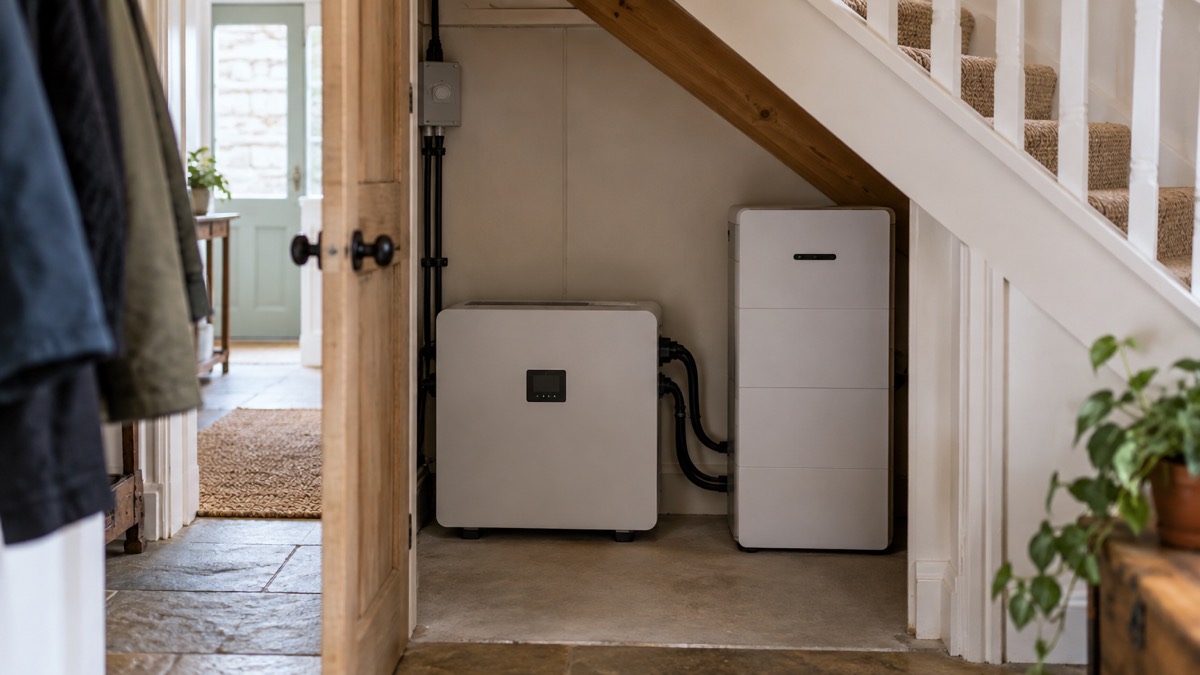
The output figures are where most confusion starts, so it is worth being precise. The AC500's inverter is rated at 5,000W, and the maker states it takes up to 10KW surge1. The 5,000W is the continuous load it can carry; the 10,000W is the brief peak it can absorb when something with a motor starts. A fridge, a freezer, a central heating pump or a power tool all draw a short burst well above their running wattage at the moment they switch on.
That surge headroom is what separates a backup unit that trips out when the fridge kicks in from one that copes. The maker describes the inverter as delivering quality pure sine wave output, and a separate maker blog post states it provides high-quality pure sine wave output and can handle surges of up to 10kW4. Pure sine wave matters because some electronics, and some boiler controls, behave badly on a modified or square wave supply.
What the AC500 can actually run depends on the load, not the headline figure. A household running a fridge, a freezer, a router, a few LED lamps and a phone charger is drawing far less than 5,000W. A household trying to run an electric shower, an immersion heater or a tumble dryer will hit the limit quickly. The sensible approach is to decide which circuits matter, add up their running watts, and check the total sits comfortably below 5,000W with room for surges. Our guide to watts, watt-hours and surge explains how to do that sum.
Capacity: 3,072Wh to 18,432Wh with B300S batteries
Capacity is what determines how long the AC500 can keep going. With a single B300S battery the system stores 3,072Wh5. With six batteries connected it reaches 18,432Wh1. The maker's home backup page describes this as up to 18,432Wh high capacity3. Every figure in between comes from adding batteries, not from a different inverter.
| Configuration | Stored energy | What it suits |
|---|---|---|
| AC500 + 1 B300S | 3,072Wh | Lights, router, phone charging, a fridge for part of a day5 |
| AC500 + multiple B300S | Up to 18,432Wh | Longer outages, boiler, freezer, more of the house1 |
The honest way to read those numbers is in relation to your own essentials. A 3,072Wh battery will not run a whole house for a day, but it will keep the lights on, the router running and the phones charged, and it will give a fridge a useful stretch of runtime. The larger configurations are for households that have decided the boiler, the freezer and perhaps a medical device need to stay on through a multi-day outage.
The maker's own framing is that the AC500 powers your devices like a gas generator, but without any fuel costs, noise, and pollution1. That is the real advantage for a household in a terraced street or a flat: no petrol to store, no exhaust, no carbon monoxide risk from a fuel-burning set. It also means no refuelling in the rain or at night.
If you are unsure what capacity you need, our guide to what capacity power station you need walks through the arithmetic. The short version is to list the appliances you would keep running, note their wattage, estimate the hours, and multiply. That gives watt-hours, which is the same unit as the battery's capacity.
Expanding the system with up to six B300S batteries
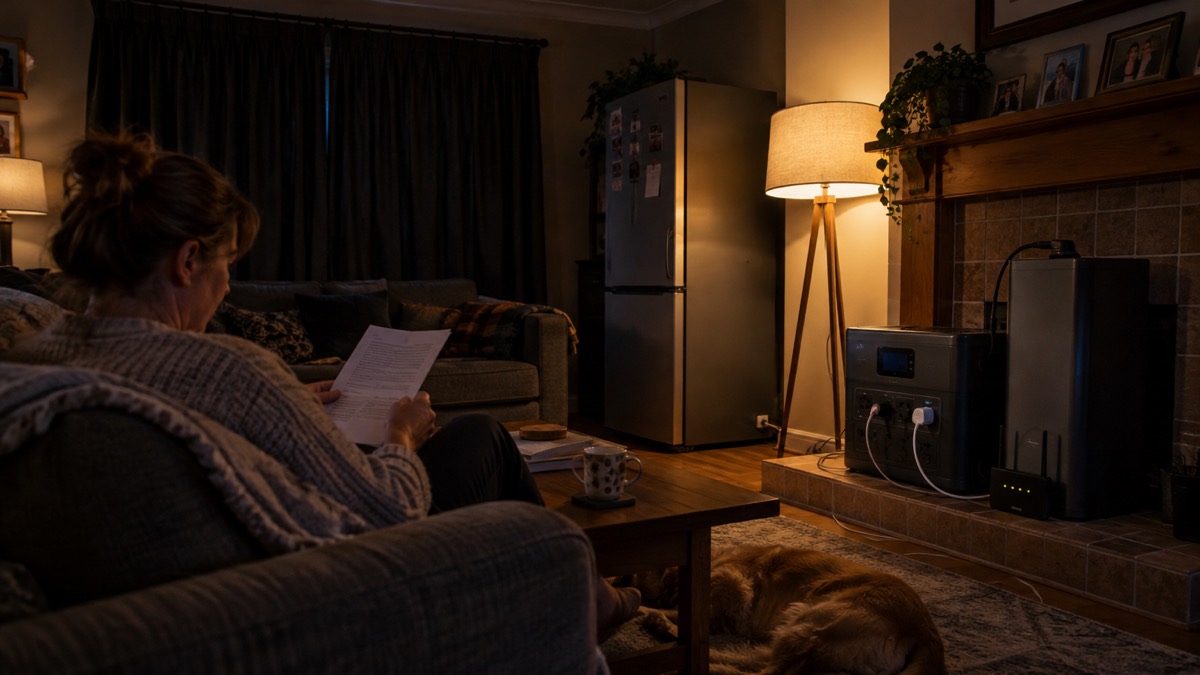
The AC500 is designed to grow. The maker states that each AC500 supports up to 6 expansion batteries for a total capacity of 18,432Wh1, and the expansion battery page confirms the AC500 takes up to 6×B300S6. Adding a battery is a matter of connecting it to the system, not replacing the inverter.
This matters for prepping because it lets you stage your investment against your risk. A household that has just moved into a flood-prone area might start with one battery and add a second before the winter. A household with a medically dependent family member might go straight to a larger bank. The inverter's output does not change with more batteries; only the runtime does.
There is a practical limit to plan for. Six batteries take up space and weight, and they need to sit somewhere dry, ventilated and within cable reach of the inverter. The maker does not specify a single enclosure in the material available, so treat the installation as a small equipment cupboard rather than a shelf. Keep it out of damp cellars and away from flood risk.
The maker also states that the AC500 can charge to 80% state of charge in 50 minutes1. That is a fast top-up, useful if you know a storm is coming and want to bring the system back to full before it arrives. It assumes the full charging input is available, which in practice means a suitable mains circuit or a large solar array.
Charging the AC500: mains, solar and generator
How you charge the AC500 between outages decides whether it is ready when you need it. The maker lists several routes, and they are not equivalent.
- Mains AC charging: the AC500 Series listing gives 4,500W as the AC input figure1. A full charge from empty is a matter of hours on a suitable circuit, not days.
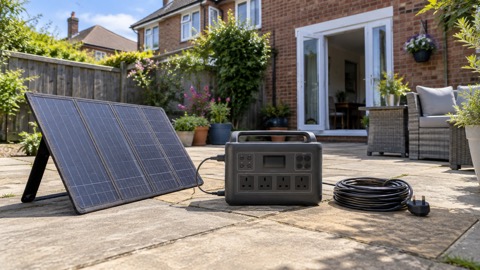
- Solar: up to 3,000W maximum solar charging, with a solar input specification of 3,000W max, VOC 12-150VDC, 15A7. Panels need to match that voltage window.
- Generator: maximum 3,000W generator charging1. This is the route for a household that already has a generator and wants to recharge the battery without running the generator continuously.
- Combined input: the maker states a maximum of 8,000W input from AC and PV together1, and a maker blog post describes an input rate of up to 8,000W when solar panels and a wall outlet are connected4. The AC500 Series listing notes 8,000W with two or more B300S1.
The maker's advice is to charge it before a power outage so the system is ready when you are, and states that you can always recharge your AC500 system no matter where you are4. In practice that means keeping it topped up as part of a seasonal routine, not just when a warning is issued. Our backup power checks before winter checklist covers the timing.
For households with panels, our guide to portable solar panels for charging in a power cut explains how to match panel voltage to the input window. For generator owners, using generators and power stations during an outage covers the practicalities, and generator safety covers carbon monoxide and fuel.
Keeping it ready and using it safely
A backup battery is only useful if it is charged, undamaged and safe to use. The maker's own instructions and the general safety guidance for lithium batteries both point the same way.
- Keep it charged. The maker advises charging before an outage4. A battery left flat for months may not be ready when you need it.
- Store it dry and ventilated. The AC500 is a mains-voltage appliance. Keep it out of damp cellars, garages prone to flooding and anywhere water could reach it.
- Do not exceed the output. Plan your essential loads to sit below 5,000W continuous, with headroom for surges1.
- Use the app to check status. Real-time input and output readings let you confirm the battery is holding charge1.
- Watch for battery warning signs. Swelling, heat or a burning smell mean stop using it and follow lithium battery safety guidance.
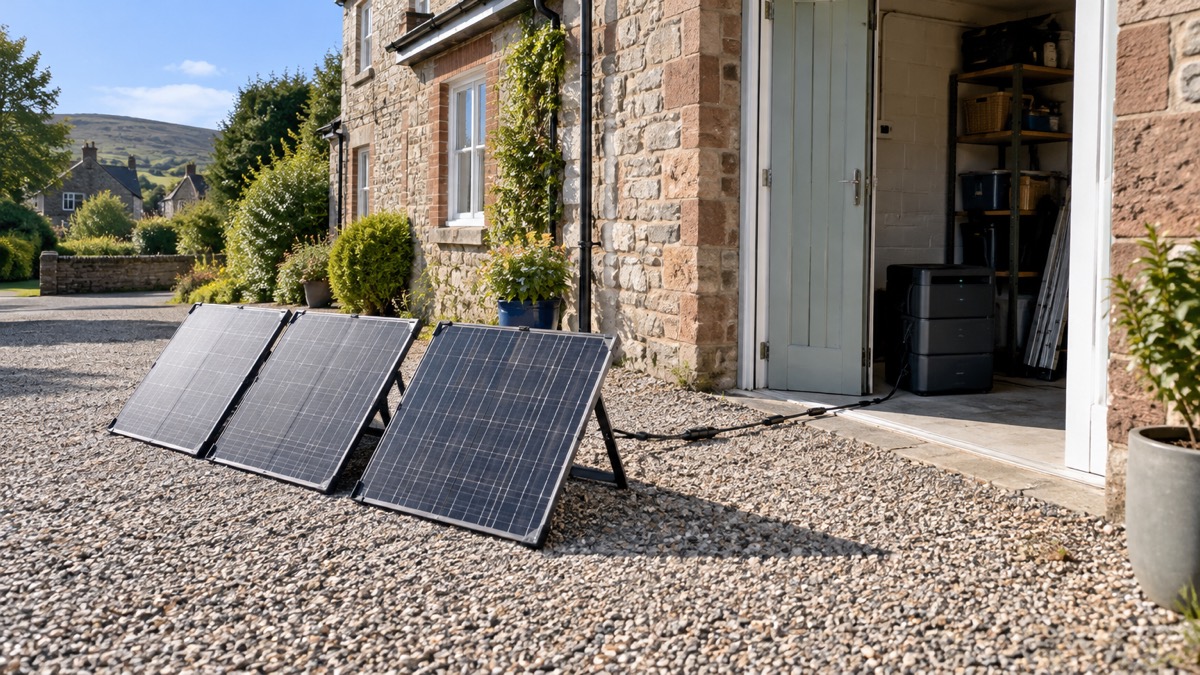
The AC500 is not a generator, so it produces no carbon monoxide and needs no fuel. That removes the biggest single risk in backup power. It does not remove the electrical risks: mains-voltage output, high charging currents and a large lithium battery bank all need respect. Our guides to lithium-ion battery safety at home and safe battery charging at home set out the routine checks.
If you are connecting the AC500 to your home's wiring rather than plugging appliances into it directly, that is a different job from using it as a standalone unit. Our guide to connecting a generator or battery to your home's wiring explains why this needs a qualified electrician and proper transfer equipment.
Warranty, battery life and support
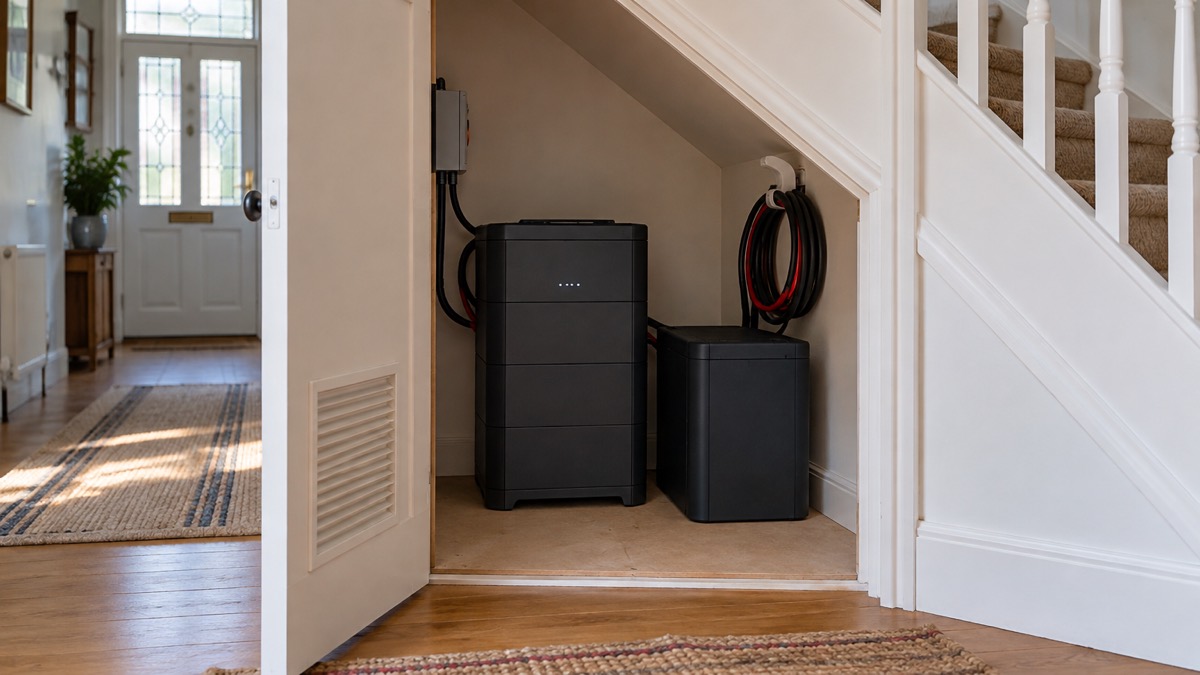
The maker states a 4 years warranty on the AC500 and B300S system1, and the warranty page lists the AC500 with a 48-month warranty period8. That is longer than the 2-year cover the maker gives its portable power stations generally, and shorter than the 5-year cover it lists for the EP500Pro9. It reflects the AC500's position as a home backup product rather than a camping battery.
Battery life is stated as 3,500+ life cycles, with 10+ years service time1. A cycle is a full charge and discharge. In a backup role the battery is cycled far less often than in daily use, so the calendar life is likely to be the limiting factor rather than the cycle count. The maker's general guidance on its LiFePO₄ batteries is 2,500 to 6,000+ cycles, roughly 7 to 17 years of daily use10, which puts the AC500's 3,500+ figure in context.
For support, the maker publishes user guides for its products11. Keep the manual with the unit. The maker's warranty page is the place to check the terms that apply to your unit8.
The AC500 is one product in a wider range. If you are still deciding between a battery system and a fuel generator, our comparison of a portable power station or petrol generator for a power cut sets out the trade-offs. If you want to see where the AC500 sits among BLUETTI's home backup options, the BLUETTI brand page lists the range.
Sources (11)
- BLUETTI AC500 & B300S System, BLUETTI, 2026-10-25
- User Guide New, BLUETTI, 2026-10-25
- Home Backup, BLUETTI, 2026-11-02
- Solar Generator for Your House, BLUETTI, 2023-02-17
- Cell Introduce, BLUETTI, 2026-10-29
- Expansion Battery, BLUETTI, 2026-10-25
- Warranty, BLUETTI, 2026-11-02
- BLUETTI EP500Pro, BLUETTI, 2026-10-25
- BLUETTI Portable Power Station, BLUETTI, 2026-10-25
- User Guides, BLUETTI, 2026-11-02
- BLUETTI UK, BLUETTI, 2026-11-02

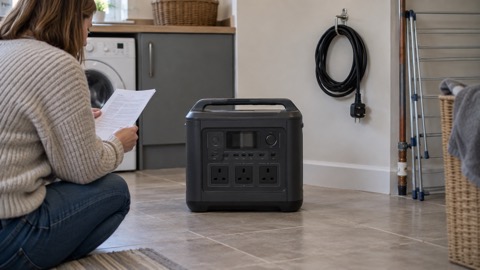 BLUETTI Apex 300 Power Station
 BLUETTI Elite 100 V2
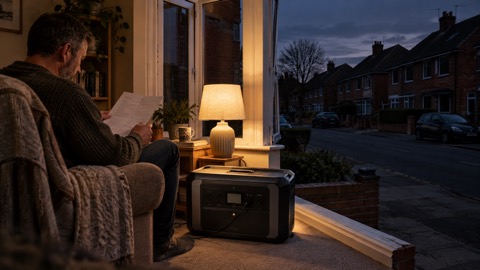 Anker SOLIX C2000 Gen 2
 Anker SOLIX C1000 Power Station
 EcoFlow DELTA Pro
 BLUETTI Elite 400
 Anker SOLIX C300 Power Station
 EcoFlow DELTA 3
 EcoFlow DELTA 2 and DELTA 2 Max
 EcoFlow DELTA and DELTA Max
 EcoFlow RIVER 3 and RIVER 3 Plus
 EcoFlow RIVER 2 and RIVER 2 Max