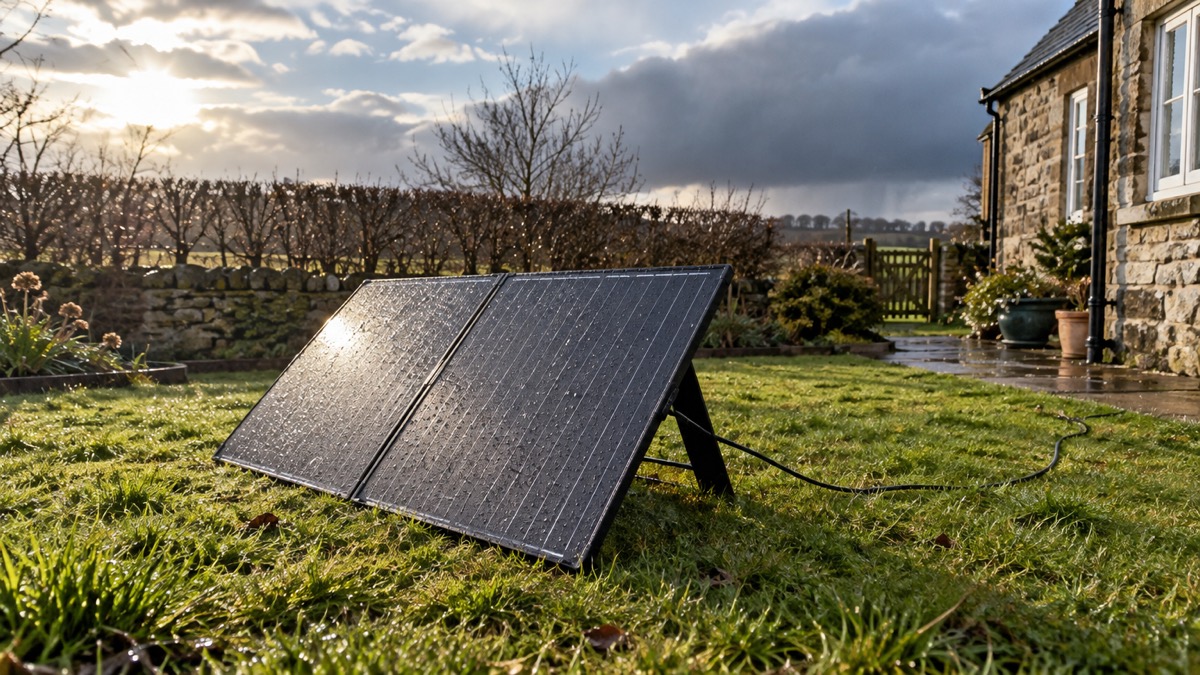
A folding solar panel is the part of a backup power plan that keeps working when the mains does not. The Anker SOLIX PS100 Bifacial Solar Panel is a portable panel made to charge Anker SOLIX power stations and similar kit, and its job in an emergency is simple: turn daylight into stored electricity so your power station can be topped up without a wall socket. It is rated IP67 waterproof, so it is built to sit outside in the rain1.
What matters for a household is not the badge on the box but what the panel can realistically do in a UK power cut. It will not run your fridge on its own, and it will not perform at its best on a grey November afternoon. What it can do is keep a power station topped up over a sunny day, extend how long your stored power lasts, and give you a way to recharge when the grid is down and you would rather not run a generator.
This page sets out what the panel is rated to do, how to set it up and store it so it is ready when you need it, how to use it safely in wet weather, and where to go for support. It also covers the Anker power bank recall, because anyone charging Anker kit should know which products it affects.
What the PS100 bifacial panel does for a household
In a power cut, the value of a solar panel is that it turns an emergency into a slower emergency. A power station holds a fixed amount of energy; once it is empty, it is empty unless you can recharge it. A folding panel gives you a way to put energy back in without mains power, a generator or a car, provided there is daylight and somewhere safe to put it.
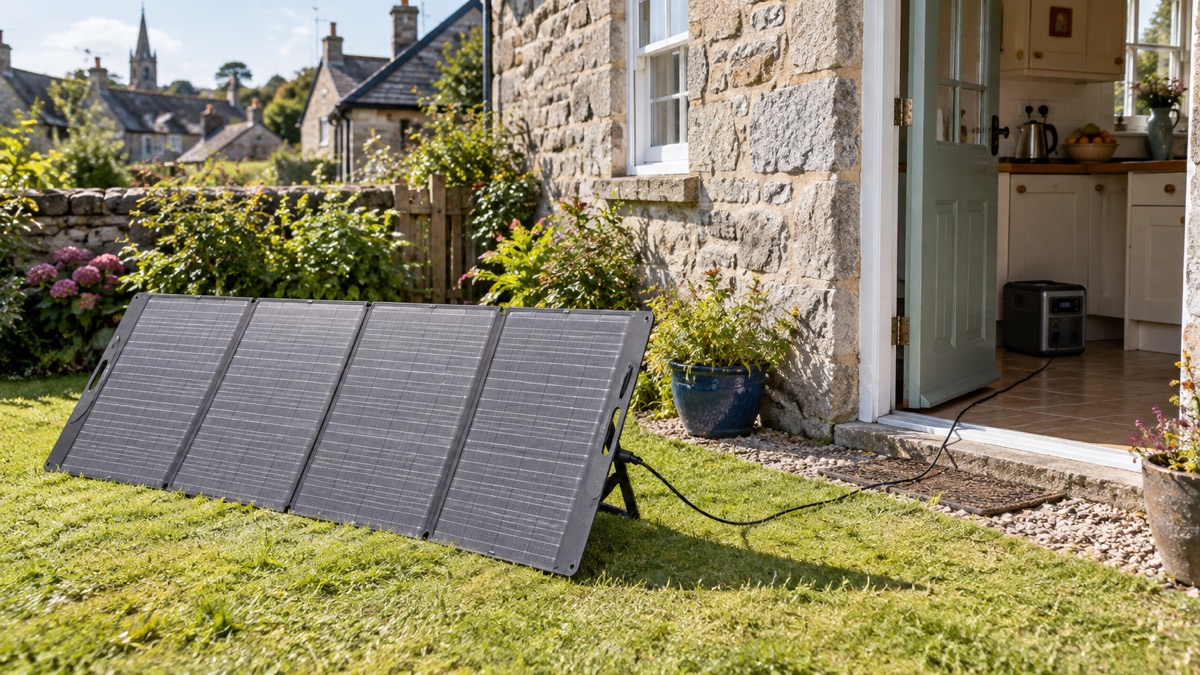
The bifacial part of the name matters for how you site it. A bifacial panel is designed to collect light on its face, and the practical consequence for a household is that where you place it, and what is behind it, affects what it collects. Anker's own setup guidance for solar panels is to position them in a well-lit area, mount them securely on a roof, pole or ground mount, and angle them for optimal sunlight exposure before connecting them to a portable power station2. That is the whole method: light, angle, secure mounting, then connect.
For prepping, think of the panel as part of a system rather than a standalone item. It pairs with a portable power station and, in a longer outage, with the habits described in our guide to portable solar panels for charging in a power cut. It suits a household that wants a quiet, fuel-free way to top up phones, lighting and a few small devices over several days, and that has somewhere outside, ideally south-facing, to put it. It does not suit a household expecting to run heavy appliances from solar alone in winter.
Specifications that decide what it can charge
The specifications that matter for emergency use are the ones that decide whether the panel will charge your kit and how quickly. The panel's headline rating is IP67 waterproofing1. Anker's own product pages list different cable arrangements for different power station models, so the connection is the first thing to check before you rely on the panel in an outage.
| What to check | What the sources say | Why it matters in an emergency |
|---|---|---|
| Waterproofing | IP67 waterproof1 | Can be used outdoors in rain rather than rushed inside |
| Connection method | Anker SOLIX solar panels connect to its power stations with a connector and solar charging cable3 | The plugs must match your power station |
| Siting | Well-lit area, securely mounted, angled for sunlight2 | Determines how much charge you actually get |
| Cleaning | Self-cleaning coating; rain clears dirt when angled properly4 | Keeps output up without specialist cleaning |
Anker's own pages do not agree on every connection detail. One Anker page describes connecting Anker SOLIX solar panels with PowerHouse 521, 535 and 555 units via a connector and solar charging cable3, while another Anker page describes connecting panels to PowerHouse 757 and 767 units via a solar charging cable.
There is also a difference between Anker's own product lines on waterproofing. The PS100 is listed as IP67 waterproof1, while a separate Anker page for its solar panels lists IPX4 water protection6. The two ratings are not the same, so treat the IP67 rating as the figure for this panel and check the rating printed on the product and its manual when it arrives.
Waterproofing: what IP67 means in practice
IP67 is a rating for protection against dust and against water, and for a household the practical meaning is that the panel is built to be used outside, including in rain1. That changes how you plan an outage. You do not have to sprint out to rescue the panel at the first shower, and you can leave it set up through a wet spell rather than losing a day's charging.
It does not mean the panel is indestructible. A waterproof rating covers water, not wind, impact or theft, and it says nothing about the cable joints or the power station at the other end. Keep the power station itself dry and indoors, run the cable so that water cannot track along it into a socket, and check the plugs after heavy rain.
For a UK household, the realistic pattern is that the panel spends most of its life folded away and comes out for a power cut, a storm or a planned test. The IP67 rating is what lets you use it in the weather that often causes the outage in the first place.
Setting up the panel in a power cut
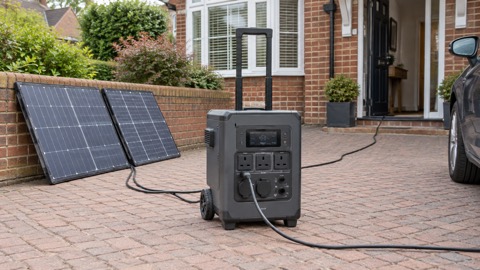
Setting up is a short job, but doing it in the right order saves fumbling in the dark. Anker's own setup guidance for solar panels gives the sequence: position the panels in a well-lit area and securely mount them on a roof, pole or ground mount, ensuring they are angled for optimal sunlight exposure, then connect the panels directly to your portable power station2.
- Choose the brightest spot you have, ideally facing the sun for most of the day.
- Mount or prop the panel securely so wind cannot tip it.
- Angle it towards the sun rather than laying it flat.
- Connect the panel to the power station with the correct cable.
- Check the power station is charging before you walk away.
The step people skip is the secure mounting. A free-standing panel that blows over can crack, and a cracked panel is no use for the rest of the outage. If you have no proper mount, weight the frame or tie it to something solid, and bring it in if strong wind is forecast.
What it can charge and how long it takes
The panel's job is to put energy into a power station, and the power station then runs your devices. How long a charge takes depends on the light, the angle and the state of the power station's battery, and the sources here do not give a charging time for the PS100, so plan on testing it on a sunny day and noting how much your own power station gains in an hour.
What the sources do show is the wider system the panel belongs to. Anker's solar generator range pairs panels with power stations, and its setup instructions describe connecting panels to PowerHouse units with a connector and solar charging cable3. The power station is the part that decides what you can actually run: a panel charges the battery, and the battery runs the load. For working out what a given power station will run and for how long, see our guides to watts, watt-hours and surge and to what capacity power station you need.
A sensible emergency use is to charge the power station during the day and draw on it in the evening for phones, a radio and lighting. That keeps the panel doing useful work without asking it to carry loads it cannot. If you want to understand how panel size and UK daylight affect charging times, our page on how long solar charging takes in the UK sets out the variables.
Using it safely in wet weather
The panel is rated for rain, but the rest of the setup is where accidents happen. Keep the power station indoors and dry, route the cable so it cannot sit in a puddle, and never handle plugs or connectors with wet hands.
Wind is the other hazard. A panel that is not secured can be blown over or blown away, and a falling panel can injure someone or damage the panel. Anker's guidance is to mount panels securely on a roof, pole or ground mount2; in gusty conditions, take the panel down rather than trusting a prop.
Finally, do not be tempted to run mains appliances directly from the panel. The panel charges a battery; the battery runs the appliances. For the safe way to connect backup power to a home's wiring, and why you should not improvise it, see our guide to connecting a generator or battery to your home's wiring.
Storing the panel so it is ready for an emergency
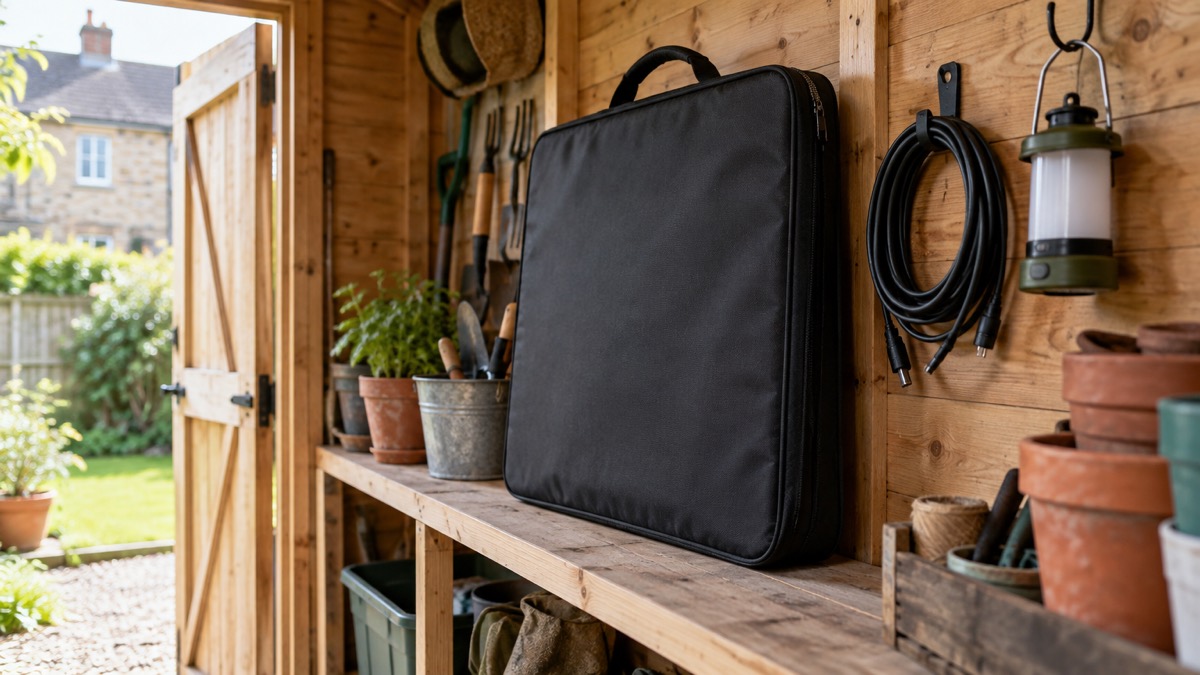
A panel that is buried at the back of a shed is no use in a power cut. Store it folded, dry and somewhere you can reach it quickly, with its cable and any connector kept with it so you are not hunting for parts in the dark. Check it before winter, when daylight is short and storms are more likely, using the checks in our backup power checks before winter.
- Keep the panel, cable and connector together in one place.
- Store it dry and out of direct sun when not in use.
- Check the panel surface and cable for damage before each season.
- Test the whole chain, panel to power station, on a sunny day.
- Note how much charge you get in an hour so you know what to expect.
Cleaning is part of storage. Most panels have a self-cleaning coating which, when installed at a suitable angle, allows rain to clear dirt and debris4. Where dirt, dust or bird droppings build up, periodic cleaning by a specialist company can help remove them, improving sunlight absorption and preventing hotspots that can result in a panel failing8. For a portable panel, a soft cloth and plain water on the surface is enough; do not scrub at the coating or use anything abrasive.
Support, warranty and safety notices
Anker sells the PS100 as part of its SOLIX range, and its instructions describe connecting Anker SOLIX solar panels to its power stations with a connector and solar charging cable, so check the connection details for your power station before you rely on the panel3. Keep the manual and the cable that came with it, and register the product if the maker asks you to, so that any safety notice reaches you.
The safety notice that matters most to anyone charging Anker kit is the power bank recall. Anker recalled power bank models A1647 and A1652, and in June 2025 it launched an additional recall covering those models, asking customers who received 2024 recall information to re-check all their power banks using the 2025 submission form5. The recall covers power banks, not this solar panel, but if you charge an Anker power bank from your power station, check its model number against Anker's notice. Our pages on the Anker A1647 power bank and the Anker A1652 power bank explain what owners should do.
For general guidance on charging lithium batteries safely at home, see our lithium-ion battery safety page and the safe battery charging at home checklist. For the maker's wider range, see the Anker brand page.
Sources (8)
- Anker SOLIX C1000 Gen 2 product page, Anker SOLIX, 2026
- Off-grid solar power guide, BLUETTI, 2026
- Anker SOLIX solar generators, Anker SOLIX, 2026
- Solar panels safety advice, Electrical Safety First, 2026
- Anker power bank recall notice, Anker, 2025
- Anker solar generator range, Anker SOLIX, 2026
- Anker SOLIX solar panel extension cable, Anker SOLIX, 2025
- Solar panels and green energy safety, Electrical Safety First, 2026

 BLUETTI Apex 300 Power Station
 BLUETTI Elite 100 V2
 Anker SOLIX C2000 Gen 2
 Anker SOLIX C1000 Power Station
 EcoFlow DELTA Pro
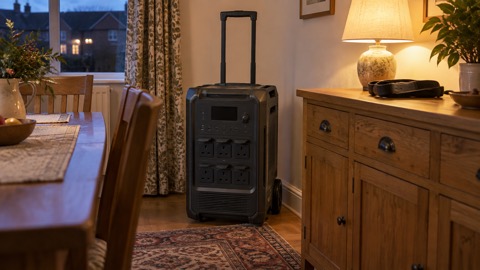 BLUETTI Elite 400
 Anker SOLIX C300 Power Station
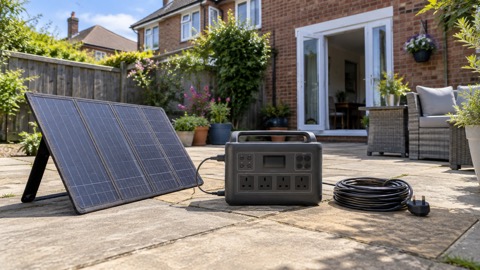 EcoFlow DELTA 3
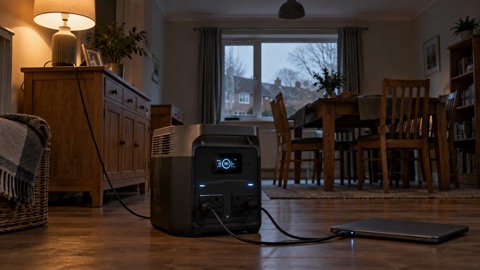 EcoFlow DELTA 2 and DELTA 2 Max
 EcoFlow DELTA and DELTA Max
 EcoFlow RIVER 3 and RIVER 3 Plus
 EcoFlow RIVER 2 and RIVER 2 Max