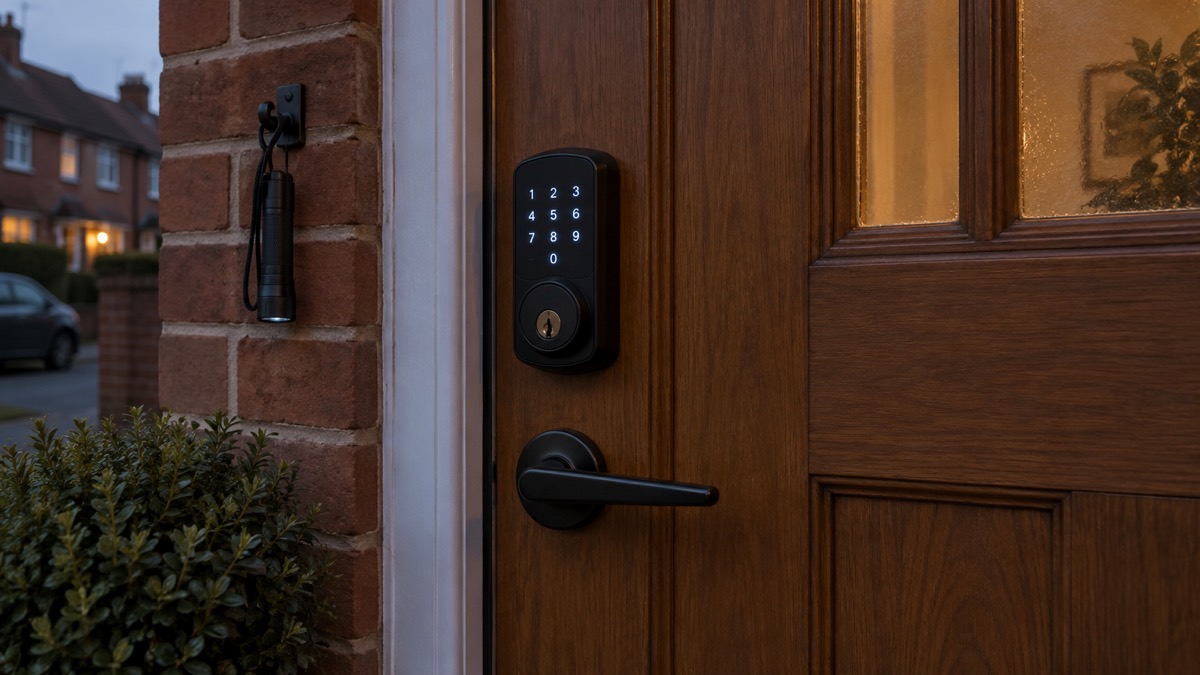
A smart deadbolt is only worth having in an emergency plan if it still lets you in when the power is off, the wifi is down and your phone is flat. The igloohome Deadbolt 2S is built around that idea: the maker states it does not need an internet connection to work, it runs on four AA alkaline batteries with a battery life of up to 1 year, and it can be jumpstarted with a 9V battery if the batteries are drained1. It also takes a physical key, so there is a way in that does not depend on electronics at all1.
For a household preparing for power cuts, storms or a flat battery, the practical points are these. Check the door first: the maker says the lock is designed for wooden doors only, needs a door thickness of 35 to 60mm, a backset of 60/70mm and door clearance of more than 110mm1. Then decide how you will get in when things go wrong: keep a physical key somewhere safe outside the lock, keep a 9V battery with your emergency kit, and know how to jumpstart the lock1.
This page sets out what the Deadbolt 2S does, what its specifications mean for your door, how to lock and unlock it, how to keep it powered and how to stay safe. It is written for an ordinary UK household, not for a locksmith. Where the maker's own instructions matter, they are quoted and named as the maker's.
What the Deadbolt 2S is and what it does for a household
The Deadbolt 2S is a smart deadbolt lock made by igloohome. The maker describes it as sitting above your door handle or knob, fitted to an existing door to add to your home's security1. It is a deadbolt rather than a full handle set, so it replaces or adds the locking bolt rather than the whole door furniture. The body is made from aluminium, zinc alloy and ABS, and the maker states it is designed in Singapore and made in China1.
In an emergency, what a lock has to do is simple: let the right people in and keep the wrong people out, whatever the power and phone networks are doing. The Deadbolt 2S is designed around that. The maker states it does not need an internet connection to work, which it says increases reliability and security against wifi hacking1. That matters in a power cut, when your router and home wifi may be down, and in a broadband outage. The lock keeps working because it does not depend on either.
It also has features that suit a household that needs to let people in when they are not there. The maker says you can issue One-Time, duration, recurring or permanent PIN codes, and that its algoPIN technology lets you grant access to people who need it without being near the lock1. For a carer, a relative or a neighbour who checks on the house during a storm or a hospital stay, that is useful. The maker also says guests do not need to download an app: you can send a PIN by WhatsApp, SMS or another method1.
What it does not do is replace the need for a key. The maker lists physical keys as one of the entry methods, and that is the fallback that does not depend on batteries, Bluetooth or a phone1. Treat the electronics as the convenience and the key as the guarantee.
Specifications that decide whether it fits your door
Before you buy, measure. The maker's specifications decide whether the lock will fit at all, and a lock that does not fit is no use in an emergency. The table below sets out the figures the maker gives.
| Specification | Maker's figure |
|---|---|
| Door type | Wooden doors only1 |
| Door thickness | 35 to 60mm1 |
| Backset | 60/70mm (2-3/8" or 2-3/4")1 |
| Door clearance | More than 110mm1 |
| Front panel thickness | 17mm1 |
| Body material | Aluminium, zinc alloy, ABS1 |
| Power | 4 x AA alkaline batteries1 |
| Emergency power | 9V alkaline battery1 |
| Battery life | Up to 1 year1 |
| Certifications | IP65, RoHS, CE, UKCA, FCC, Giteki, ISED, ANSI Grade 2 deadbolt1 |
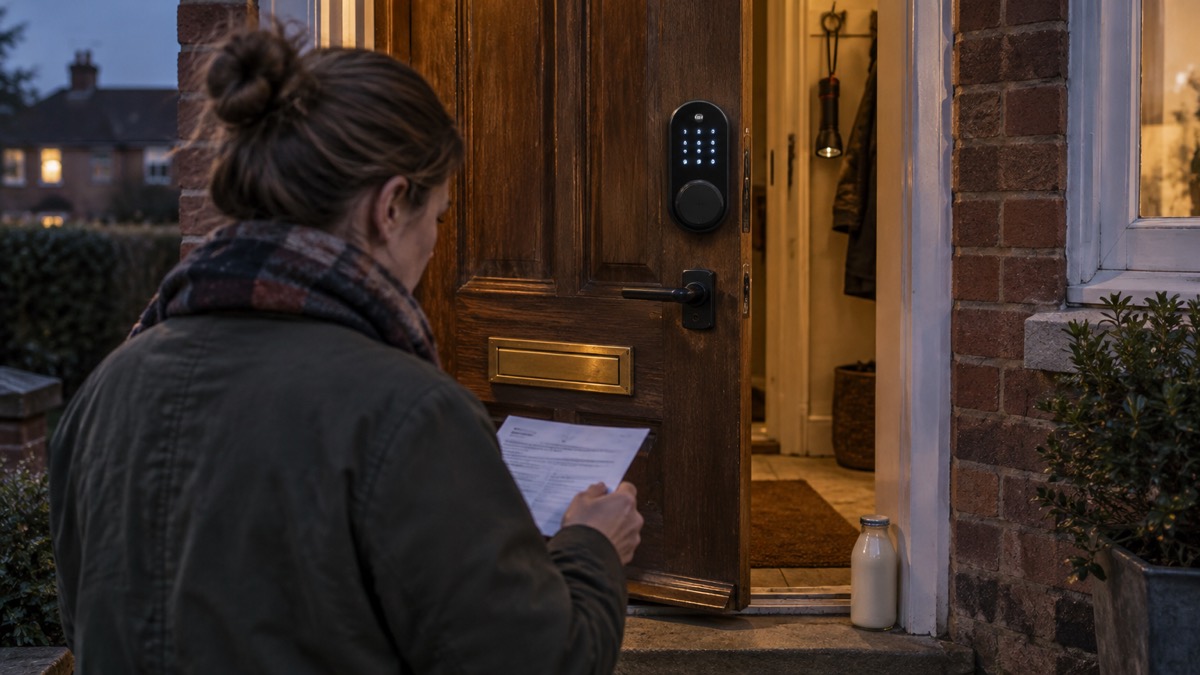
The door type is the first limit. The maker states plainly that the lock is designed for wooden doors only1. If you have a uPVC or composite door, this is not the lock for it. The door thickness range of 35 to 60mm covers most standard wooden doors, but measure yours rather than assuming. The backset is the distance from the edge of the door to the centre of the lock hole, and the maker gives 60/70mm1. The clearance figure, more than 110mm, is the space the lock needs around the door edge1.
There is a second question that the maker's page does not answer: whether the lock meets the standards your insurer or a mortgage lender expects. Official guidance for Northern Ireland says mortise deadlocks should conform to BS3621 or the newer BS EN 12209 standards, and that doors can be certified to PAS 242. The maker lists the Deadbolt 2S as an ANSI Grade 2 deadbolt with UKCA and CE marks, but does not state BS3621 or PAS 24 on its product page1. If your policy names a standard, check with your insurer before you fit it. Our guide to doors and locks explains the standards in more detail, and what British Standard your door lock should meet covers the same ground for a UK household.
Ways to lock and unlock it
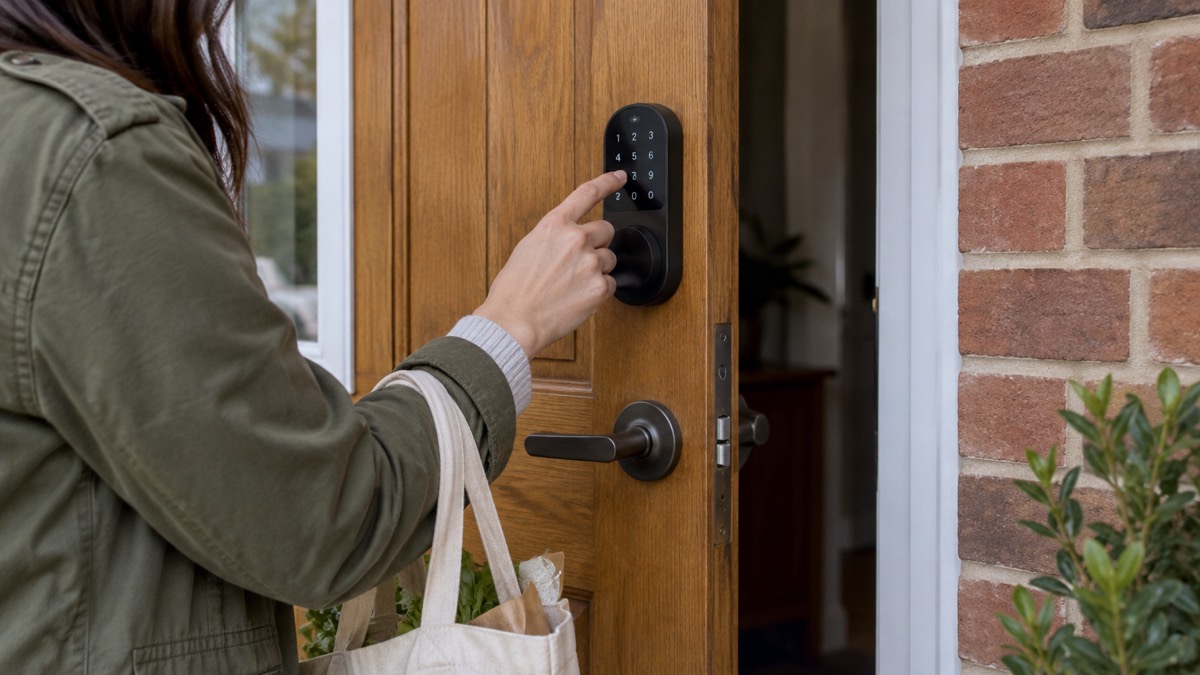
The maker lists three ways in and one way out. You can enter with a PIN code, a Bluetooth key or a physical key, and you exit with a thumbturn1. That mix is what makes the lock useful in an emergency: the thumbturn means you can always get out from inside without a code or a phone, and the physical key means you can always get in from outside without power.
The PIN codes are the most flexible part. The maker says you can choose from One-Time, duration, recurring or permanent PIN codes1. A One-Time code suits a tradesperson or a one-off visitor. A duration code suits a carer who comes for a set period. A recurring code suits a cleaner or a relative who comes regularly. A permanent code suits the people who live there. The maker also says its algoPIN technology lets you grant access without being near the lock1.
There are two security features worth knowing. The maker says the keypad is disabled after several incorrect PIN code attempts, to keep your home secure1. It also says you can throw off onlookers by entering decoy digits before your actual passcode1. Both are useful if someone is watching you enter the code at the door.
The maker also describes a passage mode: you can keep the door unlocked for movers or friends by turning auto relock off via Bluetooth or the Multi-Function Button1. Use it deliberately and turn it back on. A door left unlocked because someone forgot to re-enable auto relock is a door that is not doing its job.
Power: batteries and what happens when they run low
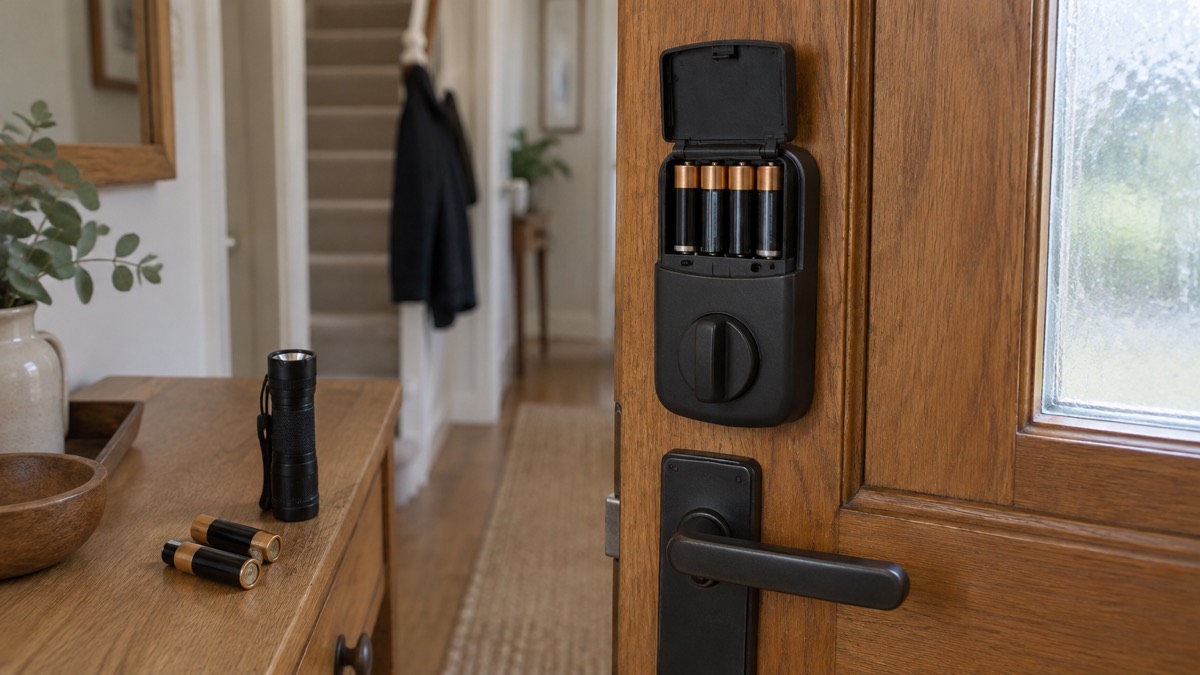
The Deadbolt 2S runs on four AA alkaline batteries, and the maker gives a battery life of up to 1 year1. That is a maximum figure, not a guarantee: how long they last depends on how often the lock is used. The maker says battery status is updated when the lock is synced with the app in Bluetooth range1, so the way to know where you stand is to sync regularly rather than wait for a warning.
For an emergency plan, the important thing is not to be caught out. Keep spare batteries at home: West Yorkshire Prepared lists a torch and spare batteries among the essentials for a power cut3, and Dorset Prepared advises keeping spare batteries4. Check them at the same time you check your torches, and remember that the NHS says "flat" or "dead" batteries still hold enough power to badly hurt a child, so store loose cells out of reach5.
The battery chemistry matters less than the habit. Alkaline batteries are what the maker specifies1. Do not mix old and new batteries, and do not leave a set in the lock long past its useful life. If you are replacing batteries, do it before a storm or a cold snap rather than during one.
The lock's own electronics are not the only battery in the picture. If you rely on a phone app to manage codes, that phone needs charging too. Official advice for a power cut is to keep a mobile phone charged and to write down important phone numbers3. A power bank in your emergency kit covers both the phone and the habit of checking the lock.
Getting into your home during a power cut or a flat battery
This is the question that decides whether a smart lock belongs in an emergency plan. The answer has three parts: the lock does not need the internet, it can be jumpstarted, and it takes a physical key.
The first part is the simplest. The maker states the lock does not need an internet connection to work1. A power cut that takes out your router and wifi does not stop the lock working. A broadband outage does not either. The app manages codes over Bluetooth when you are near the lock, and the maker says Bluetooth key unlock logs are updated in real time remotely1. The lock itself is not waiting for a signal.
The second part is the jumpstart. The maker says you can easily jumpstart the Deadbolt with a 9V battery as an emergency measure if the batteries are drained1. The emergency power source is a 9V alkaline battery1. Keep one with your spare AA batteries, and know where the terminals are before you need them in the dark.
The third part is the key. Physical keys are one of the entry methods the maker lists1. A key does not need a battery, a phone or a signal. Keep a spare set somewhere safe outside the lock, and make sure everyone in the household knows where it is. Our guide to keys, spares and hiding places covers the options, and keeping your home protected in a power cut sets the lock in the wider picture of a cut.
If you are locked out, do not force the door. Our guide to being locked out of your home sets out what to do and how to choose a locksmith.
Fitting it safely and keeping a fire escape route
A lock is a security device, but it is also part of your escape route. Fire and rescue services across the UK are consistent: exits and escape routes must be kept clear. Cornwall Fire and Rescue Service says to make sure exits are kept clear7. Manchester Fire and Rescue Service says to always choose a second escape route, in case the first one is blocked8. The Fire Kills campaign gives the same advice: the best route is the normal way in and out, with a second route planned in case the first is blocked, and the plan practised9.
The Deadbolt 2S fits into that picture in two ways. The thumbturn is the exit method the maker lists1, so from inside you can always open the door without a code, a phone or a key. That is the right design for an escape route. But the lock is only as good as the door it is on and the route to it. If the door is cluttered, or the key is not where everyone can find it, the lock does not help.
Fire and rescue service advice is to have a designated place for door keys on the escape route and always keep the keys there so everyone can get them in a fire10. That advice applies to a smart lock too: the physical key is your fallback, so it needs a home that everyone knows. If anyone in the household has mobility difficulties, make sure all exits and escape routes are kept clear, taking into account any mobility aids used11. In a flat, the advice is to take the normal way out but not to use the lift if there is a fire12.
Fitting the lock is a job for someone who knows what they are doing. If you are not confident, use a qualified fitter. Our guide to smart locks explains how they work and what to check before you buy, and smart lock or traditional key lock sets the choice out side by side.
Storing spare keys and access codes safely
A smart lock moves the spare key problem from the keyhole to the code. Both need managing. Wiltshire Council's emergency kit list includes spare keys for your windows, car and house13. That is the baseline: a spare house key, kept somewhere safe, known to everyone who needs it.
The code side needs the same discipline. The maker says you can issue One-Time, duration, recurring or permanent PIN codes1. Use the shortest-lived code that does the job. A One-Time code for a visitor, a duration code for a carer's shift, a recurring code for a regular helper, and a permanent code only for the people who live there. The maker says the keypad is disabled after several incorrect attempts1, which limits guessing, but it does not help if the code has been shared too widely.
The maker's decoy digit feature is worth using if someone can see you at the door: you can enter decoy digits before your actual passcode1. Change codes when someone who had one no longer needs it. If you share access with family or carers, tell them the code in person or by a method you trust, and tell them when it changes.
For the wider question of key safes and letting carers in, our guide to key safes covers the options, and where to fit a key safe for emergency access covers placement. If you rent, smart locks in rented and shared homes sets out what to check before you change a lock.
Support, warranty and safety notices
The Deadbolt 2S comes with a warranty that depends on where it was sold. The maker states a 2 year warranty period for all products sold in European Union countries, a 1 year warranty period for all products sold worldwide except in the EU, and a 1+1 year warranty period for products sold in Singapore1. For a UK buyer, the worldwide figure is the one the maker's page gives, so check the terms that come with your lock.
The maker lists a set of certifications: IP65, RoHS, CE, UKCA, FCC, Giteki, ISED and ANSI Grade 2 deadbolt1. The UKCA and CE marks are the ones a UK household will recognise. IP65 is a rating for protection against dust and water, but the maker's own safety advice is stricter than the rating might suggest: the lock is advised to be used under shelter and not to be exposed to wet weather conditions1. Take that seriously on an exposed door.
There is a wider safety point about smart devices. The National Cyber Security Centre publishes guidance on smart devices in the home14, and the UK's security law for smart devices requires manufacturers to provide a point of contact for reporting security issues, which if ignored could make devices exploitable by cyber criminals15. When you set the lock up, change any default codes, keep the app updated, and use a strong password on your igloohome account. Our guide to camera and doorbell accounts covers the same ground for other connected devices.
Cold weather is a separate consideration. The maker's advice to keep the lock under shelter1 is the main point. Official guidance for icy conditions says to use handrails where available16, which is about your footing rather than the lock, but it is worth remembering if you are fumbling for a key or a phone at the door in the cold. If the keypad is awkward in gloves, keep the physical key to hand.
If you need support, start with the maker's own documentation and the igloohome account you set up. The maker's page is the source for the specifications and the warranty terms1. For the wider question of how a smart lock fits a household security plan, our home security guide is the place to start.
Sources (16)
- igloohome Deadbolt 2S Metal Grey, igloohome, 2026-11-02
- Securing doors and windows, nidirect, 2024-08-27
- Power cuts, West Yorkshire Prepared, 2026-10-29
- Protecting your family, Dorset Prepared, 2026-10-29
- Emergency kit checklist, Newport City Council, 2026-10-29
- UK transition from analogue to digital landlines, GOV.UK, 2023-01-06
- Fire safety at home: escape plan, Cornwall Fire and Rescue Service, 2026-10-29
- Planning an escape route, Manchester Fire and Rescue Service, 2026-10-29
- Protecting your home, Merseyside Fire and Rescue Service, 2026-10-29
- Planning your escape route, Gloucestershire Fire and Rescue Service, 2026-04-29
- Fire safety for people with mobility difficulties, Devon and Somerset Fire and Rescue Service, 2026
- Fire safety in flats and high-rise buildings, Devon and Somerset Fire and Rescue Service, 2026
- Planning for an emergency kit, Wiltshire Council, 2026
- Smart devices in the home, NCSC, 2024-02-23
- Security law for smart devices, NCSC, 2024
- Weather safety, Oxford Health NHS Foundation Trust, 2026-09-18

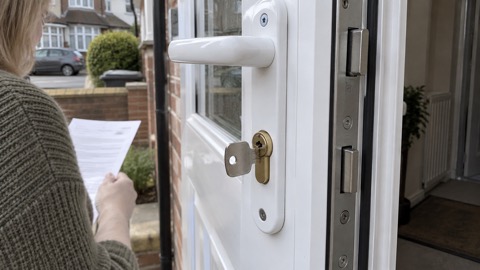 ABS Ultimate Series Cylinder
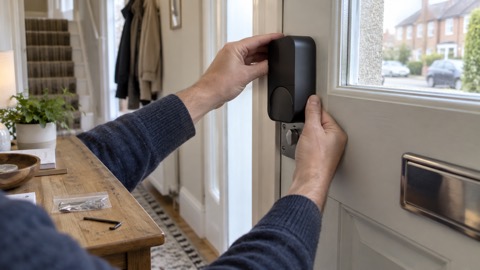 Aqara Smart Lock U200 Lite
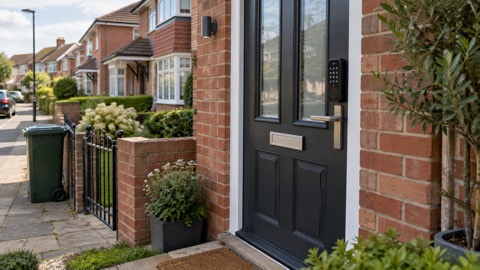 Aqara Smart Lock U200
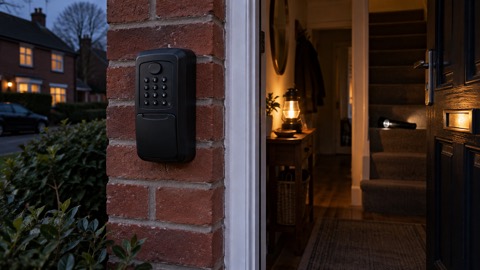 Keyguard Digital XL Key Safe
 Nuki Smart Lock Go
 Nuki Smart Lock Pro
 SwitchBot Lock Ultra
 Ultion ALPS Cylinder
 Ultion Nuki Smart Lock