A smart lock earns its place in a household plan when it keeps the door usable in the situations that actually happen: a power cut, a late return, a neighbour feeding the cat, a carer who needs to get in. The Nuki Smart Lock Ultra is a retrofit lock that fits over the inside of your existing door cylinder, and Nuki states that it installs in 15 minutes with no drill and no technical know-how1. It runs on a built-in rechargeable battery that Nuki says lasts for months on a single charge, and recharges in about 2 hours, on or off the door1.
For an ordinary UK household the practical questions are simple. Will it fit my door? What happens when the battery runs down or the power goes off? Can I still get in with a key? The answers are reassuring: the lock ships with a new Nuki Universal Cylinder, and Nuki states that with a Universal Cylinder you can always use your physical keys to unlock your door, even with the Smart Lock installed1. The lock itself is designed for indoor use only and should not be fitted on the outside of the door2.
This page sets out what the lock does, what comes with it, how to keep it ready, and where it fits a household that wants to be prepared rather than caught out. It is written around the maker's own published specifications and instructions, with independent guidance where it bears on the decision.
What the Nuki Smart Lock Ultra is and what comes in the box
The Smart Lock Ultra is the first Nuki Smart Lock with a brushless motor, and Nuki describes it as the smallest Smart Lock it has ever designed, with the compact motor allowing a slimmer body1. The body is stainless steel, supplied with two switchable base rings in black and white so it can be matched to the door1. It has a built-in Wi-Fi module, so it connects directly to your home network without a separate bridge3. Nuki lists it as a CES Innovation Awards Honoree1.
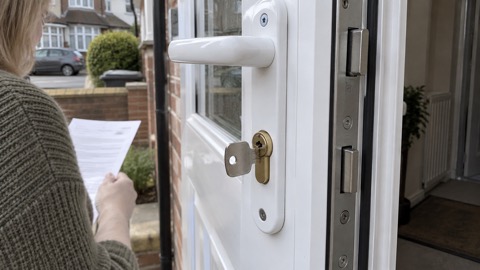
The most important thing in the box for a household planning around emergencies is the cylinder. Nuki states that a cylinder change is required and that the Universal Cylinder is included1. The Smart Lock Ultra is already delivered with a Nuki Universal Cylinder4. That cylinder is described by Nuki as being of the highest security class, and the maker states that fitting it only enhances the security class of your door5.
That combination matters for two reasons. First, the lock is not just an add-on gadget: it replaces the part of the door that does the locking, so the security of the door is bound up with the quality of the cylinder. Second, because the cylinder is a normal keyed cylinder, the household keeps a mechanical way in that does not depend on a phone, a battery or a network. Nuki states that with a Universal Cylinder you can always use your physical keys to unlock your door, even with the Smart Lock installed3.
Battery: months on a charge, about 2 hours to recharge
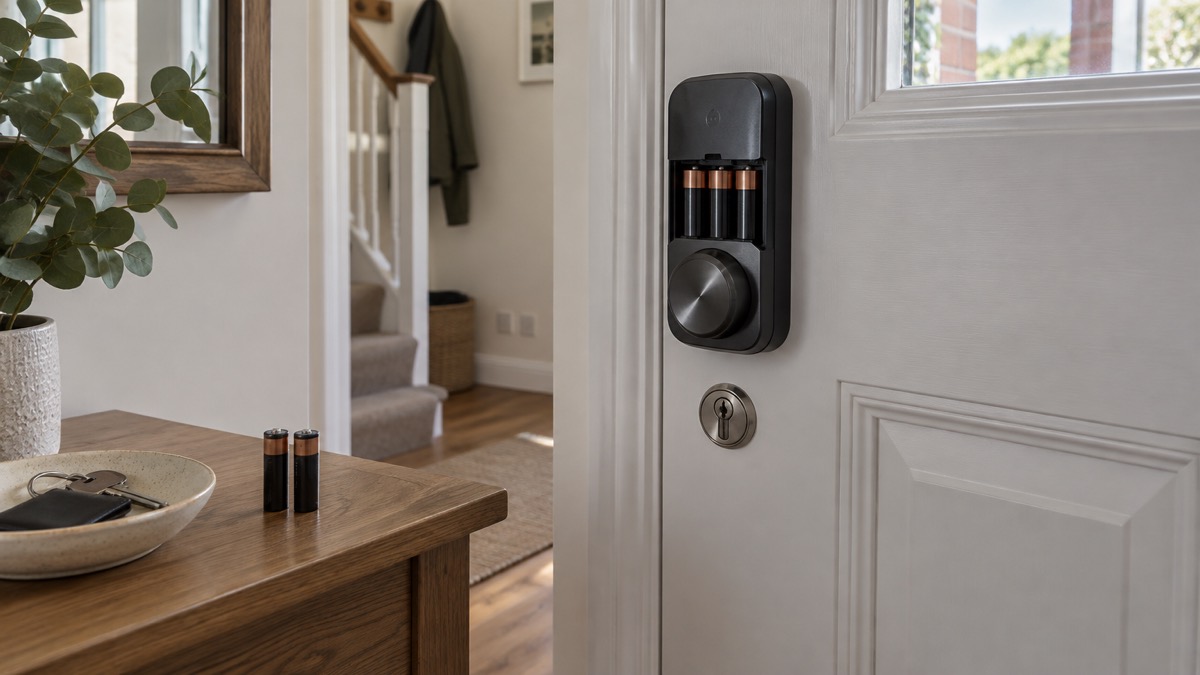
The Smart Lock Ultra is powered by a built-in lithium-polymer battery, and Nuki describes it as a built-in rechargeable battery5. Nuki states that in general the lock will last for months on a single charge, depending on usage, door type, locking modes and other factors3. When it does need charging, Nuki states you can recharge it in only 2 hours, on-door or off-door1.
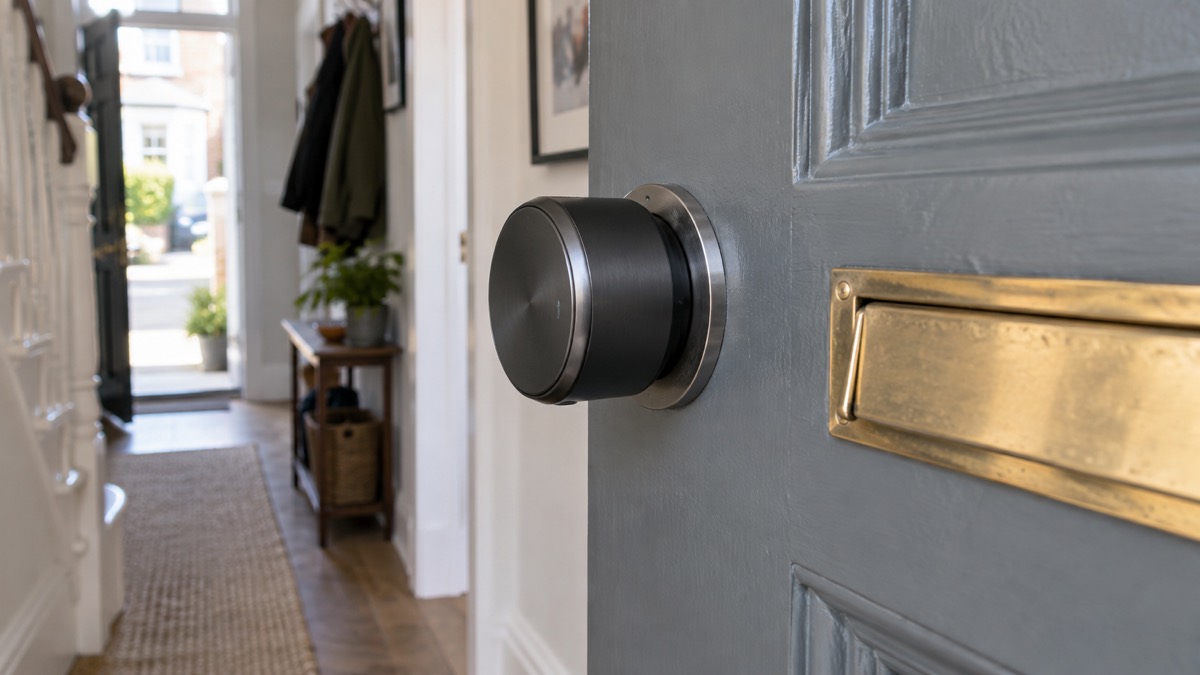
For a household getting ready for disruption, the battery behaviour is the part worth understanding. The lock warns you when the battery level drops below 20%, so you are not left guessing1. If you run more than one lock, or want a second pair of eyes on the battery, the Nuki Web service can send notifications by email, and Nuki states that even if you manage a lot of Smart Locks you will not end up with empty batteries6.
Independent guidance on smart door locks in general notes that batteries can last from six months to a couple of years, but that eventually the battery will need replacing or recharging7. That is a fair description of the category, and it is the reason a household should treat the lock's battery like any other piece of kit that has to be kept ready: check it, charge it before it complains, and know what you will do if it runs flat while you are out.
A sensible routine is to check the battery level in the app at the same time you check other household readiness items, such as torches and smoke alarms. If you are going away, charge the lock before you leave rather than relying on the warning arriving while you are abroad. And keep a physical key with a trusted neighbour or in a key safe, so that a flat battery never becomes a lockout.
Will it fit your door? Cylinder lengths and clearances
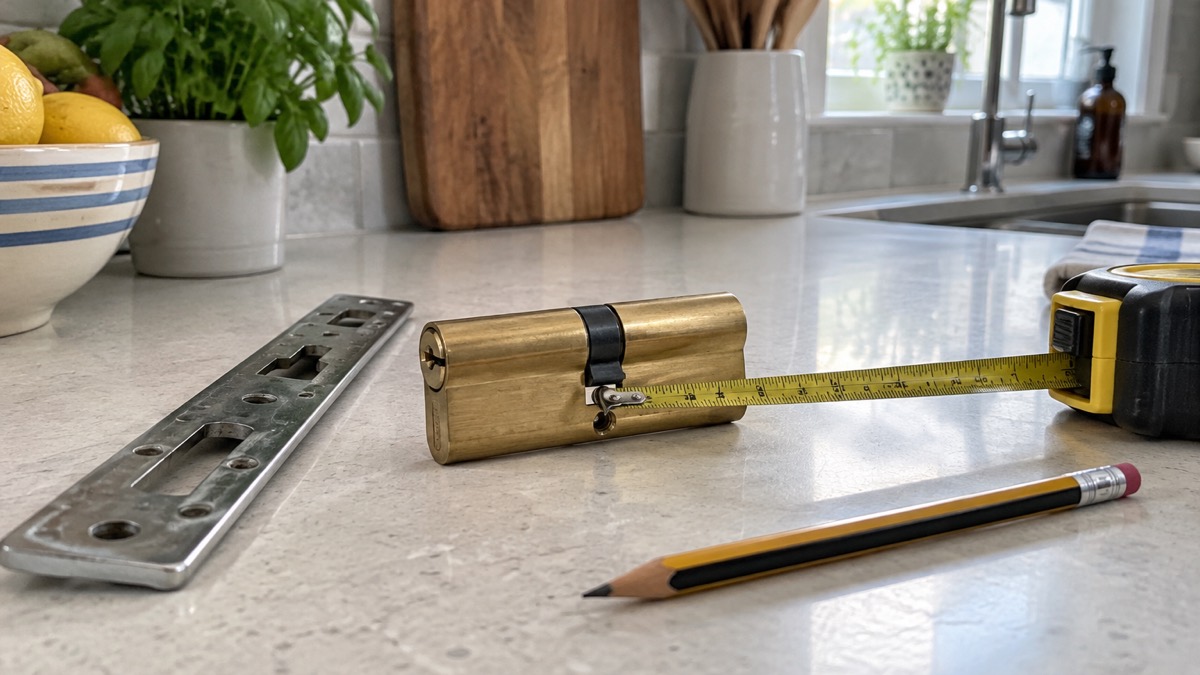
Fitting a smart lock is mostly a measuring job, and Nuki publishes the numbers you need. The lock is designed to work with a euro cylinder, and the cylinder that comes with it has to sit within certain limits. Nuki states that the inner length of the cylinder should not exceed 68 mm, measured from the retaining screw to the inner door plate and not including the cylinder overhang2. The outer length should not exceed 55 mm, measured the same way2. Where the outside length exceeds 55 mm, Nuki states that extensions are available2.
Clearances around the keyhole matter too, and they differ depending on which way the door opens. Nuki sets these out as follows2:
| Door opens | Clearance from keyhole centre | Minimum |
|---|---|---|
| Outwards | To the door frame | More than 40 mm |
| Outwards | To the handle | More than 30 mm |
| Inwards | To both the door frame and the handle | More than 30 mm |
The lock itself measures ⌀57x58 mm1. Nuki also states that the Smart Lock works regardless of how many locking turns your cylinder requires, which is useful for doors with a multi-turn lock2. If your cylinder does not have the emergency function, Nuki recommends the Smart Lock Ultra8.
There is one compatibility point that catches people out. Nuki states that because the Smart Lock Ultra ships with a new and improved Universal Cylinder, it is not compatible with older Universal Cylinders1. If you already own an earlier Nuki lock and were hoping to reuse its cylinder, you cannot. The new cylinder comes in the box, so the practical effect is that you will be changing the cylinder as part of the fitting.
Fitting it: around 15 minutes, no drilling, indoor side only
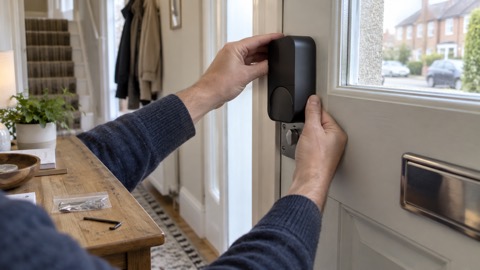
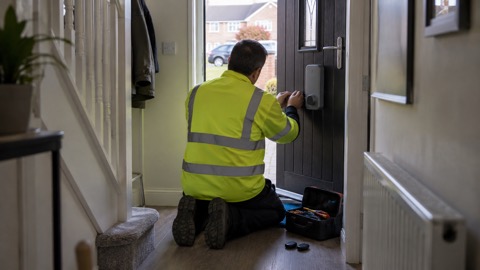
Nuki states that you can follow the step-by-step guide in the app and install the Smart Lock Ultra in 15 minutes, with no drill or technical know-how required1. The lock mounts on top of the Universal Cylinder, and Nuki describes the process as simply mounting the new Smart Lock on top of the cylinder9. Nuki also gives a shorter figure elsewhere, stating that it takes around 5 minutes to fit10.
The installation is on the indoor side of the door only. Nuki states that the Smart Lock is designed for indoor use only and should not be installed on the exterior side of the door2. That is a security and weather point as much as an aesthetic one: the lock is not built to face the street.
The steps, in the order the maker sets them out, are:
- Check your door against the compatibility guide, including cylinder lengths and clearances1.
- Change the cylinder for the Nuki Universal Cylinder supplied in the box1.
- Mount the Smart Lock on top of the cylinder, following the app's step-by-step guide1.
- Set up the lock in the app, choosing your locking mode and adding any accessories1.
If you are not confident about changing a cylinder, a qualified locksmith can do it. The cylinder is the part that keeps the door secure, so it is worth getting right. For background on cylinder standards and what to look for, see Doors and Locks: Standards, Cylinders and Making Entry Harder.
Wi-Fi, Matter over Thread and smart home apps
The Smart Lock Ultra has a built-in Wi-Fi module that lets it connect directly to your home Wi-Fi, so no bridge is required3. Nuki states that because the lock already includes a built-in Wi-Fi module, it is not compatible with a Nuki Bridge1. It also supports Matter over Thread, which Nuki describes as letting you integrate the lock with any major smart home system1. Independent guidance confirms built-in Wi-Fi and Matter support over Thread, connecting directly to your home network without a separate hub10.
In practice, that means the lock can be controlled from the Nuki app and from the major smart home platforms. Nuki lists compatibility with Google Home, Apple Home, Samsung SmartThings and Alexa1. Independent guidance adds Home Assistant to that list10. The lock works with the Nuki app and the Nuki Web service, which is where battery notifications and remote management sit6.
For a household planning around emergencies, the useful question is what happens when the network goes down. The lock itself keeps working on its battery, and the physical key keeps working through the Universal Cylinder3. What stops is the remote and app-based access that depends on your Wi-Fi and your phone. That is why the key matters: it is the fallback that does not need a router, a cloud service or a charged phone.
Security, encryption and home insurance
Nuki states that it uses state-of-the-art encryption mechanisms commonly used in online banking, and that all communication with the Smart Lock is encrypted1. The maker also states that its Smart Locks are regularly inspected and certified by independent security institutes1. In a 2024 statement for Cybersecurity Month, Nuki said its Smart Locks store data locally rather than on Nuki servers, and that they hold AV-TEST and BSI Kitemark certifications11.
On insurance, Nuki states that its Smart Locks do not impact your home insurance coverage, that there is no need to inform your insurance company, and that fitting the lock enhances the door's security class1. Independent guidance makes a related point: because the lock fits over the existing cylinder rather than replacing the door's locking mechanism in the way a full replacement would, your existing lock and its BS3621 certification remain in place10. That is a helpful distinction, but it is not a substitute for checking your own policy. Insurance conditions vary, and if your policy names a particular standard for the final exit door, read the wording or ask your insurer.
The lock also gives you more than one way back in. Nuki lists the physical key via the emergency function, remote opening by someone with access permission, the Nuki Web service, a smartwatch, and accessories with a code, fingerprint or Fob1. That redundancy is the security feature that matters most in an emergency: if one route fails, another is there.
Locking speed, keypad entry and moving from an older Nuki
The brushless motor gives three locking speeds: Gentle, Standard and Insane1. Nuki states that Gentle is 1.5 times faster than previous generations, Standard is 2.6 times faster and Insane is 3.4 times faster1. The choice is a trade-off between speed at the door and the wear and noise that come with a faster throw. A household with a stiff door or a multipoint lock may prefer a gentler mode; a busy household that wants the door locked the instant it closes may prefer a faster one.
Nuki states that the lock is strong enough to also operate multipoint locks2. That is worth knowing if your door has several locking points along the edge, because those locks need more force than a single latch. It does not remove the need to check the cylinder and clearance measurements.
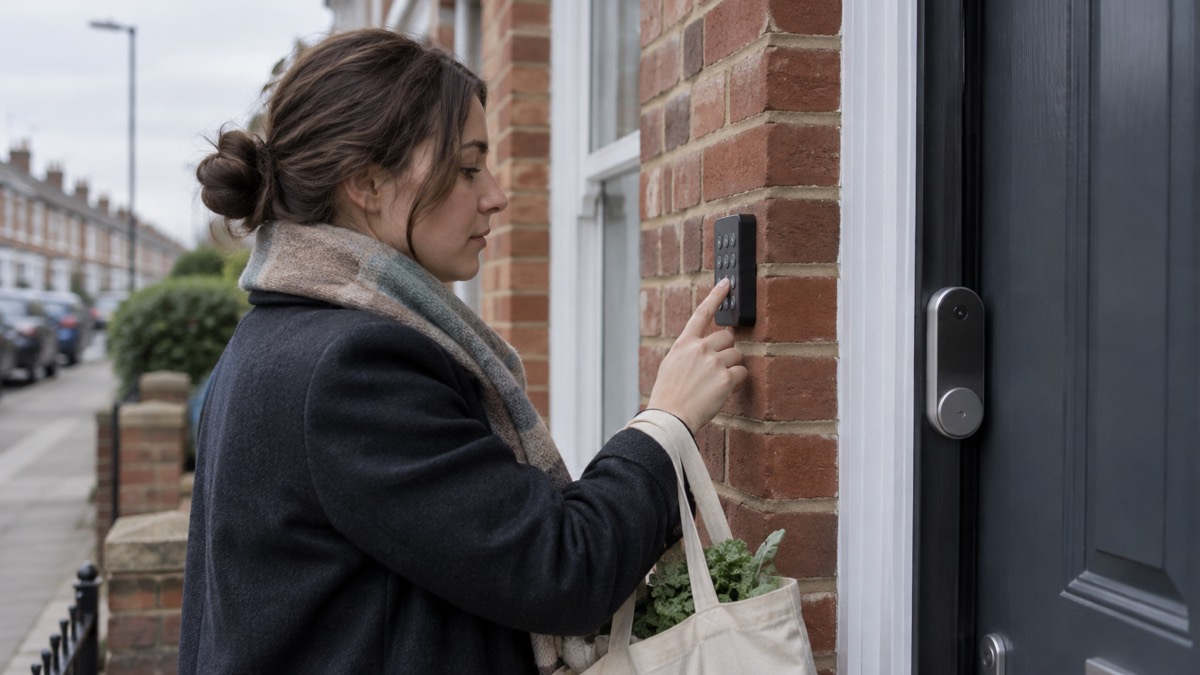
Accessories extend what the lock can do. Nuki states that the Smart Lock Ultra is compatible with the Fob, Keypad, Keypad 2, Keypad 2 Pro and Door Sensor1. The keypad is sold separately and adds PIN code entry, so a household member or a trusted visitor can get in without a phone or a key10. A PIN is only as private as the people who know it, so change it if it has been shared more widely than you intended.
If you are moving from an earlier Nuki lock, the app has a new feature for streamlined data migration from a previous Nuki Smart Lock1. That saves you setting up users and access from scratch. Remember, though, that the older Universal Cylinder is not compatible with the Ultra, so the cylinder change still applies1.
Returns, support and compatible accessories
Nuki states that the statutory right of return for online purchases in the EU is 14 days, and that it offers 30 days from receipt of goods because it wants you to be satisfied with the product1. If you are buying in the UK, check the terms that apply to your order at the point of sale, because the statutory position differs from the EU right Nuki describes.
On support, the maker's own documentation is the place to start: the compatibility guide for your door, the app's step-by-step fitting guide, and the Nuki Web service for battery notifications and remote management1. Nuki also publishes its security and data protection position, which is relevant if you are connecting the lock to a smart home system11.
The accessories that work with the Smart Lock Ultra are the Fob, Keypad, Keypad 2, Keypad 2 Pro and Door Sensor1. The lock integrates with Google Home, Apple Home, Samsung SmartThings and Alexa, and with Home Assistant according to independent guidance1. It is not compatible with a Nuki Bridge, because it has its own Wi-Fi1.
For a household building a plan, the lock is one part of a wider approach to the door. It helps with access and with knowing the door is locked, but it does not replace the cylinder standard, the door itself or the habits that keep a home secure. For the wider picture, see Smart Locks: How They Work and What to Check, Do Smart Locks Work in a Power Cut? and How Long Do Smart Lock Batteries Last?. Nuki's own product range is set out on the Nuki page.
Sources (11)
- Nuki Smart Lock Ultra, Nuki, 2026-11-03
- Nuki | Compatibility Guide | Nuki Smart Lock Ultra | Nuki The Smart Lock, Nuki
- How Nuki Works, Nuki, 2026-11-03
- Nuki Universal Cylinder (2nd Generation), Nuki, 2026-11-03
- Nuki Smart Lock Pro (5th Gen), Nuki, 2026-11-03
- Nuki App and Nuki Web, Nuki, 2026-11-02
- Do I Need a Smart Door Lock?, Which?, 2026-04-15
- Nuki | Compatibility Guide | Nuki Smart Lock Pro | Nuki The Smart Lock, Nuki
- Nuki | Smart Lock Ultra | Buy Smart Locks online | Nuki The Smart Lock, Nuki
- Best Smart Door Lock UK, The Smart Home Guide, 2026-09-09
- Privacy and Security, Nuki, 2024-10-16
 ABS Ultimate Series Cylinder
 Aqara Smart Lock U200 Lite
 Aqara Smart Lock U200
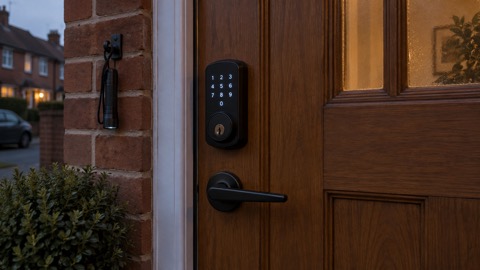 igloohome Deadbolt 2S
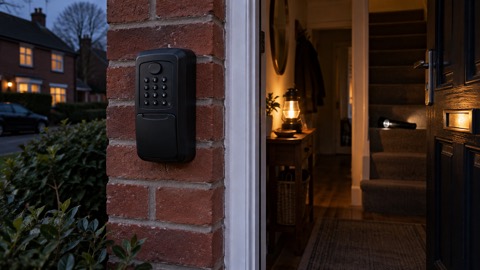 Keyguard Digital XL Key Safe
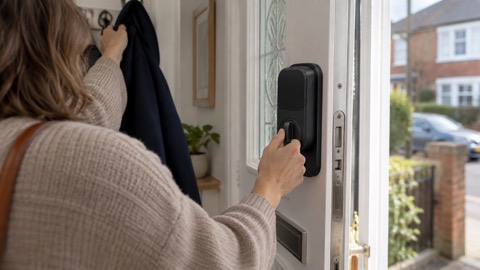 Nuki Smart Lock Go
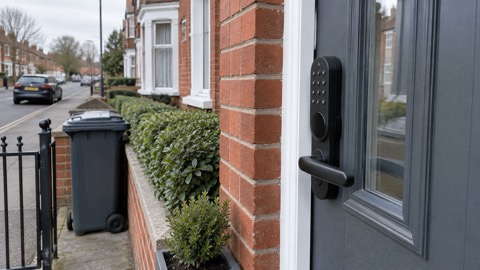 Nuki Smart Lock Pro
 SwitchBot Lock Ultra
 Ultion ALPS Cylinder
 Ultion Nuki Smart Lock