If you own an Anker power bank, the first thing to do is turn it over. Anker's recall notice asks owners to check the model number, which is printed on the back or side of the unit, against a list of five models: A1647, A1652, A1257, A1681 and A16891. If yours matches, stop using it immediately, even if it seems to be working perfectly well, because of the risk of overheating, melting, smoke or fire2.
The A1689 is one of the models named in that recall. A recalled power bank is not a spare you keep in a drawer for the next storm: it is a lithium-ion battery that Anker says should be taken out of use and stored safely until the company confirms what happens to it2. Do not put it in the bin, the kerbside recycling, or a battery box at a shop while you wait3.
This page sets out what to do now, how to read the model number, how to keep a recalled unit safe at home in the meantime, where it must never go, and how to claim a refund or replacement. It also covers what to do about emergency phone charging if the power bank you relied on is the one being recalled.
Anker A1689 recall: what owners should do now
The recall covers a set of Anker power banks with lithium-ion batteries that the company says carry a fire risk. Anker's instruction is blunt: any unit confirmed to be part of the recall should be stopped from use immediately, and the reason given is the risk of overheating, melting, smoke or fire, which applies even when the device appears to function normally2. That last point matters for a household. A power bank that charges your phone without complaint gives you no signal that anything is wrong, so the model number, not the behaviour of the unit, is what you go on.
The sequence Anker sets out is short. Store the device in a safe location, verify the serial number through the submission form, and if it matches, continue with the claim3. Anker also asks owners not to dispose of the power bank until they have confirmation from the company that the unit qualifies2. In other words, the unit stays in your home, out of use, until Anker tells you what to do with it.
For a household that keeps a power bank as part of its emergency kit, this is an inconvenience with a safety edge. The power bank is the item you reach for when the lights go out, and a recalled one is exactly the item you must not reach for. Treat the recall as a prompt to check every battery you keep for emergencies, not just the one you bought most recently.
How to find the model number on your power bank
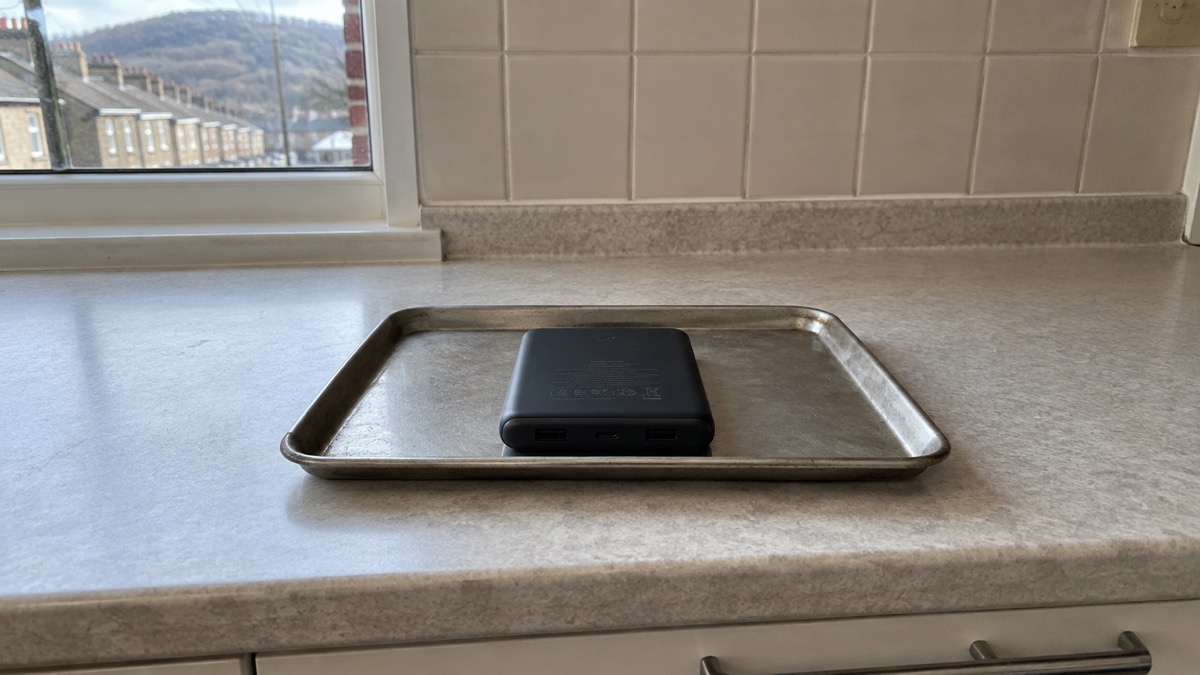
Anker's recall notice says the model number is located on the back or side of the power bank1. On the models covered by the earlier 2025 recall, the company gives more detail: look at the bottom of the unit and confirm it reads Model: A1642/A1647/A1652, and find the 16-digit serial number in the same place3. Anker adds a useful check on the serial number itself: it does not contain the letter "O" or the letter "I"3. If you think you have read either of those characters, you have probably misread a zero or a one.
Work through these steps:
- Unplug the power bank from anything it is charging.
- Turn it over and read the model number from the back, side or bottom.
- Write the number down and compare it with the list: A1647, A1652, A1257, A1681, A16891.
- If it matches, set the unit aside somewhere safe and stop using it2.
- If it does not match, put it back into service, but keep an eye on recall notices4.
If the printing has worn away, do not guess. A unit you cannot identify is a unit you cannot clear, and the sensible course is to stop using it and ask Anker to help you establish what it is. The same applies if the label is damaged or the number is only partly legible.
Recalled models to check: A1647, A1652, A1257, A1681, A1689
The recall list is worth reading carefully, because it has grown. Anker expanded its power bank recall in June 2025 to cover models A1647 and A1652, and asked customers who had received 2024 recall information to re-check all their power banks using the 2025 submission form5. A household that checked a single unit two years ago and assumed the job was done may be holding a model that was added later. Check the model number on the back or side of the power bank against A1647, A1652, A1257, A1681 and A16891.
| Model | Status in the recall | What to do |
|---|---|---|
| A1647 | Named in the recall list1; covered by the June 2025 expansion5 | Stop using, store safely, verify the serial number and claim3 |
| A1652 | Named in the recall list1; covered by the June 2025 expansion5 | Stop using, store safely, verify the serial number and claim3 |
| A1257 | Named in the recall list1 | Stop using, store safely, claim through the recall form1 |
| A1681 | Named in the recall list1 | Stop using, store safely, claim through the recall form1 |
| A1689 | Named in the recall list1 | Stop using, store safely, claim through the recall form1 |
The A1647 and A1652 have their own history. Anker's recall notice for those two models asks owners to store the device in a safe location, verify the serial number via the submission form and immediately stop using the product2. The June 2025 expansion then widened the scope and asked owners to re-check. If you own either model, the 2025 form is the one to use.
Keeping a recalled power bank safe at home
A recalled power bank is a battery you are keeping, not a battery you are using. Anker's instruction is to store the device in a safe location while the claim is processed3, and not to dispose of it until the company confirms the unit qualifies2. That leaves a gap of days or weeks in which the unit is in your home, and it is worth thinking about where it sits during that time.
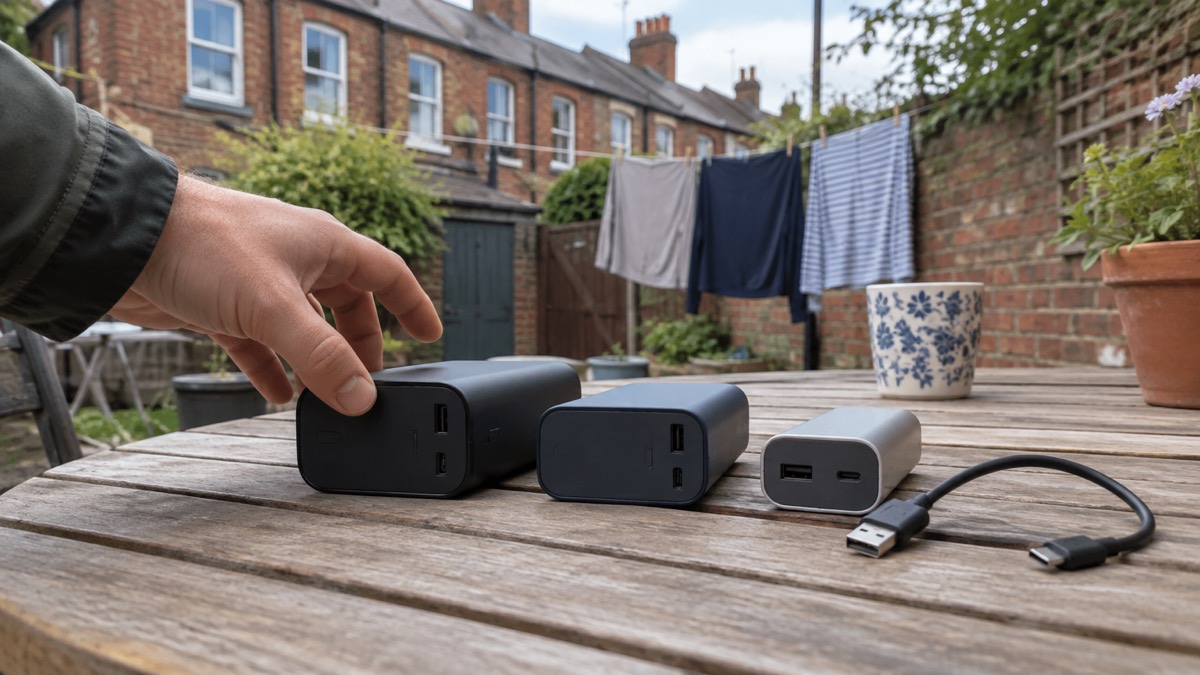
The principle is the same one that applies to any lithium-ion battery in the house: keep it away from anything that would happily burn, and away from the places people sleep. A cool, dry spot on a hard surface, out of direct sun, is a better home than a cushion, a bed or a cardboard box of paperwork. Do not leave it on charge, and do not leave it plugged into a cable at all. Anker states that any unit confirmed to be part of this recall should be stopped from use immediately due to the risk of overheating, melting, smoke or fire, even if the device appears to function normally3.
If a recalled unit becomes hot, swells, smells strange or starts to smoke, treat it as an emergency rather than a nuisance. Move people away from it, do not handle it more than you must, and call the fire and rescue service. Our page on what to do if a lithium battery catches fire sets out the steps, and warning signs a lithium battery is dangerous explains what to look for before it gets that far.
Where a recalled power bank must never go
The single most important instruction after "stop using it" is where the unit must not end up. Anker is explicit: do not throw the power bank into the trash or recycling bin, do not return it to the company, Amazon or anyone else, and do not place it in used battery recycling boxes at retail and home improvement stores3. The company repeats the point in its other recall notice: do not throw the recalled lithium-ion battery in the rubbish, the general recycling stream, including street-level or kerbside collections, or used battery drop-off boxes at retail or home improvement stores2.
The reason is straightforward even though the notice does not spell it out: a damaged or recalled lithium-ion cell that is crushed, punctured or compacted in a bin lorry or a recycling line can catch fire, and that fire happens to someone else, away from your home. The battery collection point at the supermarket is designed for spent cells that are not under recall, not for a unit the maker has told you to stop using.
Our guide to disposing of a damaged lithium battery covers the general principles for cells that are no longer safe to keep.
Where to get help with the recall
Anker runs the claim through a dedicated recall page. If your unit is confirmed to be part of the recall, submit the Recall Claim form at anker.com/rc2506-form1. The company says the claim gives you instructions on how to request a full refund, or a gift card redeemable on anker.com, eufy.com, soundcore.com, ankersolix.com, seenebula.com or eufymake.com1.
If you would rather email, Anker's customer service address is support@anker.com, and the company asks you to put "535 Power Bank Recall" in the subject line6. For the earlier power bank recall, the subject line requested was "Anker Power Bank Recall"3. Use the subject line that matches the notice you are claiming under, so the message reaches the right team.
A few practical points for households:
- Gift recipients can still get a replacement, but Anker asks them to contact the original purchaser for the order invoice3.
- Second-hand buyers are not given a separate route in the recall notices. Gather any proof of purchase you have and ask customer service what they can do.
- Keep a record of the model and serial number, the date you submitted the claim and any reference you are given.
- Do not send the unit back while the claim is open; Anker's instruction is to hold on to it until it confirms the unit qualifies2.
If you are unsure which notice applies to your unit, start with the model number and the recall list1, then use the contact details on the notice that names your model.
What the recall means for your emergency power plan
A power bank is one of the small pieces of kit that makes a power cut bearable. Official household emergency planning guidance lists a charged portable power bank and charging cables among the things to keep ready7. Losing one to a recall does not change that need; it just means the replacement has to be checked before it goes into the kit.
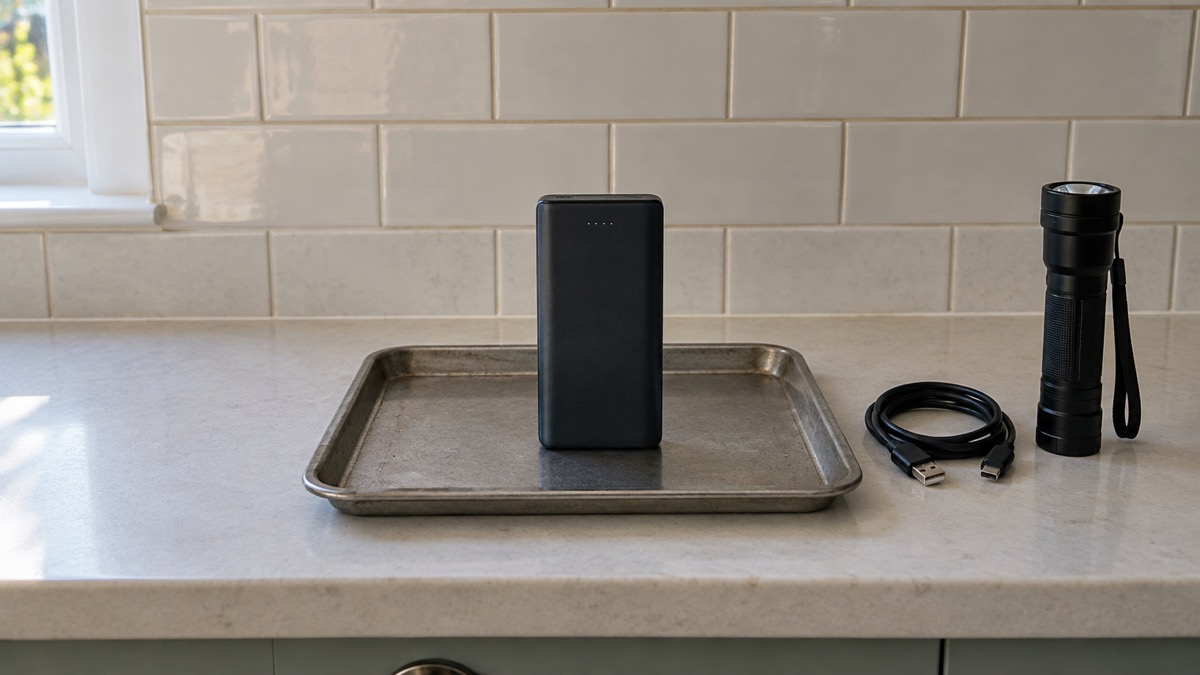
The wider lesson is about how you keep batteries ready. Electrical Safety First, the UK charity that campaigns on electrical safety, advises households to stay up to date with product recalls and safety notices4. That is a habit rather than a one-off task: recalls are added to and expanded, as the June 2025 expansion of the Anker power bank recall shows5. A short check once a season, when you test your torches and charge your power bank, catches most of it.
When the power does go out, the routine is simple. Keep one light switched on so you know when power is restored, as Northern Powergrid advises8. Use the power bank for phones and small devices rather than for anything that heats, and put it back on charge as soon as the mains returns so it is ready for next time. Our power cut backup power checklist and the guide to keeping phones charged in an emergency take this further, and lithium-ion battery safety at home covers the storage rules that apply to every cell in the house.
If the recalled unit was your only way of charging a phone, replace it before the next storm rather than after. A power bank you have checked against current recall notices, charged fully and stored with its cable is the version of this kit that actually works when you need it.
Sources (8)
- Anker Power Bank Recall (rc2506), Anker, 2026-10-25
- Anker Power Bank Recall (mmrc2506), Anker, 2025
- Anker Power Bank Recall: A1642, A1647, A1652, Anker, 2025
- Is your power bank a flight risk?, Electrical Safety First, 2026-10-25
- Anker Power Bank Recall: A1647, Anker, 2025-06
- Anker 535 Power Bank Recall, Anker, 2026-10-25
- Be prepared for emergencies, North Devon Council, 2026-10-29
- Northern Powergrid ready and prepared to support customers during Storm Isha, Northern Powergrid, 2024-01-19

 BLUETTI Apex 300 Power Station
 BLUETTI Elite 100 V2
 Anker SOLIX C2000 Gen 2
 Anker SOLIX C1000 Power Station
 EcoFlow DELTA Pro
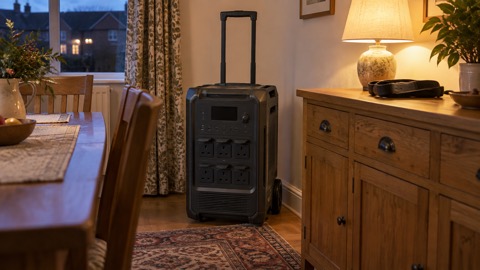 BLUETTI Elite 400
 Anker SOLIX C300 Power Station
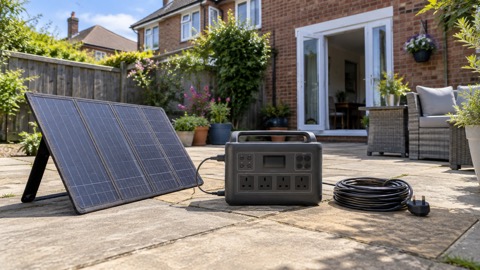 EcoFlow DELTA 3
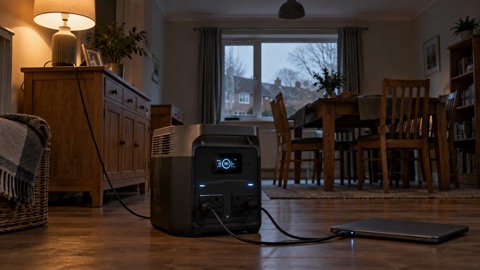 EcoFlow DELTA 2 and DELTA 2 Max
 EcoFlow DELTA and DELTA Max
 EcoFlow RIVER 3 and RIVER 3 Plus
 EcoFlow RIVER 2 and RIVER 2 Max