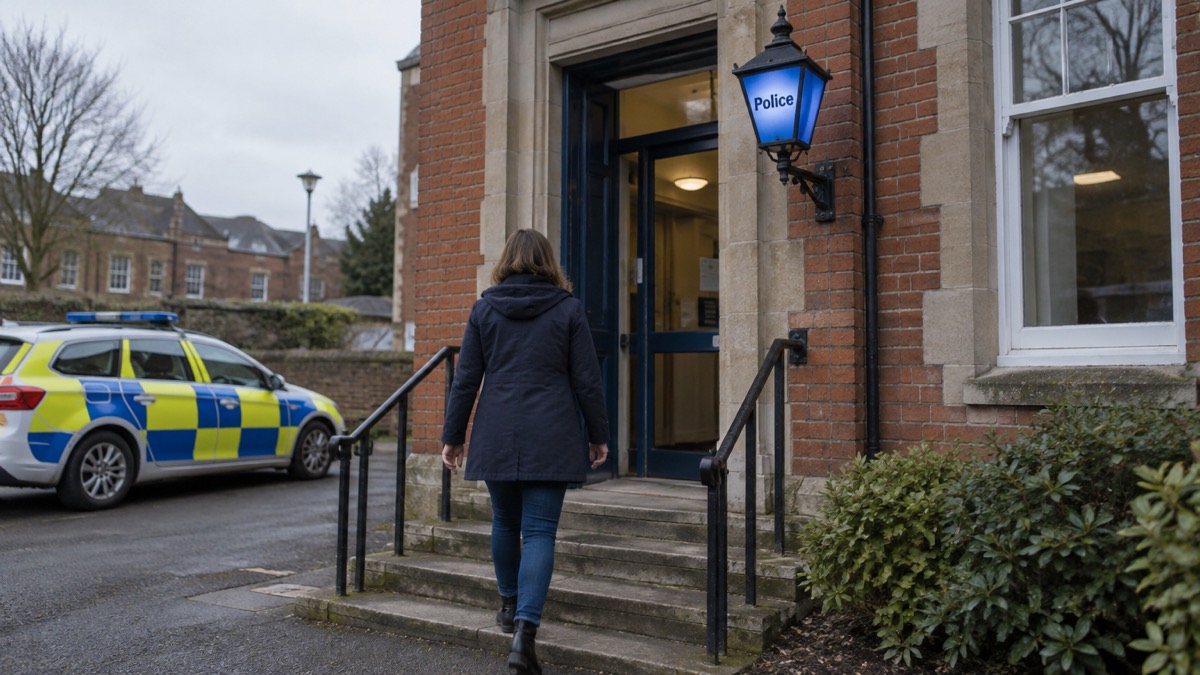
If you come across a video praising a terrorist attack, a post calling for racial or religious violence, or a message giving bomb-making instructions, you can report it to the police without giving your name. The official route is the anonymous online reporting form at gov.uk/ACT, run through Counter Terrorism Policing's ACT (Action Counters Terrorism) campaign1. A specialist police team will examine the content and will work with internet companies to remove it if appropriate3.
The important thing is not to share it. Do not forward the video, save it, repost it or send it to friends to warn them. Report it through the official form and leave it there. If what you have seen suggests an attack is happening now or is about to, that is a police emergency: call 9994. For suspicious activity that is not an emergency, the anti-terrorist hotline is 0800 789 3215.
This page sets out what to report, how the anonymous form works, what happens after you submit something, and when a phone call is the right response instead. It covers England, Scotland, Wales and Northern Ireland, because the reporting routes are UK-wide.
How to report terrorist content online: the government's reporting form
The main route is simple. Go to gov.uk/ACT and use the secure online form7. Counter Terrorism Policing describes it as a way to report online and in confidence8. You do not need an account, an app or any special knowledge: the form asks what you have seen and where you saw it.
The form is for graphic or violent extremist material, and for content that supports, directs or glorifies terrorism1. ProtectUK, the police's public advice site, lists the kinds of material that should be reported2:
- Speeches or essays calling for racial or religious violence
- Videos of violence with messages in praise of terrorists
- Postings inciting acts of terrorism or violent extremism
- Messages intended to stir up hatred against any religious or ethnic group
- Instructions for making explosives
The form is UK-wide, so there is no separate Welsh or Northern Irish version to hunt for.
There is also a pilot app, iReportIt, designed to give people another way to anonymously report online content promoting violent extremism. It is available on Apple iOS and Android3. It is a pilot, so the web form remains the standard route.
Anonymous reporting and what happens next
You can report without giving your name. If your information does not relate to an imminent threat, you can also contact the Security Service (MI5) directly, and you can remain anonymous there too9.
What happens after you submit a report is straightforward. A specialist police team will examine the content and will work with internet companies to remove it if appropriate3. That means your report is assessed by people whose job is to judge whether material breaks the law or breaches a platform's rules, and the police can then ask the company hosting it to take it down.
Two things follow from that. First, you will not usually get a running commentary on what was done. Second, reporting is not the same as a platform's own complaint button. Use the platform's reporting tool as well if you want the content reviewed under its own rules, but the official form is what puts the material in front of the police.
Content you must not share, save or repost
The single most important rule is not to pass the material on. Sharing a terrorist video, even to condemn it, spreads the content, exposes other people to it and can put you in the position of distributing it. Official guidance warns that some information found online is misleading and inaccurate, making it harmful to share with friends and family13.
That applies with particular force to material that glorifies or promotes terrorism. Do not:
- Forward it by message, email or social media
- Save it to your phone or download it
- Repost it with a comment saying how shocking it is
- Show it to children or young people
If you have already shared something, stop and do not share it further.
There is a related warning about bomb threats sent by email or social media. Official guidance says not to reply to, forward or delete the message, and that all such communications are a crime and should be reported to the police by dialling 99914. If you receive a threat of that kind, keep it where it is and call the police.
When to call the police instead: 999 and the anti-terrorist hotline
The online form is for content. A phone call is for people and events.
Call 999 if there is an immediate terrorist threat, or if an attack is happening or has just happened4. The police are clear that in an emergency you should report any activity you deem suspicious to your local police force using 9999. If you are caught up in an attack, the Run, Hide, Tell advice applies: run to a place of safety, hide rather than confront, and tell the police by calling 9995. Our guide to Run, Hide, Tell sets out the steps in full.
For suspicious activity that is not an emergency, call the anti-terrorist hotline on 0800 789 32117. Official guidance says to always report anyone acting suspiciously, because your information may be vital, and that if you come across anything that might be linked with terrorist activity you should tell the police18. The same hotline number is repeated across police and council guidance, so it is the one to save in your phone19.
| What you have seen | What to do |
|---|---|
| An attack happening now, or an immediate threat | Call 9994 |
| Suspicious behaviour, vehicles or packages, not an emergency | Anti-terrorist hotline 0800 789 32117 |
| Terrorist or extremist content online | Anonymous form at gov.uk/ACT1 |
| A bomb threat by email or social media | Do not reply, forward or delete; call 99914 |
| A concern that someone is being radicalised | ACT Early Support Line 0800 011 3764, daily 9am to 5pm5 |
For non-emergency police matters that are not terrorism-related, 101 is the number6. If you are unsure which applies, err towards 999 when life may be at risk.
Reporting suspicious activity you have seen in person
Online content is only one part of what the police ask the public to report. Official guidance lists the kinds of behaviour that should be flagged if you believe it to be suspicious or to cause a threat: suspicious or worrying behaviour, gathering materials or equipment, storing dangerous materials, hostile reconnaissance, and financing3.
If you see something that does not feel right, report it. Official guidance says that if anyone is acting suspiciously it is essential to report them21. You do not need proof, and you are not expected to investigate. The police would rather receive a report that turns out to be nothing than miss one that mattered.
Our guide to reporting suspicious activity or terrorism concerns covers what to note down and how to describe it. If what you have found is an unattended bag or package rather than a person, the HOT protocol and safe distances explain what to do and how far to stay back.
If a child or young person has seen extremist material
Children can come across this material by accident, through a game, a video recommendation or a group chat. Official guidance for parents says to encourage safe choices online and offline, and to challenge risky behaviour being shared or copied on social media22. That means talking about what they saw rather than simply taking the device away.
Report the content through the anonymous form at gov.uk/ACT1. If you are worried that a young person is being drawn towards extremism, the ACT Early Support Line is 0800 011 3764, open daily 9am to 5pm5. Our guide to worried a family member is being radicalised sets out the signs and where to get help.
The wider context matters here. Official risk assessments note that lone-perpetrator terrorism can involve individuals radicalised online carrying out small-scale attacks23. That is why reporting content early is worth doing, and why it is not an overreaction.
Where to get help and support
If you have been affected by a terrorist incident, or you are a witness, family member or friend of someone who has, the Victims of Terrorism website provides information on how to get help and advice, and signposts official helplines and support services21. Victim Support also runs a free 24/7 line on 0800 168 9111, and Childline is on 0800 11115.
For the wider picture on how the UK assesses and responds to terrorism, see our guides to the terrorism threat in the UK and UK terrorism threat levels. The Major Incidents section brings all of these together.
Sources (23)
- ACT: Report suspicious activity, ProtectUK, 2026-06-01
- ACT: Report suspicious activity (awareness), ProtectUK, 2026-06-01
- ACT: Report suspicious activity (preparedness), ProtectUK, 2026-06-01
- Contact the police, GOV.UK, 2026-10-29
- Preparing for an emergency: be ready, stay safe, act now, Sussex Police, 2025-10
- Are you ready booklet, Culham Parish Council, 2025-09
- Major events, Police Scotland, 2026-10-29
- What you can do, Counter Terrorism Policing, 2026-01-12
- Terrorism, Prepare campaign, 2026-10-12
- Cyber incident, Ready Scotland, 2026-03-26
- Report a scam website, National Cyber Security Centre, 2021-11-26
- Report a scam email, National Cyber Security Centre, 2021-11-26
- Be informed about hazards, Prepare campaign, 2026-10-22
- Bomb threats, ProtectUK, 2022-03-01
- Bomb threat checklist, ProtectUK, 2026-10-29
- Staying safe from a terrorist incident, East of England Ambulance Service, 2026-10-29
- Advice for families, Counter Terrorism Policing, 2026-01-12
- Malicious threats and security incidents, West Yorkshire Prepared, 2026-10-29
- Terrorism threat levels, ProtectUK, 2026-05-01
- Malicious attacks, North Tyneside Council, 2026-10-29
- Protect yourself: terrorist attack, Lancashire Prepared, 2026-10-29
- Light nights campaign, North Yorkshire Fire and Rescue Service, 2026-06-10
- Ongoing risks, Essex Prepared, 2026-10-29
 Bomb Threat Calls
 Radiation Checklist First Hour
 Power Cut Kit Checklist
 Where to Hide in an Attack
 When Armed Police Arrive
 Young People in a Terror Attack
 Family Caught in an Attack
 Suspicious Letters and Parcels
 Corrosive Attack First Aid
 Tap Water Safety
 Shelter or Evacuate
 Collecting Children at School
 Food After a Nuclear Accident
 Martyn's Law at Venues
 Sellafield Emergency Advice