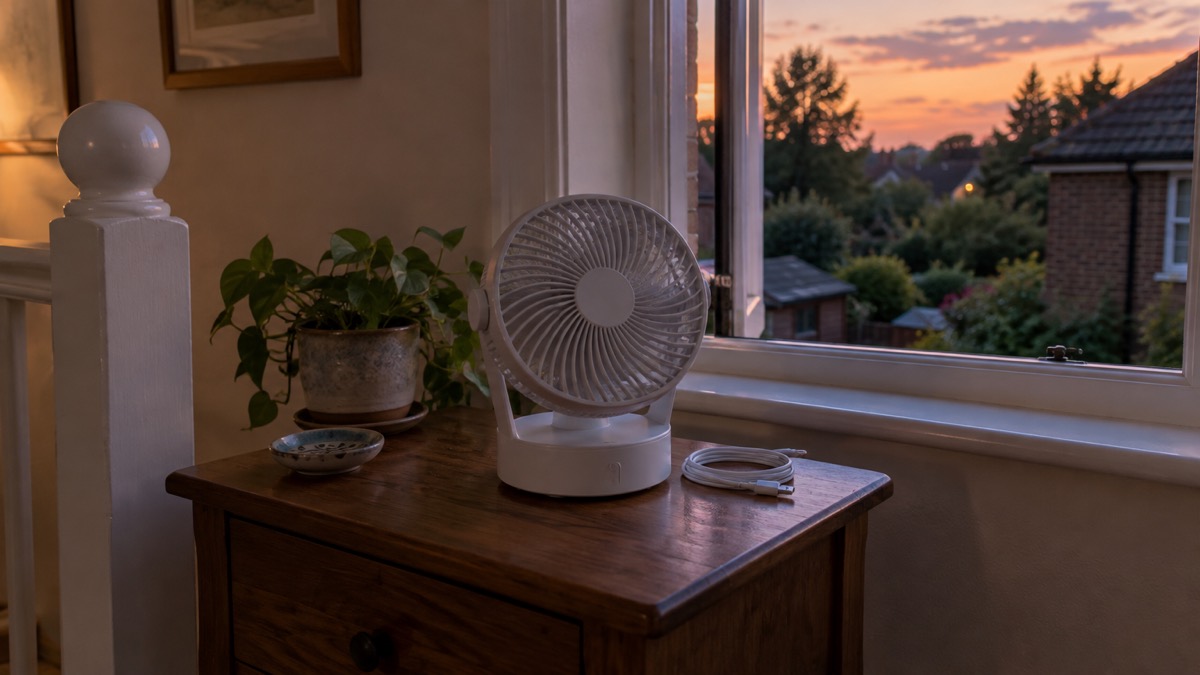
The MeacoFan Sefte 8" Portable Battery Air Circulator is a cordless 8 inch fan that runs from a replaceable lithium-ion battery or from the mains. It is no longer sold new, so this page is for households that already own one, or are considering a secondhand one, and want to know what it can do and how to use it safely. The maker lists 12 fan speeds, a digital display, Wi-Fi connectivity on 2.4 GHz and 5 GHz, and standby power of 0.5 watts1.
That run time is the headline for a heatwave or a power cut: a fan that keeps moving air overnight without a socket. The maker's own product pages give different figures for several specifications, including run time, weight and noise, and those differences are set out below rather than smoothed over. Where the maker's figures disagree, both are given.
For most households the sensible pattern is to charge it fully before hot weather, run it on the mains when power is on, and keep the battery for the hours when the power is off or the room has no socket. Official heatwave advice supports using a fan as part of keeping cool, alongside shading windows and drinking water3.
What the MeacoFan Sefte is and who it suits
This is a portable air circulator rather than a plain desk fan. The maker describes a high-efficiency DC brushless motor that provides a breeze reaching every corner of the room, and lists an air volume of 1150 m³ per hour on one page and 756 m³ per hour on another1. It draws 8 to 26 watts on one maker page and 1 to 18 watts on another, and uses 0.5 watts on standby on one page and 0.3 watts on another1. Those are low figures for a household appliance, which matters if you are running it from a battery or a backup power supply.
It suits three kinds of household. First, anyone who wants moving air in a bedroom on a hot night without a trailing cable. Second, a household facing a power cut in hot weather, where a cordless fan keeps one room bearable. Third, someone who wants a fan they can carry between rooms or take to another house, using the hidden carry handle4.
It is not an air conditioner. It moves air; it does not cool it. Official guidance from the Northern Ireland Executive says electric fans may provide some relief, and NHS heatwave advice says to use fans and air conditioning units if they are available for you2. If you are weighing up a fan against a cooling appliance, the comparison of an electric fan or portable air conditioner sets out the difference, and Electric Fans: Types and How to Choose One covers the wider choice.
Specifications at a glance
The maker's two product pages do not agree on every figure. Where they differ, both are shown.
| Specification | Figure | Notes |
|---|---|---|
| Type | Portable battery air circulator | 4 |
| Fan speeds | 12 | 4 |
| Modes | Normal, Eco, Night | 4 |
| Horizontal oscillation | 30°, 75° or 120° | 1 |
| Vertical oscillation | 20°, 30° or 65° | 1 |
| Air volume | 1150 m³ per hour, or 756 m³ per hour | Pages disagree1 |
| Air distance | Up to 32 m, or up to 17 m | Pages disagree1 |
| Power consumption | 8 to 26 watts, or 1 to 18 watts | Pages disagree1 |
| Standby power | 0.5 watts, or 0.3 watts | Pages disagree1 |
| Battery | Replaceable lithium-ion, 9200mAh rated, 4600mAh cell | 1 |
| Run time | Up to 40 hours, or up to 17.5 hours | Pages disagree1 |
| Charge time | 3.5 hours, or 3 hours, to 100 per cent | Pages disagree1 |
| Noise | From 25 dB, or from 27 dB | Pages disagree1 |
| Timer | 1 to 12 hours | 4 |
| Weight | 3 kg, or 2.3 kg | Pages disagree1 |
| Dimensions | 432 x 305 x 227 mm, or 384 x 261 x 212 mm | Pages disagree1 |
| Cable length | 1.6 m | 4 |
| Power supply | 220 to 240 volts | 4 |
| Wi-Fi | Yes, 2.4 GHz and 5 GHz | 1 |
| Remote | Glow in the dark magnetic remote, CR2025 or CR2032 cells | 4 |
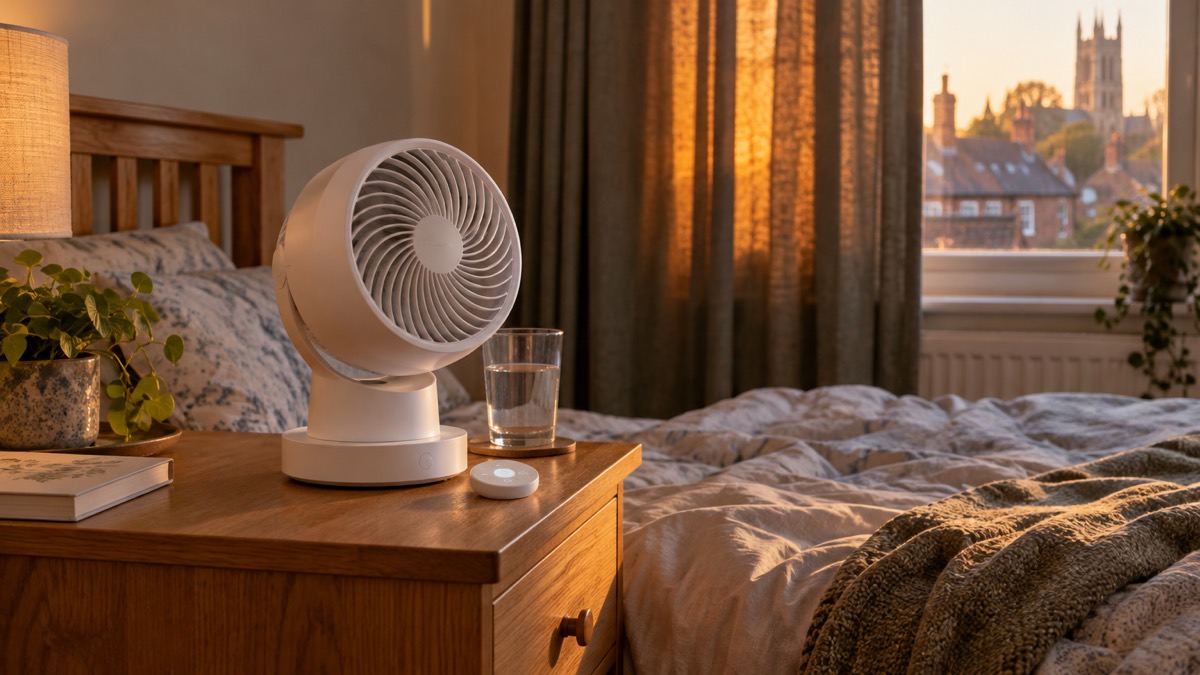
The maker's page also shows a customer rating of 4.8 out of 5 stars based on 2,119 reviews4. That is the maker's own site, so treat it as a shopfront figure rather than an independent test.
Run time: up to 40 hours on battery
The battery figure is the one most people search for, and it is the one where the maker's pages differ most. One page gives a battery run time of up to 40 hours1. Another gives up to 17.5 hours4. A third figure, up to 17 hours of cordless cooling on a single charge, also appears in the maker's material.
Run time depends on the speed you choose. The fan has 12 speeds, and the higher the speed the more power it draws, so the top of the range will empty the battery far sooner than the bottom. The Eco mode automatically adjusts fan speed based on room temperature, so the fan responds to the room rather than running flat out4.
Charging takes 3.5 hours to 100 per cent on one maker page and 3 hours on another1. The fan charges from a mains lead, and the maker lists the power options as mains lead or battery4. The cable is 1.6 m long, so think about where the socket is before you commit the fan to a corner4.
For a wider look at what a cordless fan can and cannot do compared with a mains one, see Cordless Rechargeable Fan or Mains Fan. If the power has already gone, How to Keep Cool During a Power Cut in Hot Weather covers the wider plan.
Fan speeds, oscillation and the Eco and Night modes
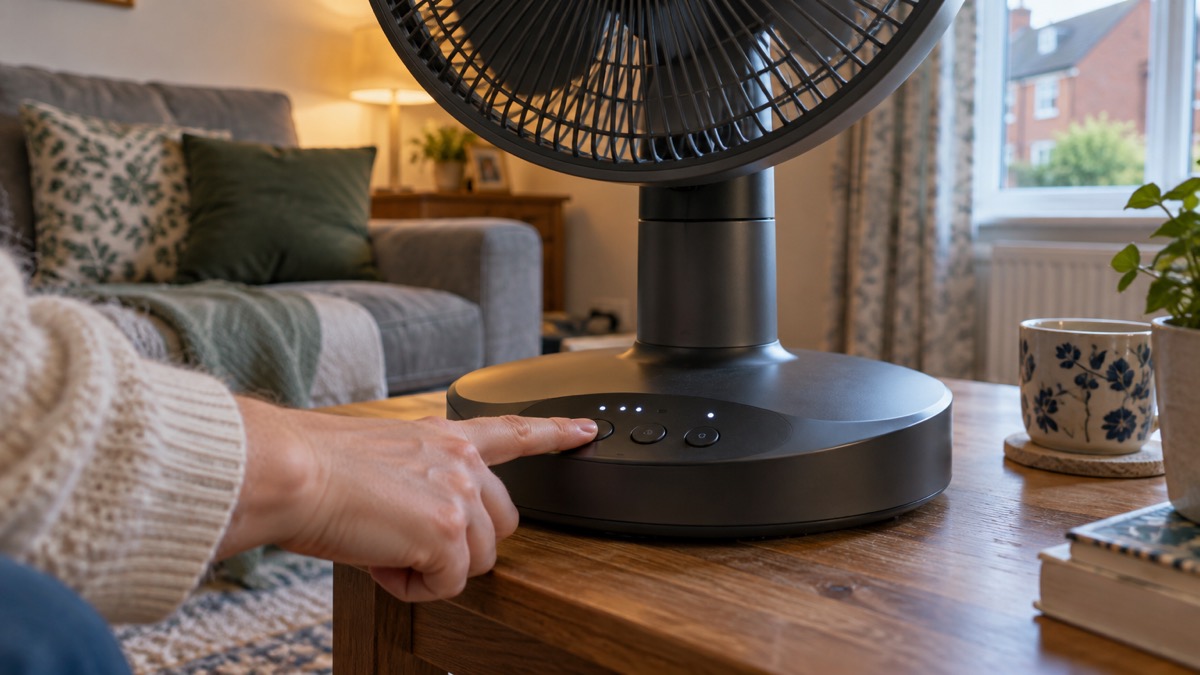
Twelve speeds is a lot for a small fan, and the maker's own quoted reviewer makes the point that the bottom of the range is not very useful: "Fan power 1-3 is not that useful and fan power 4 is a lot more powerful than 3. Feels like it needs a 3.5. The controls on the base are fiddly and easy to press accidentally"4. That is one person's experience, but it is a useful warning that the useful settings may start higher up than you expect, which affects battery life.
Oscillation is automatic with three settings in each direction. Horizontally the fan sweeps to 30°, 75° or 120°; vertically to 20°, 30° or 65°1. A narrow sweep directs air at one person or one bed; a wide sweep moves air around a whole room. For a bedroom, a narrow horizontal sweep at a low speed is usually the least disturbing.
The three modes do different jobs4:
- Normal: you set the speed and it stays there.
- Eco: the fan adjusts its speed automatically based on room temperature, so it works harder as the room warms and eases off as it cools.
- Night: turns off the display and mutes all beeps, which the maker says ensures an undisturbed sleep environment.
The timer runs from 1 to 12 hours4. On a hot night, set the fan to run for the hours you need and stop on its own. That saves battery if you are cordless, and it means the fan is not running unattended into the next day.
Keeping cool in a heatwave with the fan
A fan is one part of keeping cool, not the whole answer. Official guidance is consistent that moving air helps, but so does keeping the heat out in the first place. The Northern Ireland Executive says electric fans may provide some relief, and advises turning off non-essential lights and electrical equipment because they generate heat, and keeping indoor plants and bowls of water in the house because these can cool the air2. The NHS heatwave advice is to use fans and air conditioning units if they are available for you3.
Shade the room before you switch the fan on. West Yorkshire Prepared advises keeping rooms cool by using shades or reflective material outside the windows, and if that is not possible, using light-coloured curtains and keeping them closed, because metallic blinds and dark curtains can make the room hotter5. The London Fire Brigade's summer guide says to keep your bedroom and living space cool by closing the curtains on windows that face the sun and opening your windows at cooler times of the day6. A fan moving air through an open window at night, with the curtains closed by day, does more than a fan alone.
Keep yourself cool too. Lancashire Prepared advises filling spray bottles with cool water to use on your face and body, and checking that fridges, freezers, fans and air-conditioners are working properly before hot weather arrives7. The Met Office suggests taking a small hand-held battery fan when travelling on public transport in heat8. For children, Oxfordshire County Council advises that if a child is very hot, sponging or spraying them with cool water or using cold packs around the neck and armpits helps, and that wrapping them in a cool, wet sheet with a fan on them can help cool them safely9.
For the wider household plan, the Hot Weather Preparation Checklist sets out what to do before a hot spell, and How to Keep Your Home Cool in Hot Weather covers shading, ventilation and room choice.
Using and storing the battery safely
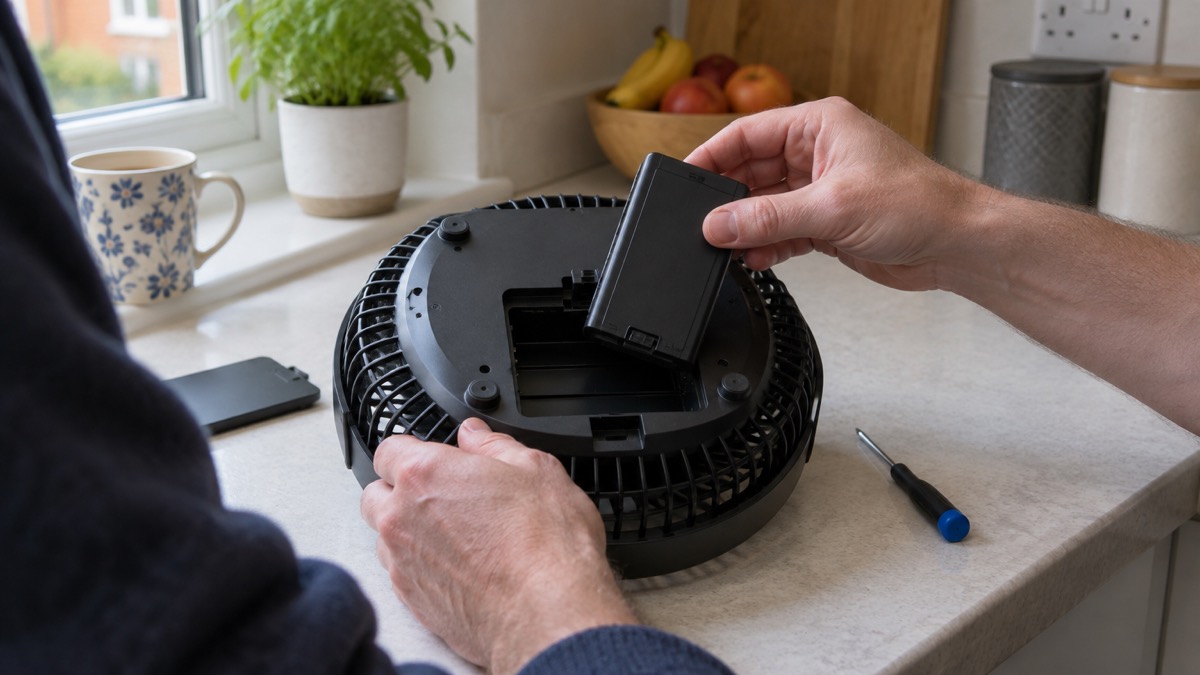
The Sefte runs on a replaceable lithium-ion battery, rated at 9200mAh with a cell capacity of 4600mAh1. Lithium-ion packs are safe when treated properly and dangerous when they are not, and the fire and rescue services are consistent about what proper treatment means.
The maker's own instructions govern charging, storage and disposal. The Health and Safety Executive's advice, repeated by fire services, is to always follow the manufacturer's instructions for using, charging, storing and disposing of rechargeable batteries10. For this fan, that means the maker's manual, not a general rule of thumb.
Store the fan and its battery in a cool, dry place, away from metal objects like keys or coins, which can cause a short circuit11. Keep batteries out of reach of children and pets10. If you keep spare button cells for the remote, store them in a sealed container out of reach, keep new ones in their original blister packaging, and make sure the battery compartment is securely closed13. Recycle used cells safely so they are out of reach of children13.
If you will not use the fan for an extended period, follow the maker's instructions for storage and maintenance15. As a general principle for rechargeable batteries, the Caravan and Motorhome Club advises recharging after use and, if storing for more than a month, removing the battery and storing it fully charged in a cool, dry place12. That is independent guidance for leisure batteries, not the maker's instruction for this fan, so check the manual first.
Wi-Fi, the remote and the timer
The Sefte has Wi-Fi connectivity for smart devices on 2.4 GHz and 5 GHz networks, and a digital display1. It also has a glow in the dark magnetic remote control that takes CR2025 or CR2032 cells4.
Smart features are convenient and carry a small security duty. The National Cyber Security Centre defines smart devices as electrical items that connect to the internet or your home network, usually via Wi-Fi, and advises that if you do not need to access a smart device when you are away from your home Wi-Fi, you should switch off the remote access function17. Keep the fan's app and firmware updated as the maker advises, and use a strong password on your home network. The NCSC's guidance on smart devices in the home is the place to start if this is your first connected appliance.
The remote's button cells deserve their own care. The Great Ormond Street Hospital advice is to keep new batteries in their original blister packaging out of the sight and reach of children, and to recycle used batteries safely14. Berkshire Healthcare adds that spare batteries should be stored in a sealed container out of reach and that battery compartments should be securely closed13.
The timer runs from 1 to 12 hours4. It is the setting that makes the fan work for a household rather than the other way round: set it for the hours you need, and it stops on its own.
Support, spares and availability in the UK
The MeacoFan Sefte 8" is no longer sold new, so the practical questions are about spares, the battery and the maker's support rather than about buying one. The battery is replaceable, which is the single most useful fact for an owner: a fan whose battery has faded can be brought back with a new pack rather than replaced1. Follow the maker's instructions for fitting it and for disposing of the old one10.
The maker's product page carries the current specification and the maker's own description of the fan: MeacoFan Sefte 8" Portable Battery Air Circulator4. The maker also lists a 6 inch version with a storage bag, which is a different model and has its own specifications18.
If you need help reaching the maker or any other service, Relay UK is free and available 24/7 for people who cannot hear or be heard on the phone19. If you have difficulty getting out to shop during a hot spell, your local authority can tell you what support services are available in your area20. For households that need extra help in an emergency, Extra Help in an Emergency sets out the Priority Services Register and other routes.
For the wider picture on heat and health, the Heatwaves and Drought: A Household Guide is the section page, and Who Is Most at Risk in Hot Weather explains who needs checking on when the temperature climbs.
Sources (20)
- MeacoFan Sefte 6" Portable Battery Air Circulator with Storage Bag, Meaco, 2026-10-29
- Heat exhaustion and heatstroke, nidirect, 2025-12-02
- Heatwave advice, Guy's and St Thomas' NHS Foundation Trust, 2026-06
- MeacoFan Sefte 8" Portable Battery Air Circulator, Meaco, 2026-10-29
- Severe weather, West Yorkshire Prepared, 2026-10-29
- Extreme weather summer guide, London Fire Brigade, 2024-05
- Heatwave, Lancashire Prepared, 2026-10-29
- Stay safe in extreme heat, Met Office, 2026-10-29
- Keeping cool in heatwaves, Oxfordshire County Council, 2026
- Battery safety, Greater Manchester Fire and Rescue Service, 2026-10-29
- Battery safety, West Yorkshire Fire and Rescue Service, 2026-10-29
- Batteries, Caravan and Motorhome Club, 2026-10-25
- Child safety, Berkshire Healthcare NHS Foundation Trust, 2026-10-29
- Button batteries: using them safely, Great Ormond Street Hospital, 2018-10-01
- Lithium-ion batteries, Scottish Fire and Rescue Service, 2025-11-27
- Battery safety, Tower Hamlets Council, 2026-10-29
- Smart devices in the home, National Cyber Security Centre, 2019-02-15
- Security law for smart devices, National Cyber Security Centre, 2024
- Stay connected in severe weather, Ofcom, 2026-10-13
- Withdrawn Coronavirus (COVID-19): Accessing food and essential supplies - GOV.UK, GOV.UK (Department for Environment, Food and Rural Affairs / UK government)