
If a virus or ransomware has hit your computer, laptop, phone or tablet, the order you do things in decides whether you get your files back cleanly or bring the infection back with them. Disconnect the device from every network first, wired, wireless or mobile, then deal with the device itself, and only then restore your files from the last known good backup1. The National Cyber Security Centre is blunt about the trade-off: you will lose any data that was not backed up, but trying to rescue data while the device is still infected risks carrying the infection through after wiping and reinstalling2.
On a PC or laptop, run a full scan with your antivirus software and follow its instructions1. If it cannot clean the device, you will have to wipe it entirely and reinstall everything, starting with the operating system, and you may need expert help to do that2. On a phone or tablet, antivirus products do not work in the same way, and the safest solution is a factory reset, usually found in Settings2.
Ransomware is a kind of malware that locks you out of your data or systems and only allows access once money is paid3. Paying is not a reliable way back: there is no guarantee that you will get access to your data or computer1. The recovery route that works is a clean device plus a backup you trust.
Disconnect the infected device before you restore anything
The first instruction from the NCSC for a ransomware attack is to immediately disconnect the infected computers, laptops or tablets from all network connections, whether wired, wireless or mobile phone based1. Do this before you open a backup, plug in a drive or start a scan. An infected machine that stays connected can spread to other devices on your home network and can reach your backups.
The same logic applies to the drives you keep your copies on. The NCSC warns that ransomware and other types of malware can move to attached media, which means your backup would also be infected, and advises disconnecting removable media when not in use5. If an external hard drive or USB stick was plugged in while the infection was active, treat it as suspect until you have checked it.
Once the device is off the network, work out what you are dealing with. In a ransomware attack you will not be able to access your device or the data stored on it because the files are encrypted1. Other malware may leave the device working but compromised. Either way, the next step is the same: recover the device before you put any data back on it.
Recover the device first, following NCSC guidance
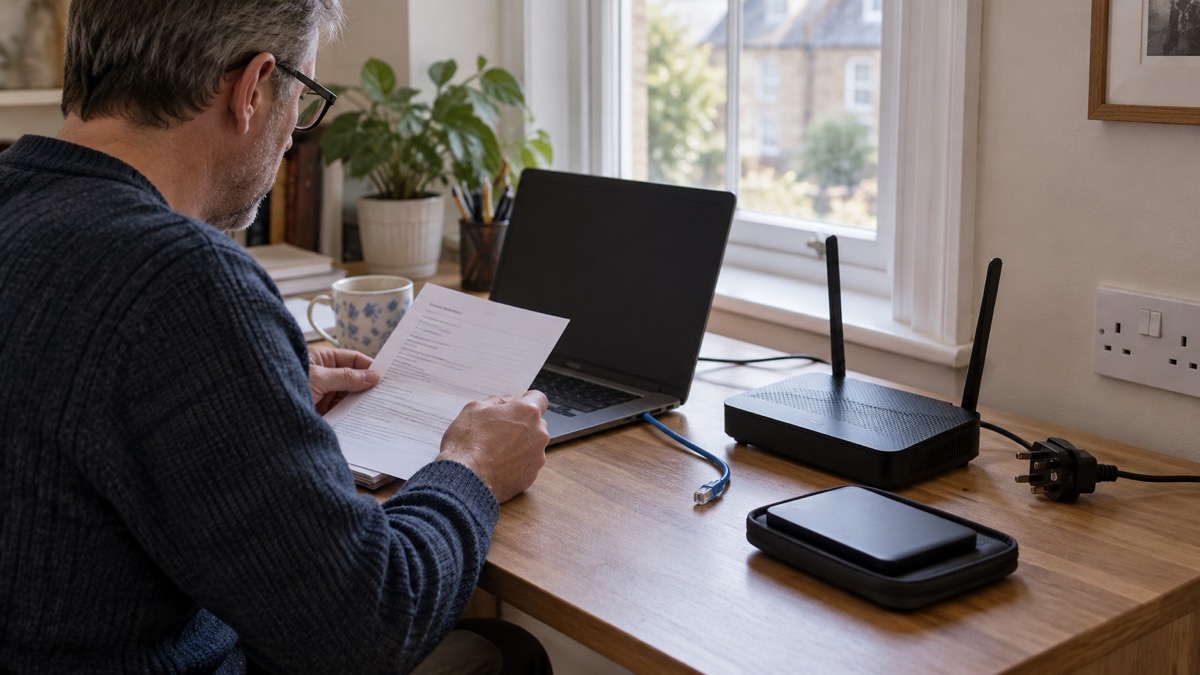
Recovery means getting the device back to a known clean state, not deleting a few suspicious files. The NCSC's sequence for an infected device starts with your antivirus: open it and run a full scan, then follow any instructions it gives6. For phones and tablets, the NCSC says the safest solution is a factory reset, usually found in Settings7.
What happens next depends on the device.
| Device | What the NCSC advises | What you lose |
|---|---|---|
| PC or laptop, antivirus cleans it | Run a full scan and follow the instructions given1 | Nothing beyond what the scan removes |
| PC or laptop, antivirus cannot clean it | Wipe it entirely and reinstall everything, starting with the operating system; you may need expert help2 | Everything not backed up |
| Phone or tablet | Factory reset, usually found in Settings2 | All personal data, including messages, contacts, photographs, browsing history, Wi-Fi codes, passwords and installed apps4 |
On a phone, the reset is usually in Settings and may be labelled "Erase all content"; the NCSC advises referring to the device manufacturer's website for the exact steps4. Before you reset, there is one rule that matters more than any other.
If you are unsure whether a reset is the right move for your phone, the guidance on whether to factory reset an infected phone sets out the cases. For the wider picture of what malware does and how it is removed, see malware on a computer or phone.
What can go wrong when restoring after ransomware
The restore itself is where most households undo their good work. The common failures are predictable.
- Restoring from a backup made after the infection started. Use the last known good backup, not the most recent one2. If you are not sure when the infection began, go further back.
- Leaving the backup drive connected. Ransomware can move to attached media, so a drive that was plugged in during the attack may itself be encrypted or infected5.
- Trying to rescue files from the infected machine. The NCSC says this risks carrying the infection through after wiping and reinstalling2. Accept the loss of anything not backed up.
- Assuming a synced folder is a backup. A backup is a copy of your important data stored in a separate safe location, usually cloud storage or removable media such as a USB stick, SD card or external hard drive5. A folder that mirrors your device in real time is not separate enough on its own.
- Paying and expecting everything back. There is no guarantee that you will get access to your data or computer1, and a parliamentary committee reported in December 2023 that even if the ransom is paid, the victim may not regain access to all their files7.
Before you restore, check the backup contains what you need. The NCSC advises checking that it holds all your important data, such as recently taken photos or recently created files and folders5. Then restore onto the cleaned or rebuilt device, and only reconnect the network once the device is clean and updated.
Protect your accounts once your files are back
Getting your files back is only half the job. If malware was on the device, anything you logged into while it was there may have been exposed. The NCSC advises that if you have logged into any accounts or apps since installing the malware, you must change the password for that account, as it may have been stolen, and update any other accounts that used the same password4.
The full sequence for securing accounts is:
- Change the password for any account that has been hacked, and also for any accounts that use the same password8.
- Force all devices and apps to log out, usually from the Settings menus of the app or website, so anyone attempting to use the account is prompted to supply the new password8.
- Set up 2-step verification (2SV), also known as two-factor authentication or 2FA, which usually works by sending a PIN or code, often via SMS or email, to prove it is really you8.
- Check your email filters and forwarding rules, because cyber criminals set up forwarding rules to receive copies of all emails sent to your account, which could allow them to reset your passwords9.
- Apply updates to your apps and device software as soon as they are available, as updates include protection from viruses8.

The NCSC calls turning on 2SV the first and most important step, because even if a criminal knows your password, they will not be able to access your accounts protected by it10. Set it up on all your important accounts, email, social media and the rest, even if you already have a strong password11. If you use a password manager, switch on 2SV on that account too, so a criminal who knows the primary password still cannot get in10.
"So even if a criminal knows your password, they won't be able to access your accounts."
For step-by-step help, see how to turn on 2-step verification and which accounts to protect with 2-step verification. If an account itself has been taken over, the guidance on what to do if an online account is hacked covers recovery, and how to check for forwarding rules set by hackers deals with the email settings criminals leave behind.
Where to get help and report the attack
You do not have to work this out alone, and reporting helps others as well as you. If you have lost money, the NCSC advises telling your bank straight away and reporting it to Action Fraud, or in Scotland contacting Police Scotland7. Action Fraud is the UK's national reporting centre for fraud and cyber crime, and you should report fraud if you have been scammed, defrauded or experienced cyber crime12. The same centre appears in NHS emergency planning guidance as the place to report cyber crime, with the note that Scotland is excepted13.
If the infection happened on a work laptop or phone, contact your IT department and tell them what has happened14. UK-based organisations that have experienced a cyber incident can report it at gov.uk/report-cyber15.
For households, the practical sources of help are:
- The NCSC's own recovery guidance, which covers infected devices, hacked accounts and data breaches, and is worth reading before you need it so you know what to do if you experience an incident16.
- Your bank, first and immediately, if money has gone7.
- Action Fraud for reporting fraud and cyber crime across the UK, or Police Scotland where you are in Scotland7.
- Microsoft 365, which publishes step-by-step guides for account recovery scenarios if that is the service you use16.
If you suspect one of your accounts has been fraudulently accessed, the NCSC refers you to its actions to take to recover a hacked account17. The signs include no longer being able to access your accounts, or activity you do not recognise such as changes to security settings or password reset messages16.
Once the device is clean and your accounts are secured, the priority shifts to making sure this is easier next time. A recent offline backup of your most important files and data is the single measure the NCSC's annual review singles out for ransomware18. Our guide to backing up files and photos at home explains how to set one up, and how to protect your backups from ransomware covers keeping it out of reach. For the wider context, start with ransomware: what it is and how it affects households and the after fixing an infected device checklist.
Sources (18)
- Responding to a ransomware attack, National Cyber Security Centre, 2026
- Infected devices: what to do, National Cyber Security Centre, 2026
- Cyber attacks, West Yorkshire Prepared, 2026
- Scam missed parcel SMS messages: advice on avoiding malware, National Cyber Security Centre, 2021
- Backing up your data infographic, National Cyber Security Centre, 2026
- Ransomware: prevention & recovery, National Cyber Security Centre
- Joint Committee on the National Security Strategy: ransomware report, UK Parliament, 2023
- Recovering hacked accounts infographic, National Cyber Security Centre, 2026
- Hacked accounts: action to take, National Cyber Security Centre, 2026
- Password managers, National Cyber Security Centre, 2026
- Cyber attacks and threats: scams, Essex Prepared, 2026
- West Midlands Local Resilience Forum: community risk register, NHS, 2023
- Data breaches infographic, National Cyber Security Centre, 2023
- Phishing: what to do, National Cyber Security Centre, 2026
- Hacked accounts, National Cyber Security Centre, 2026
- Recovering a hacked account or service, National Cyber Security Centre, 2024
- Data breaches: guidance for individuals and families, National Cyber Security Centre, 2026
- Cyber crime: NCSC annual review 2022, National Cyber Security Centre, 2022
 Accounts to Protect With 2-Step
 After Fixing an Infected Device
 Home Online Security Checklist
 2-Step Verification No Phone
 Antivirus on Phones and Tablets
 Automatic Updates
 Gave Bank Details to a Scammer
 Checking a Bank Message
 Blocking Nuisance and Scam Calls
 Scams After a Data Breach
 Browser Saved Passwords
 Checking Your Email for Breaches
 Hacker Email Forwarding Rules
 Factory Reset an Infected Phone
 Recover a Hacked Email