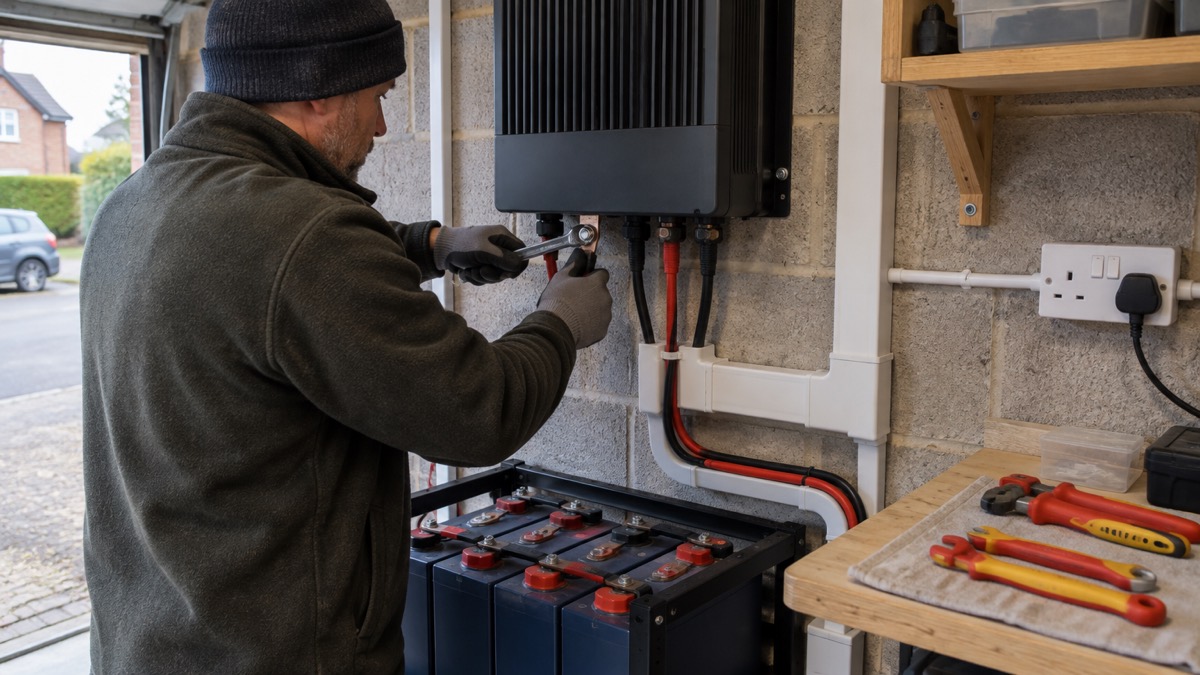
The SmartSolar MPPT RS is a solar charge controller from Victron built to charge a 48V battery bank from a large, series-connected solar array. It takes a panel voltage of between 65 and 450V and comes in two models, one charging at 100A and one at 200A1. For a household preparing for power cuts, it is the part of an off-grid system that turns daylight into stored energy in a battery bank, so that lights, a fridge or a communications radio keep working when the mains does not.
It is not a plug-in gadget. It is fixed wiring equipment for a permanent installation, working with high DC voltages that can injure or kill. The maker's manual warns that the internals can carry a 400-500V DC voltage even when the product is off, and that voltages above 50V are generally considered dangerous2. If you are at the stage of sizing a system rather than choosing a charger, start with off-grid solar systems and sizing an off-grid solar system.
What the SmartSolar MPPT RS does for a household
The unit is a solar charge controller for systems with large series-connected PV arrays charging 48V DC battery banks1. In plain terms, it sits between your panels and your batteries. The panels make DC electricity at a high voltage; the charger tracks the array's best operating point and converts that into the current your battery bank needs. Victron states that a fast MPPT algorithm improves energy harvest by up to 30% compared with PWM charge controllers, and by up to 10% compared with slower MPPT controllers2.
That matters in an emergency because harvest is everything when the grid is down. A more efficient charger means a smaller array and a smaller battery bank can carry the same daily load, which is the difference between a system that rides out a multi-day outage and one that does not. The charger has independent tracking inputs, full connectivity, isolated PV connections, a display screen, fully programmable charging parameters and active cooling1. The display reads battery volts, charge current and the voltages from both arrays individually, including instantaneous and total figures, plus unit status and any error codes1.
The two models differ only in charge current: 100A or 200A into the 48V bank1. Which suits you depends on the size of your battery bank and array, not on the brand. If you are still deciding between charger technologies, the solar charge controllers page sets PWM, MPPT and shunt regulators side by side.
Specifications: 450V PV limit, 16A per tracker, 96% efficiency
The figures below decide whether a given array can be connected at all. They come from the maker's datasheet and manual.
| Specification | Figure |
|---|---|
| Battery voltage | 48V2 |
| MPPT operating voltage range | 65 to 450V4 |
| Maximum DC PV voltage | 450V5 |
| Maximum operational PV input current | 16A per tracker4 |
| Maximum PV array size per tracker | 7200 Wp (450V x 20A)4 |
| Max PV short circuit current, reverse polarity protection | 20A per tracker4 |
| Maximum efficiency | 96%2 |
| Programmable charge voltage range | minimum 36V, maximum 60V4 |
| Operating temperature range | -40 to +60°C, fan assisted cooling4 |
| Protection category | IP214 |
| Humidity | max 95%, non-condensing4 |
| Maximum altitude | 2000m4 |
| PV input terminals | MC4 connectors4 |
| Bluetooth | 2402 to 2480 MHz, 4dBm4 |
Two limits catch people out. First, the array's open circuit voltage must stay under 450V, and the manual adds a rule of thumb: keep an additional 10% safety margin, because panels produce more voltage in cold weather2. Second, the array voltage must be less than 8 times the minimum battery voltage when at float. The manual works an example: where a battery has a float voltage of 54.0 volts, the maximum open circuit voltage of the connected array cannot exceed 432 volts2. If the array voltage goes above the limit, the system gives an "Over-charge Protection" error and shuts down2.
Where to install it: 30cm clearance, upright, dry and dust-free
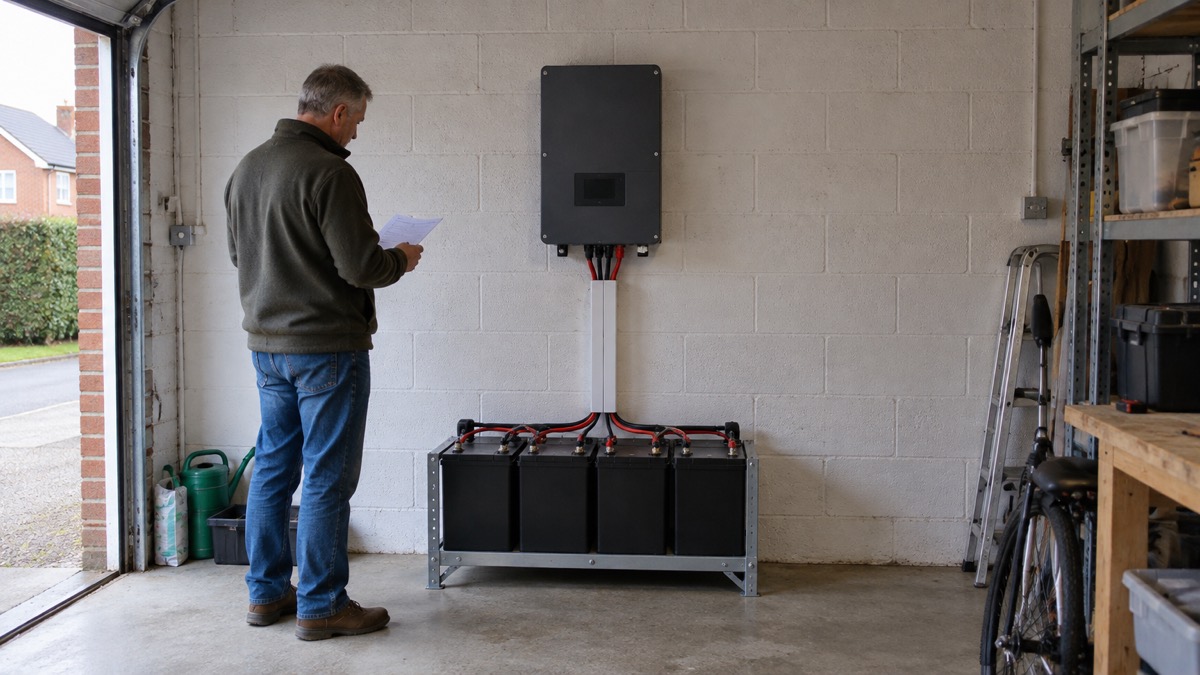
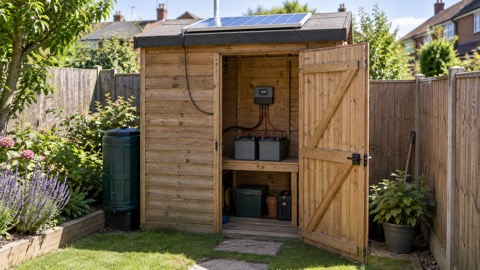
The maker's installation instructions are specific. Install the SmartSolar MPPT RS upright and vertical, and ensure 30cm clearance above and below it3. The device must be fitted vertically for optimal cooling2. It is rated IP21, which the manual describes as protected from touch by fingers and objects greater than 12 millimetres, and protected from condensation2. The datasheet states it is not suitable for wet locations4.
In practice that means a dry, dust-free wall in a garage, plant room or utility space, not a damp shed or an exposed outbuilding. Keep the ambient air temperature between -40°C and 60°C, with humidity below 95% non-condensing3. Excessively high ambient temperature reduces service life, reduces charging current, reduces peak capacity, or shuts the MPPT down2. The charger will resume once the temperature falls back within specification6. Full output current is available up to 40°C2.
There is one placement rule that matters for health as well as kit. The manual states: "Never position the appliance directly above lead-acid batteries"3. Lead-acid batteries give off gas when charging, and the charger should not sit in that path. The battery itself must be placed in a well-ventilated area7.
Connecting batteries and panels safely
The connection order is not a suggestion. The maker's manual sets it out in three steps: first, confirm correct battery polarity and connect the battery; second, if required, connect the remote on-off, the programmable relay and the communications cables; third, confirm correct PV polarity and then connect the solar array2. The installation guide repeats the same sequence3. Connecting the array first leaves the charger live from the panels while you work.
Keep the cable run between the charger and the battery as short as you can, to minimise voltage losses3. The battery terminals take M8 bolts, with a maximum torque of 14 Nm2. Cables need fine stranding: a 25mm² cable should have at least 196 strands, and an AWG2 cable at least 259 strands of AWG26, with a maximum operating temperature of at least 90°C2. Solar input cable insulation should be stripped to leave 12mm of exposed copper at the PV attachment point2.
The charger is a Safety Class I product supplied with a protective grounding terminal, and the chassis must be grounded2. The grounding conductor from the chassis ground lug to earth must have a cross-section at least equal to that of the PV array conductors2. The connection between PV DC and battery DC is fully galvanically isolated, so PV array voltages cannot transfer to the battery side in the event of a fault2.
The unit ships with the remote on/off connector terminals linked by a wire, so it runs by default2. The remote on/off defaults to on/off mode, and when a lithium battery is selected, remote L works as "allow to charge" and remote H as "allow to discharge"2.
Dangerous voltages: 400-500V DC can remain inside when it is off
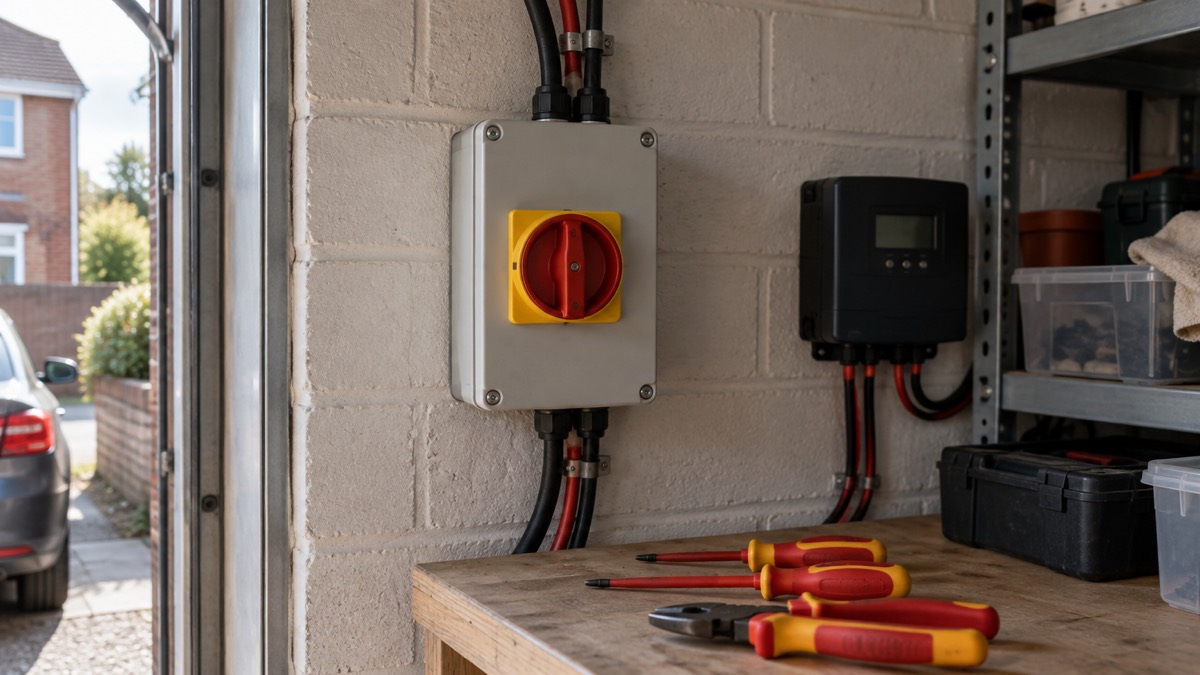
This is the section to read twice. The manual states: "The internals can carry a 400-500V DC voltage even when the product is off!"2. It adds that dangerous residual voltages may still exist inside the product and at the terminals after shutdown, and that you should never open the product casing or touch bare terminals2. Before any work, disconnect all power connections, including the battery and the DC solar isolator, and wait at least 5 minutes2.
For context on why this is treated so seriously, Northern Ireland Networks notes that even 230 volts, ordinary domestic voltage, can result in serious injury or death8. The charger's DC side runs at up to twice that.
The array itself stays live whenever there is daylight. London Fire Brigade's guidance for residents on solar panels states: "Solar panels may continue generating electricity during daylight hours, even when switched off indoors"9. Isolating at the charger does not switch off the panels. Any DC disconnection switch must be properly rated for at least 450V DC, rated for DC applications, and rated for at least the expected PV array short circuit current3.
If a PV resistance isolation fault is indicated, the manual is direct: do not touch any metal parts, and contact a qualified technician immediately to inspect the system for faults2. Despite the error, the product will continue charging the battery2.
Charging settings for lead-acid and lithium batteries
The charger can be set up for different battery chemistries, including lead-acid, lithium and more, and the charge settings are fully programmable1. It is configured for a three step charging process: Bulk, Absorption and Float2. The charge algorithm is multi-stage adaptive and adjustable5, and there are eight preprogrammed battery presets2.
The absorption period ends when the charge current falls to less than 2A, as well as on time2. For lithium batteries, equalisation is not available2. For VRLA batteries and some flooded types, automatic equalisation ends when the voltage limit is reached or after a period equal to absorption time divided by 8, whichever comes first; for tubular plate batteries and the user-defined type it ends after a period equal to absorption time divided by 22. If you are unsure which batteries need equalisation, the equalisation charging page covers which must not have it.
The battery voltage setting is always greyed out on this model because it is only a 48V product2. For Victron lithium batteries, the manual says to use a smallBMS with the RS2. The programmable relay can be set for general alarm, DC under voltage or genset start/stop, and is rated 4A up to 35VDC and 1A up to 70VDC2.
The temperature sensor is supplied with the unit and is isolated. It must be fitted to the negative terminal of the battery2, and can be used for low temperature cut-off when charging lithium batteries, configured in VictronConnect3. That cut-off protects lithium cells from being charged in the cold. For the wider picture on chemistries and care, see off-grid battery banks and charging and looking after an off-grid battery bank safely.
Error codes, faults and warranty limits
The system displays code notifications as required: errors, warnings and alarms6. The screen cycles through the relevant displays every few seconds6. A few codes are worth knowing before an outage, because they change what you do.
| Code or fault | What happens | What to do |
|---|---|---|
| Error 35, PV over-power | Affects MPPT RS, Inverter RS and Multi RS products | Upgrade firmware to at least v1.08, as the issues causing this error have been addressed2 |
| Error 20, maximum Bulk-time exceeded | Bulk stage ran too long | Update to the latest firmware2 |
| Error 2, battery voltage too high | Protection trips | Auto-resets after the battery voltage has dropped2 |
| PV overvoltage | Error #33, fast blinking absorption and float LED; charging will not recommence until the PV voltage has dropped 5V below the rated maximum2 | Check string voltage against the cold-weather margin |
| PV resistance isolation fault | Charging continues despite the error2 | Do not touch metal parts; contact a qualified technician2 |
| Safety relay fault | The fault cannot be cleared or reset; the relays have closed to prevent further damage2 | Return the unit to the supplier2 |
A PV overvoltage event will damage the solar charger, and the manual states this damage is not covered by warranty2. That is the single most expensive mistake an owner can make, and it is avoidable by checking the array's cold-weather open circuit voltage against the 450V limit with the 10% margin2.
The standard warranty is 5 years, backed by world-wide support and a global repair service1. The manual also requires that the system operation or service manual includes a battery maintenance manual applicable to the type of batteries used2. Keep the paperwork with the installation.
Using VictronConnect: Bluetooth, history and parallel units
The charger can be remotely controlled and configured over Bluetooth via the VictronConnect app1. Bluetooth is enabled by default2. When you pair, enter the default pairing code, which is either 000000 or a unique PIN printed on the serial number sticker2. If a PIN reset succeeds, the code returns to 0000002. If Bluetooth has been disabled, you will need to connect using a VE.Direct to USB interface to enable it again2; the Dutch-language manual page describes the same route through the app10.
The app is available for iOS and Android devices, as well as macOS and Windows computers, and Windows systems need a VE.Direct to USB accessory2. History covers up to the last 30 days of solar and battery data2. The app shows the maximum PV power for any of the last thirty days2, the charger keeps 30 days of battery voltage history2, and a histogram shows how long the batteries spent in Bulk, Absorption and Float each day for the last 30 days2. The built-in 30-day history shows the individual performance of the separate MPPT trackers5.
For a bigger bank, up to 25 units can be connected in parallel with VE.Can and synchronise their charging5. They are linked with RJ45 UTP cables, with bus terminators needed2, and the network icon blinks every 3 seconds on all paralleled units3. Every unit must have identical settings, such as the charge algorithm2. The unit has a VE.Direct port and two VE.Can ports, and only one port can be used at a time2.
Fitting it into a household plan
A charger of this size belongs to a permanent off-grid or backup system, not to a grab bag. Its value in an emergency is that it keeps a 48V battery bank topped up through a long outage, so the stored energy you invested in is still there on day three. That makes it part of the wider backup power plan, alongside decisions about what the battery bank will run and for how long.
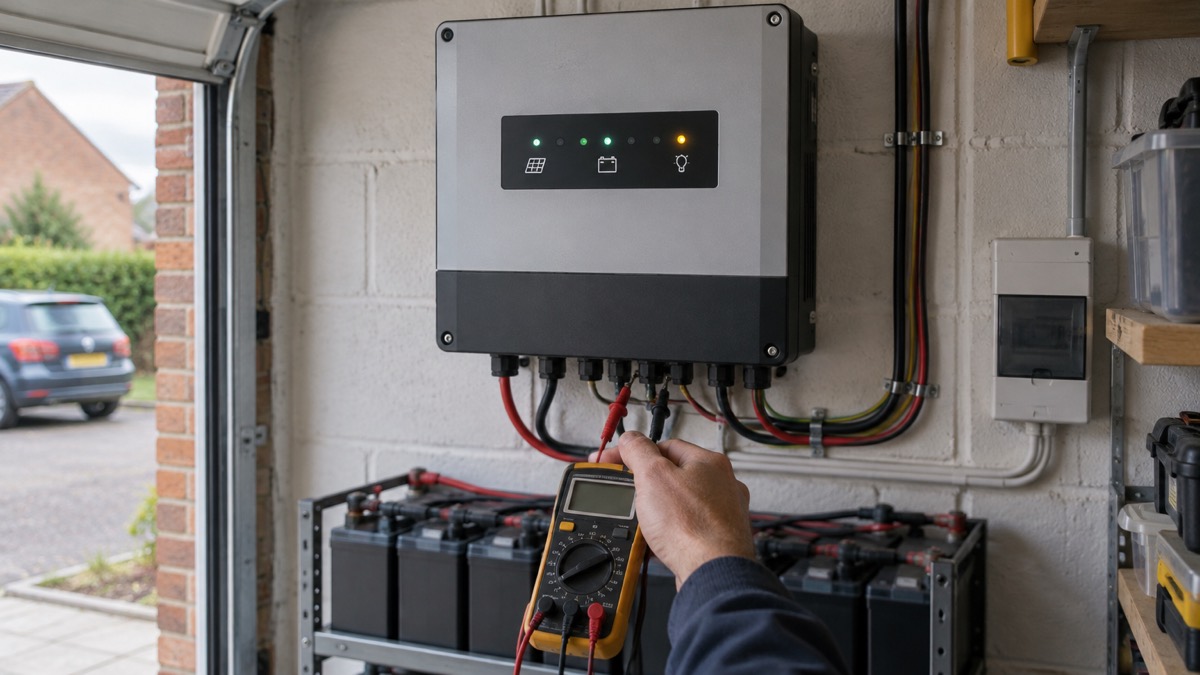
Two practical points for preparedness. First, the charger's own consumption is small: self-consumption is 15 mA5, so it will not flatten a healthy bank on its own. Second, the 30-day history is a diagnostic you can check before winter: if harvest has been falling, you have time to act before the storms arrive. Pair it with the off-grid solar kit checklist when you commission the system, and read mounting and wiring solar panels before you plan strings.
Sources (10)
- SmartSolar MPPT RS 450 Tr product page, Victron Energy, 2026-10-29
- SmartSolar MPPT RS manual, Victron Energy, 2026-10
- SmartSolar MPPT RS installation, Victron Energy, 2026
- SmartSolar MPPT RS technical specifications, Victron Energy, 2026
- SmartSolar MPPT RS datasheet, Victron Energy, 2025
- SmartSolar MPPT RS operation, Victron Energy, 2026
- Isolated SmartSolar MPPT RS, .pdf), Victron Energy
- Public advice on vegetation management, Northern Ireland Networks, 2026-10-25
- Plug-in solar panels: safety advice for residents and homeowners, London Fire Brigade, 2026-10-25
- VictronConnect setup, configuration and operation, Victron Energy, 2026

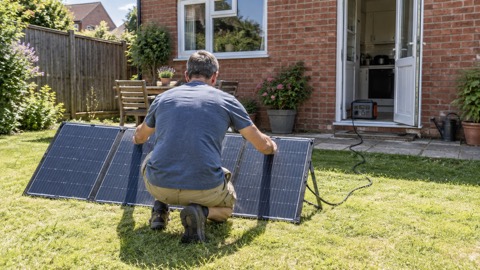 Anker SOLIX PS200 Solar Panel
 EcoFlow STREAM Home Battery
 Morningstar SunSaver Duo
 Sterling Power ETFE Solar Panel