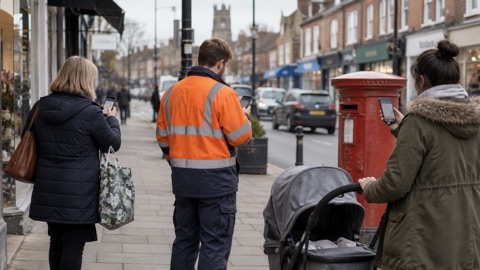
The UK Emergency Alerts system went live in March 2023, enabling people to be notified immediately and directly by mobile phone message if lives or health are at risk in an emergency1. West Yorkshire Prepared, the region's Local Resilience Forum, announced that a country-wide test would take place at 3pm on Sunday 23 April, sending an alert to all compatible mobile phones1.
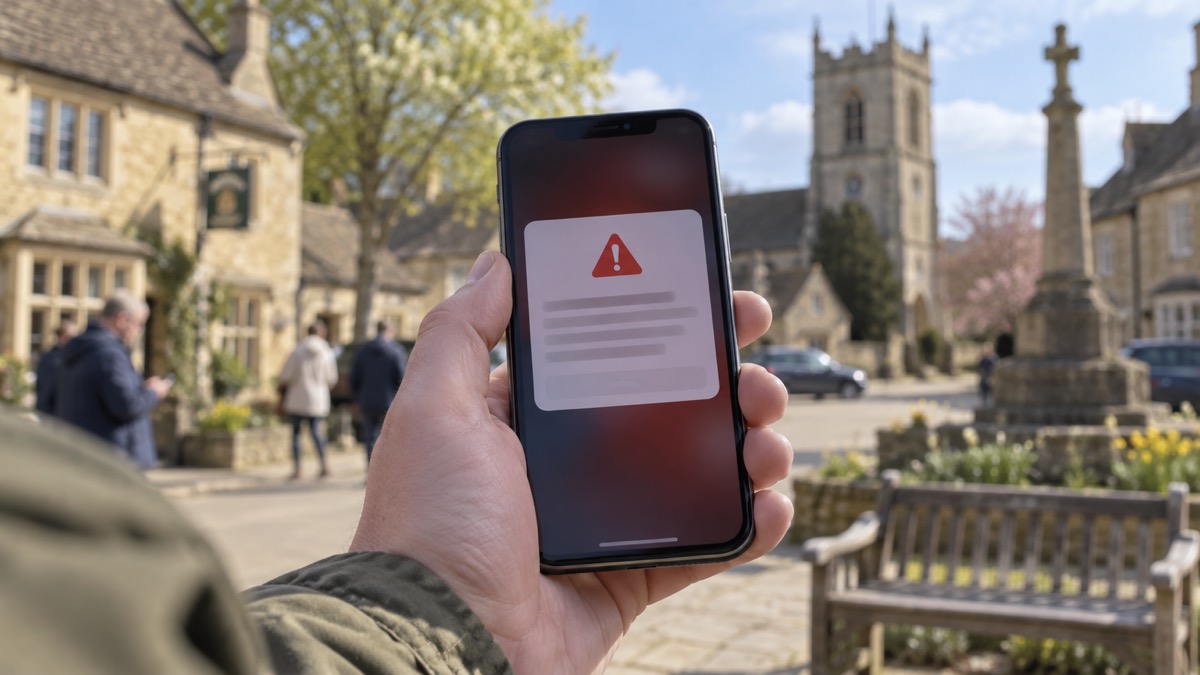
The system is intended for incidents such as severe flooding, wildfires or extreme weather, either locally or nationally, and the most frequent use is expected to be for flooding1. Alerts will look and sound different from other notifications: there will be a loud, siren-like sound and a distinct vibration, and a message will appear on the screen with information about the emergency and how best to respond1. Only the government and the emergency services will be able to send them, and the likelihood of receiving a message in any given year is low1. The alerts will not track a person's location or collect personal data1. Recipients can check an alert is genuine by visiting www.gov.uk/alerts1.
Dave Walton, Deputy Chief Fire Officer at West Yorkshire Fire and Rescue Service and co-Chair of West Yorkshire Prepared, said:
"In emergency situations, time is of the essence so the quicker we can alert people to any hazards or dangers they may be facing, the better."
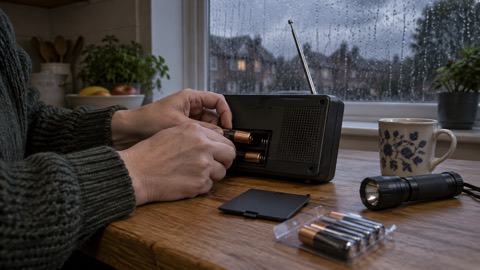
For people who do not currently have a mobile phone or compatible device, usual forms of communication will continue to be used by the emergency services, such as local news, radio and social media1. West Yorkshire Prepared said it is strongly recommended that people do not turn off the alerts service, as it will warn when lives are in danger, but that it is possible to opt out if absolutely necessary, with more information at www.gov.uk/alerts/how-alerts-work1. The organisation also pointed to a video from Refuge, which it describes as the largest specialist domestic abuse organisation in the UK, explaining how to manage the emergency alerts settings on Android and iPhone devices1.
Why it matters for households
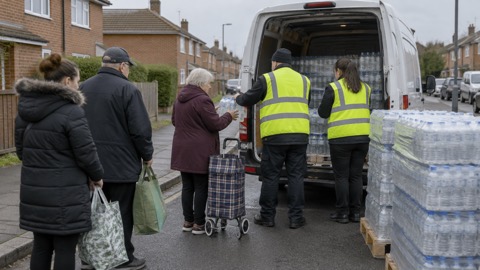
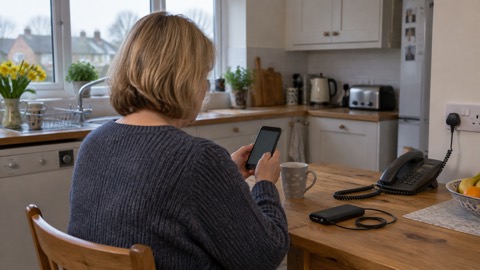
From March 2023, households with a compatible mobile phone could receive a government or emergency services message directly, without needing to be tuned to a broadcast or to have registered for anything1. The 23 April test was intended to reach all compatible phones across the country1. The alerts are reserved for situations where lives or health are at risk, and the authorities expect flooding to be the most common reason for sending one1. West Yorkshire Prepared advises that the service should not be turned off because it warns when lives are in danger, while noting that opting out is possible if absolutely necessary1. Households without a compatible phone are told that local news, radio and social media will continue to be used by the emergency services1. The Emergency Alerts guide explains how the phone warning system works, and Will Your Phone Receive Emergency Alerts? covers device compatibility. What to Do When You Get an Emergency Alert sets out the response to a message, Do Emergency Alerts Track Your Location or Cost Anything? covers location and cost, and How to Turn Emergency Alerts Off or On covers the settings. For households without a mobile, How to Get Emergency Warnings Without a Mobile Phone sets out the alternatives, and Where to Get Official Warnings and News in an Emergency lists official warning channels. Getting Your Mobile Phone Ready for an Emergency covers preparing a handset, and Emergency and Non-Emergency Numbers to Keep on Paper covers numbers to keep offline. The UK preparedness guide sets out how the UK prepares for emergencies.
What happens next
The country-wide test was scheduled for 3pm on Sunday 23 April, with an alert sent to all compatible mobile phones1. Further advice on the system is available in the Emergency Alerts factsheet published by West Yorkshire Prepared1.
Sources (1)
- Date set for UK-wide Emergency Alerts test, West Yorkshire Prepared, westyorkshireprepared.org.uk
 Phones That Get Alerts
 Emergency Alerts
 Official Warnings and News
 UK Emergency Preparedness Guide
 Getting Your Phone Ready
 When You Get an Alert