

Hikvision is a security camera maker based in Hangzhou, China. For a UK household, the useful question is not what the cameras do on an ordinary day, but what they do on the day the power goes off, the broadband drops, or a storm takes the roof tiles with it. A camera is a convenience and a deterrent. It is not a life-safety system, and it should never be the only way you know what is happening in your home or outside it.
So treat the kit as one layer of a household plan. The camera watches the drive; a torch, a battery radio and a charged phone keep you informed when the camera cannot. The Home Security: A Household Guide sets out the wider picture, and Power Cuts: A Household Guide covers what to do when the lights go out.
What Hikvision makes for UK households
Hikvision makes security cameras, video doorbells and intercoms, and the recorders and storage that hold the footage. For a household getting ready for emergencies, each of those does a different job, and each fails in a different way when the mains or the internet goes down.
| Kit type | What it does for the household | What happens in an outage | What to plan for |
|---|---|---|---|
| Security cameras | Watch a garden, drive or outbuilding | Off if the camera or its power supply loses power | A torch and a neighbour who can look out for you |
| Video doorbells and intercoms | Let you see and speak to the door | Off if the doorbell or your router loses power | Answer the door in person, or use a peephole |
| Recorders and storage | Hold footage so you can review it later | Off with the mains; footage may be lost if not saved | Back up important files and keep a phone charged |
| Backup power | Keeps cameras and routers running | Lasts only as long as the battery or power station | Charge phones and power banks before a storm |
The pattern is the same across all of it: the kit depends on mains power and a working internet connection, and both are exactly what an emergency takes away. That does not make it useless. It means you should know which parts keep working and which do not, and have a fallback for the rest.
Home security cameras and how they behave in a power cut
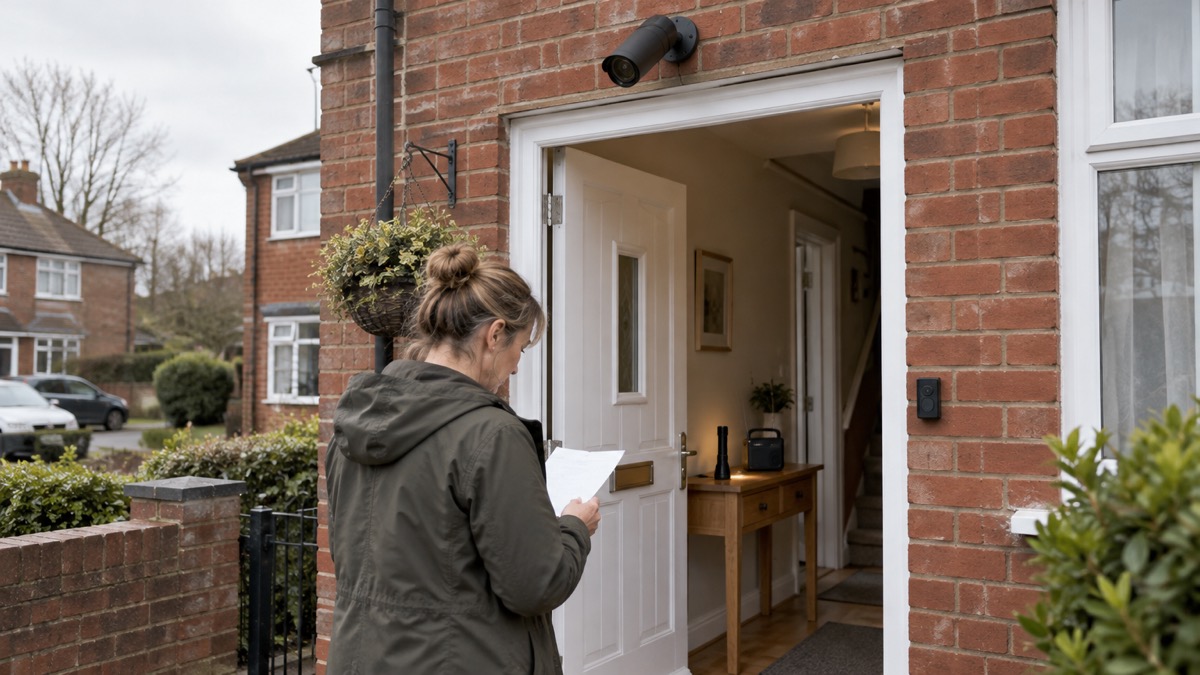
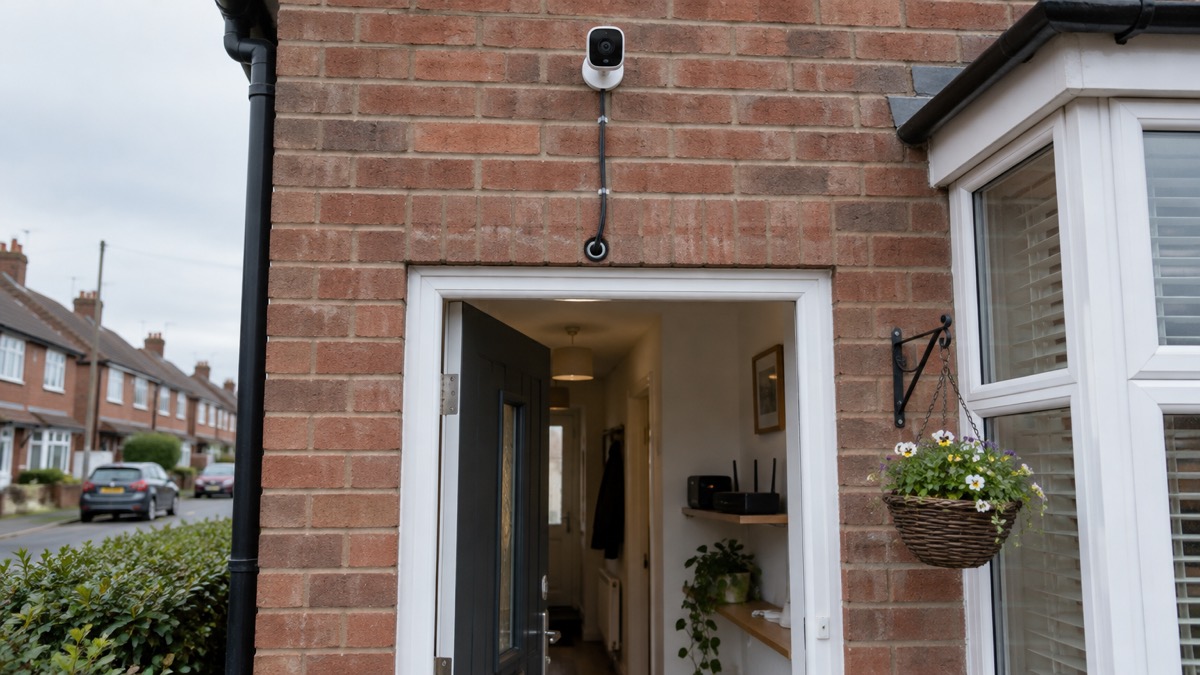
A wired security camera is only as reliable as its power supply. When the mains fails, the camera stops. If it records to a recorder in the house, the recorder stops too. If it records to the cloud, the footage may keep arriving only while your broadband router has power, and the router usually does not have a battery.
That matters most in the emergencies that are likeliest to cause a power cut. The Met Office advises that if the power goes out you should switch off all electrical appliances that shouldn't be left unattended, leave a light on so you know when power is restored, and check on neighbours5. A camera cannot do any of that for you. It also cannot tell you whether the outage is yours alone: check to see if your neighbours are safe and if they have a power cut too, and if they have power, your trip switch may have activated6.
For a household plan, the practical points are:
- Know which cameras are wired and which have their own battery, and how long the battery lasts.
- Keep a torch where you can find it in the dark, not behind the camera app.
- Check on neighbours during an outage, as official guidance advises, rather than relying on a camera to spot them7.
- If you are anxious during a power cut, tell a friend or neighbour, and check on vulnerable neighbours7.
The Home Security: A Household Guide covers lighting, locks and neighbourly watching in more depth.
Video doorbells and intercoms
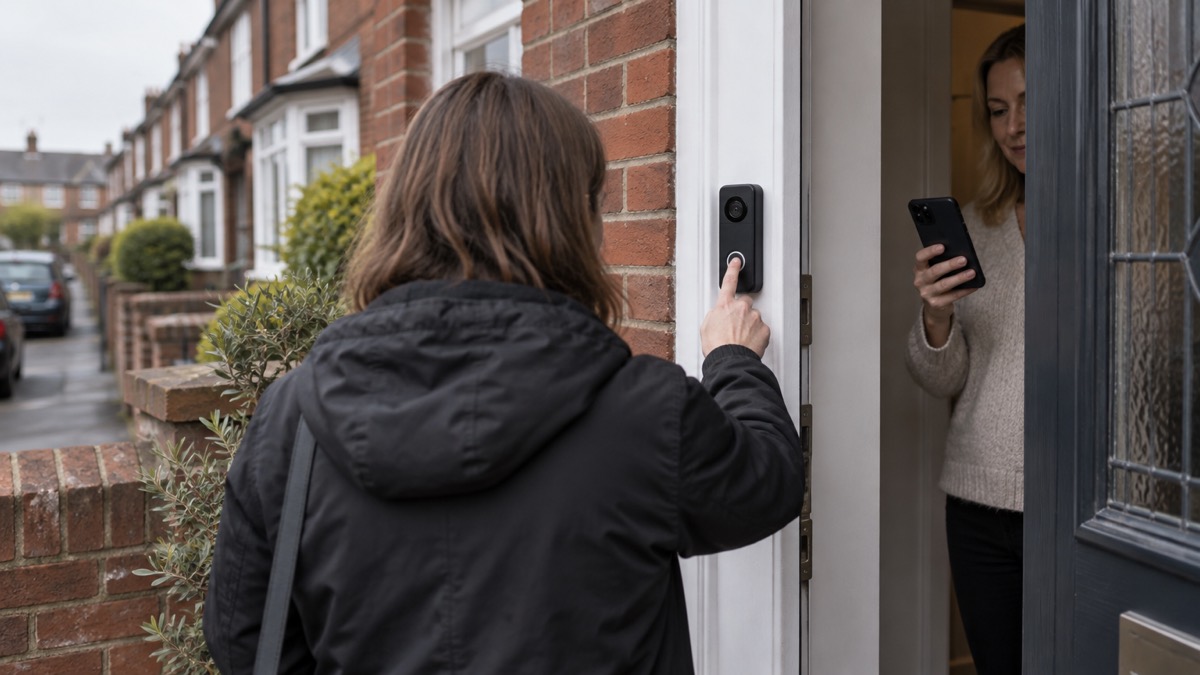
A video doorbell is a camera, a speaker and a button in one. It lets you see who is at the door and speak to them from your phone, which is useful if you have limited mobility or if you are upstairs with a baby. In an emergency it is a convenience, not a safety device.
The specification that decides how it behaves is the power and network arrangement. A doorbell that runs on a battery can keep working when the mains fails, but only for as long as the battery holds, and only if the route you use to watch it still works. A doorbell wired to the mains stops when the power does. Either way, if your broadband router loses power, the app on your phone may not reach the doorbell at all.
For comparison, the Blink Video Doorbell (2nd Gen) maker's support pages list integration with Alexa, IFTTT and Siri Shortcuts, and a DHCP-enabled IP configuration, which is the setting that lets a router assign the doorbell an address on your home network8. The first-generation Blink doorbell is listed with HD video (1080p) and a 135° field of view8. Those are the kinds of specification to check before you buy: resolution, field of view, how it is powered, and whether it needs a hub.
If the doorbell is your main way of knowing someone is at the door, have a second way: a peephole, a chain, or simply answering in person when you can. The Home Security: A Household Guide explains how to use a door chain and a viewer safely.
Recorders and storage: keeping footage when the power or internet goes down
A recorder is the box that holds the footage. It is the part most likely to be forgotten in a household plan, and the part that decides whether you have anything to review after an incident.
When the power goes off, the recorder goes off with it. When the internet goes down, a recorder that stores footage locally keeps recording, but you may not be able to watch it remotely until the connection returns. A recorder that relies on the cloud stops receiving footage as soon as the router loses power.
The official advice for a power cut is to back up work and important files, and to keep a mobile phone charged and write down important phone numbers9. The same discipline applies to camera footage: if a clip matters, save it to a device you control rather than relying on the cloud.
A battery-powered or wind-up radio is the official fallback for staying informed when the power is out: use one and try both digital and FM stations10. A car radio is another option, but in severe weather it might be safer to stay indoors10. The Staying Informed and in Touch in an Emergency: A Household Guide covers radios, phones and alerts in detail.
Keeping cameras running on backup power
Backup power is the part of the plan that decides whether your cameras survive an outage. The principle is simple: whatever you want to keep running needs its own source of power, and that source needs charging before the emergency, not during it.
The official advice before a storm is to charge mobile phones and power banks in case there's a power cut, and to find your emergency plan and make sure it is up to date11. Do the same for any camera battery, doorbell battery or power station you rely on.
Recalls in the pack show the pattern: a Belkin BoostCharge USB-C power bank and a Playa USB-C power bank were recalled, notified by Local Authority Trading Standards12, and a UPP battery e-bike pack sold through several online marketplaces was the subject of a safety report notified by the Office for Product Safety and Standards13. Before you rely on a power bank or a power station to keep cameras running, check that the item has not been recalled, and register the appliance so you receive notification of safety alerts or product recalls14.
The Backup Power at Home: A Household Guide sets out how to size and store backup power for a household, and Emergency Lighting at Home: Torches, Lanterns and Candles covers what to use when the lights go out.
Safety notices and security updates
Two kinds of notice matter for a camera household: safety recalls, and security updates.
On safety, the Office for Product Safety and Standards issues recalls and alert notices on its website4. Check it when you buy second-hand kit, when you inherit a device, and periodically for anything with a battery or a mains adapter. Recalls show how they work in practice: a product safety report on a baby sleep pillow sold via Wish was notified by the Office for Product Safety and Standards14, a report on baby sleeping bags sold via AliExpress was notified by the same body15, and a recall of a Kobe oil-filled radiator told owners to contact Cromwell by email or phone to arrange a refund16. The lesson for a camera household is to register your kit, keep the receipt, and act on a notice quickly. Register My Appliance lets you register your appliances and receive notification of safety alerts or product recalls17.
On security, the advice is consistent across official and independent sources. The RNIB's online safety guidance, drawing on National Cyber Security Centre advice, says hackers often use outdated software to hack devices, and that updates fix known security issues and add new security features2. Police Scotland advises keeping software and apps updated for the latest security updates17. The government's emergency alerts guidance says to make sure your device has all the latest software updates18.
A camera on your home network is a small computer. Keep its firmware current, change the default password, and put it on a guest network if your router offers one. The Cyber Attacks and Major IT Failures: A Household Guide explains the wider steps.
Support and warranty in the UK
Support and warranty for Hikvision kit run through the maker's UK channels and, for your statutory rights, through the retailer who sold it to you. Use the paperwork that came with the kit and the maker's own website for the current support route.
What the pack does show is how warranty and support work for comparable smart-home kit, which is a useful guide to what to expect. Hive states that its products come with a 1-year standard warranty20, and that you can join Hive+ and get ongoing warranty on all your Hive devices20. That is the maker's own wording for its own products; check the equivalent terms for the Hikvision kit you own.
For a warranty claim:
- Keep the receipt, the box and the model and serial numbers.
- Report the fault in writing, describing what happens and when.
- Keep a copy of everything you send.
- If the maker's warranty period has passed, ask the retailer about your rights under consumer law.
If the fault is a safety issue, report it to the retailer and check the Office for Product Safety and Standards recall notices4. For local help, your council's trading standards service is the route for a product that is unsafe or misdescribed; Local Authority Trading Standards notified a product safety report to the Office for Product Safety and Standards12.
For the wider household plan, the Getting Started: Preparing Your Household for an Emergency guide sets out what to do first, and the Emergency Kit: What a UK Household Should Keep Ready lists the items that keep working when the cameras do not.
Sources (20)
- Phone and broadband outages, Prepare campaign, 2026-10-12
- Staying safe online, RNIB, 2026-10-29
- Batteries and chargers, London Fire Brigade, 2026-10-25
- Electrical items, London Fire Brigade, 2026-10-25
- Weather ready tips for snow and ice, Met Office, 2025-11-19
- What to do in a power cut, Met Office, 2026-10-25
- Power cuts, Wigan Council, 2026-10-29
- Video Doorbell (2nd Gen) FAQ, Blink Support, Blink Support (Amazon)
- Power cuts, West Yorkshire Prepared, 2026-10-29
- Emergency plan, Ready Scotland, 2026-03-24
- Storms and wind, Ready Scotland, 2026-03-24
- Product recall: Belkin BoostCharge USB-C and Playa USB-C power banks, GOV.UK, 2025-11-26
- Product safety report: UPP battery e-bike battery packs, GOV.UK, 2024-01-22
- Product safety report: Goose patting baby sleep pillow, GOV.UK, 2026-10-23
- Product safety report: Baby sleeping bags sold via AliExpress, GOV.UK, 2026-10-26
- Product recall: Kobe 2kw oil-filled 9 fin radiator, GOV.UK, 2026-07-29
- Hacked accounts, Police Scotland, 2026-11-03
- How emergency alerts work, GOV.UK, 2026
- Electrical safety, Lincolnshire County Council, 2026-10-29
- Hive Window and Door Sensor, Hive, 2026-11-03