

Avast is one of the antivirus products the National Cyber Security Centre names when it suggests buying separate protection for a computer, alongside McAfee and Norton1. It is security software, not emergency kit: it will not keep the lights on or the water running. What it does is protect the computers, phones and tablets a household relies on to check warnings, pay bills, contact family and get help, which is exactly when those devices matter most.
The official position is straightforward. Antivirus is often included free with Windows and Apple computers, and switching on that built-in protection makes you instantly safer1. If you choose a separate product such as Avast, the advice is to keep it turned on and up to date, and to install security updates as soon as they are available, ideally automatically2. On a phone or tablet, antivirus does not work in the same way as on a PC, and the safest response to infection is a factory reset2.
What Avast makes for UK households
Avast's product the site mentions is antivirus software: a program designed to detect and remove viruses and other kinds of malicious software from your computer or laptop1. That is the whole of its role in a household plan. It sits on the machine, watches what arrives, and gives you something to run when you are worried.
The NCSC treats antivirus as one layer among several rather than a substitute for the rest. Its guidance for infected devices puts antivirus alongside installing security updates, keeping the operating system and apps current, backing up data and checking that a device is encrypted5. A household that has Avast installed but has never applied an update, or has never backed anything up, is only partly protected.
For preparedness, the useful way to think about it is as part of the same routine as smoke alarm checks and torch batteries. The devices that carry your emergency contacts, your insurance documents and your access to official warnings need to be working and trustworthy before a power cut, flood or storm, not during one. The site's guide to cyber attacks and major IT failures sets that wider picture out.
Security software for computers
On a PC or laptop, the NCSC's advice is to make sure you have antivirus and to install security updates as soon as they are available, ideally by setting them to install automatically2. It also says to install, update and run antivirus software as part of recovering from a ransomware attack6, and to make sure the product is turned on and up to date7.
If you suspect an infection but are not sure, the easiest way to confirm it on a PC or laptop is to run an antivirus scan and see if it detects anything2. If you opened a link on your computer, or followed instructions to install software, open your antivirus software and run a full scan, then allow it to clean up any problems it finds9.
| Situation | What the NCSC advises | Who says so |
|---|---|---|
| Routine protection | Antivirus on, up to date, updates automatic | NCSC2 |
| Unsure if infected | Run an antivirus scan and see if it detects anything | NCSC2 |
| Opened a suspicious link | Run a full scan and let it clean up what it finds | NCSC9 |
| Recovering from ransomware | Install, update and run antivirus software | NCSC6 |
Protection for phones and tablets
Phones and tablets need different handling, and this is where households most often assume too much. The NCSC states plainly that antivirus products do not work in the same way as PCs and laptops, and that the safest solution is to do a factory reset, usually found in Settings2. If you think a phone has been infected, do not log into any accounts, because the malware may steal those details, and perform a factory reset as soon as you can11.
On Android devices, the NCSC advises making sure Google's Play Protect service is enabled, and notes that some Huawei devices provide a similar tool to scan devices for viruses11. That is built-in protection rather than a separate product.
The reason this matters for preparedness is that a phone is often the household's link to warnings, family and emergency numbers. A compromised phone can quietly steal banking details, passwords and other sensitive information, and can try to access your contact list to send scam messages to those numbers11. Treat a phone that behaves oddly as a device to reset, not one to patch with extra software.
Setting up Avast before something goes wrong
The best time to sort out protection is before an emergency, not during one. The same principle applies to warning services: signing up for emergency notifications is best done in advance, rather than during an emergency12. Do the security housekeeping on a calm evening, not while the power is off.
- Turn on two-step verification on your high value accounts, the ones that protect the things you really care about and would cause the most harm if compromised or lost13. The NCSC suggests looking in the security settings included in antivirus or password manager tools to find out how to set it up14.
- Write down your account details somewhere you can reach without the device, so you can recover access from another machine.
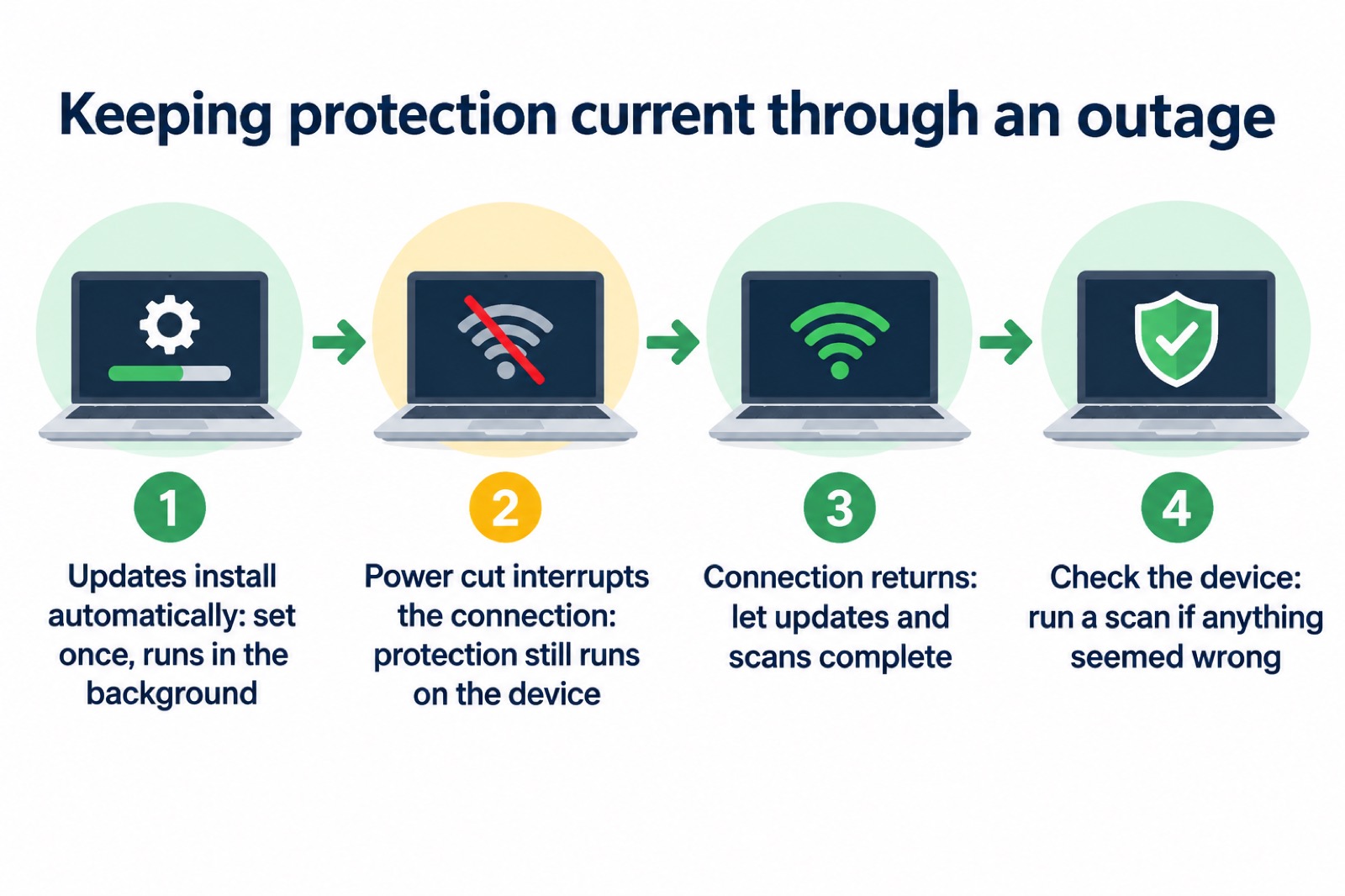
- Set updates to install automatically so protection does not lapse while you are busy2.
- Keep a note of your emergency contacts on paper as well as in the phone.
Keeping your protection up to date
Updates are the part of antivirus that decays fastest. The NCSC says applying updates is one of the most important things you can do to protect your devices, and that updates include protection from viruses and other kinds of malware, along with improvements and new features3. It also warns that older devices will eventually stop receiving updates3.
For a household, that has a practical consequence: a very old laptop or tablet may be running software that no longer receives security fixes, and no antivirus product can fully compensate. The NCSC's advice is to keep the operating system and apps up to date and apply software updates promptly7, and to ensure your device is kept up to date by installing the latest software and patches11.
What to do if a device is hacked or locked
Act in order, and do not improvise. The NCSC's guidance for an infected device is to update your device and programs, open your antivirus product and run a scan, then follow its advice5. For ransomware, disconnect the computer, laptop or tablet from the network immediately and turn off your Wi-Fi8.
If an account rather than a device is compromised, go to the account provider's website and search their help or support pages to find the account recovery process16. After changing passwords, log all devices and apps out of the account, usually from the Settings menus of the app or website, so anyone trying to use it must supply the new password16. Apply updates to your apps and device software as soon as they are available, as updates include protection from viruses17.
Support and account help
Avast's own support and account pages are the route for subscription, installation and removal questions, since these are the maker's procedures for its own product. The NCSC's general account recovery guidance is a useful companion: read it in advance so you know what to do if you experience an incident18, and note that providers such as Microsoft publish step-by-step guides for account recovery scenarios18.
If a device is lost or locked, you will need access to your account from somewhere else, which is why keeping the account email and password reachable offline matters. For households where someone depends on a connection for health or care, it is worth asking your provider to record that need: you can contact your provider directly and ask to be recorded as needing additional support19. The site's guide to extra help in an emergency covers the wider arrangements.
Safety notices and official warnings
No recall or safety notice for Avast appears in the official material behind this page, so there is nothing to report on that front. The warnings that do bear on a connected household are about messages rather than software. If a message or call makes you suspicious, stop, break the contact, and consider the language it uses; tell-tale signs are authority, urgency, emotion, scarcity and current events20. Scam texts often include links or attachments which cannot be trusted, so do not click on them4. Forward suspicious text messages to 7726, which is free of charge4.
Official-sounding messages about resetting passwords, receiving compensation, scanning devices or missed deliveries, emails full of technical language, and pressure to act immediately or within a limited timeframe are all warning signs6. Missed parcel scams are even more prevalent around the festive period, as many people will be expecting deliveries11.
"If a message or call makes you suspicious, stop, break the contact, and consider the language it uses."
Sources (20)
- Protecting devices from viruses and malware, NCSC, 2024
- Responding to infected devices, NCSC, 2026
- Install the latest software and app updates, NCSC, 2021
- Coronavirus scam calls and texts, Ofcom, 2022
- Hacked device: action to take, NCSC, 2021
- Data breaches, NCSC, 2021
- Ransomware prevention and recovery, NCSC, 2026
- WannaCry guidance for home users and small businesses, NCSC, 2017
- Phishing scams: what to do, NCSC, 2022
- Responding to infected devices (citizen guidance), NCSC, 2026
- Scam missed parcel SMS messages, NCSC, 2021
- Personal resilience, Scottish Borders Council, 2026
- Use 2SV to protect accounts, NCSC, 2024
- Using passwords to protect your devices and data, NCSC, 2026
- Smart devices law, NCSC, 2024
- Recovering a hacked account, NCSC, 2022
- Recovering hacked accounts, NCSC, 2026
- Recovering a hacked account or service, NCSC, 2024
- Phone and broadband outages, Prepare campaign, 2026
- Protecting your family: cyber security, Essex Prepared, 2026